

Update the review status
1
Select products
Check the products you want to update, or use filters and select all matching results.
2
Open Bulk Edit and choose Update Status
Click Bulk Editing, then search for “Update Status” or find it under Attributes & Custom Fields.
3
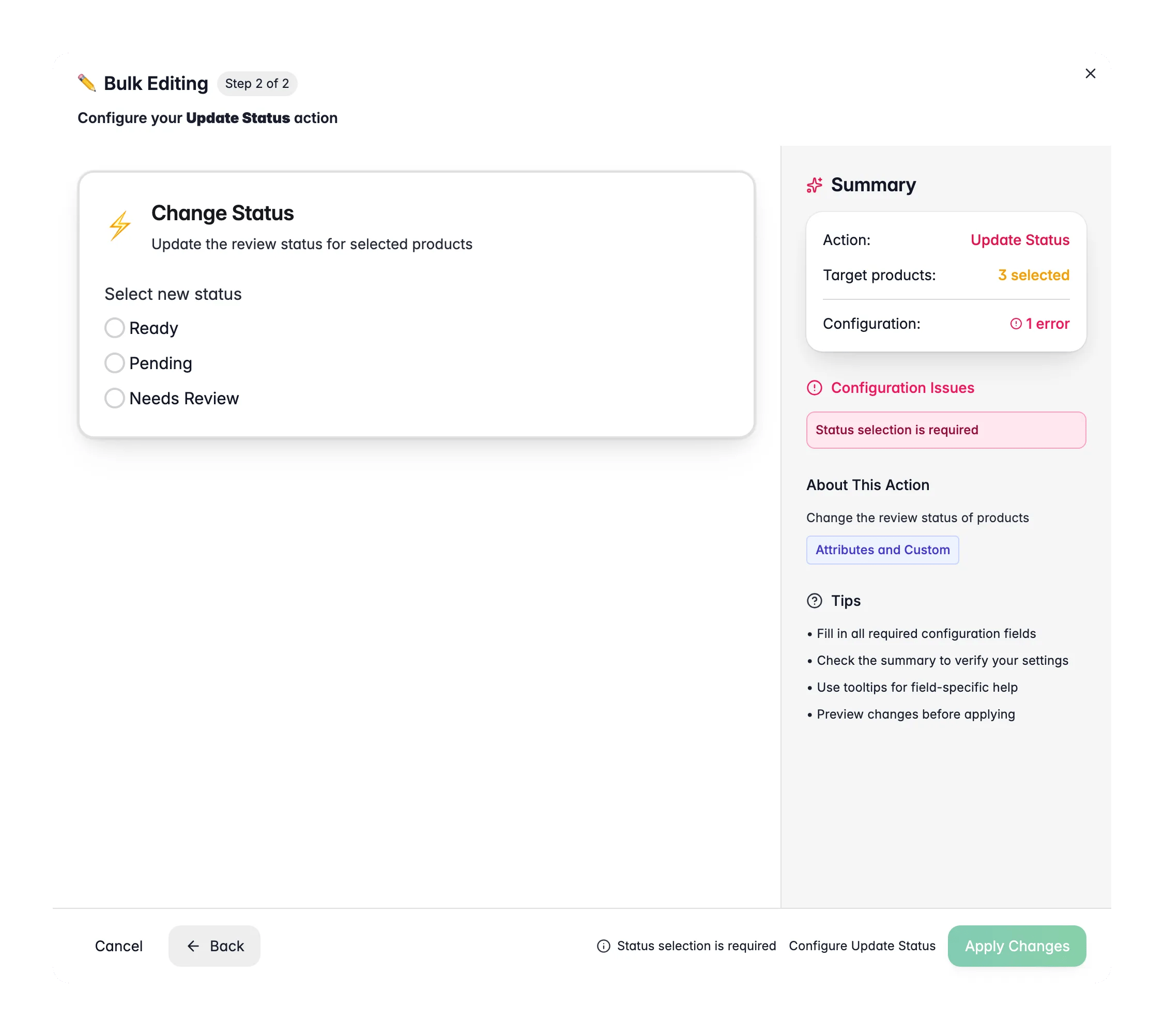
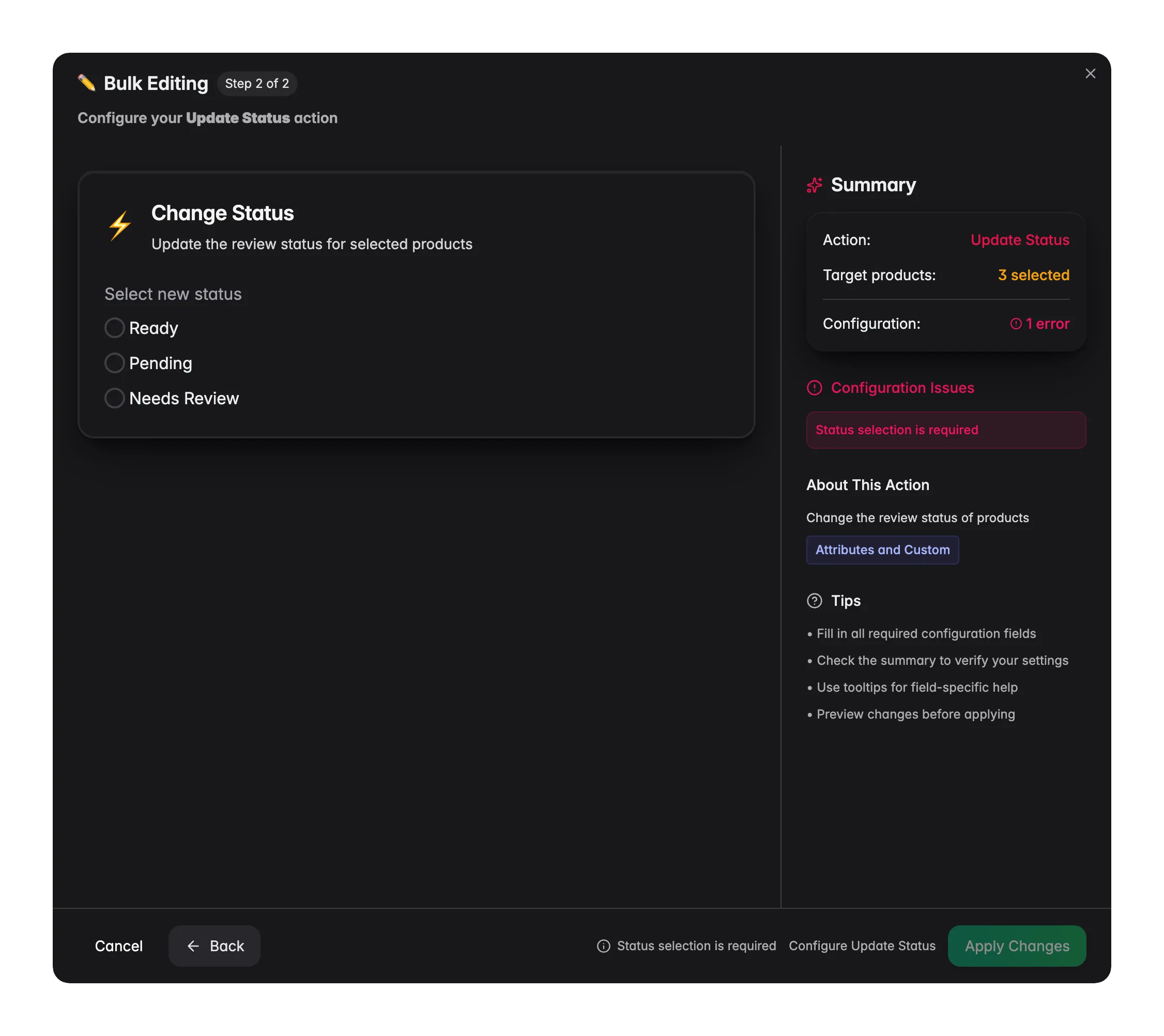
Pick the new review status
Choose Ready, Pending, or Needs Review to apply to every selected product.
4
Apply
Click Apply to update your selection.
Review status options
When to use it
- After an import. Set a freshly imported batch to Needs Review so your team knows to check the data before it ships anywhere.
- After enrichment or cleanup. Once you finish a batch, set it to Ready to signal the work is done.
- To hand off work. Set products to Pending when they are mid-flight and waiting on a colleague, a translation, or a supplier update.
Related
Recalculate Data Quality
Refresh quality scores and completeness for your selection.
Set Field Value
Set any default product field to a specific value or formula.
Enriching Products
Generate titles, descriptions, and attributes with AI.
All bulk actions
Browse every bulk editing action by category.