

Find an app in the marketplace
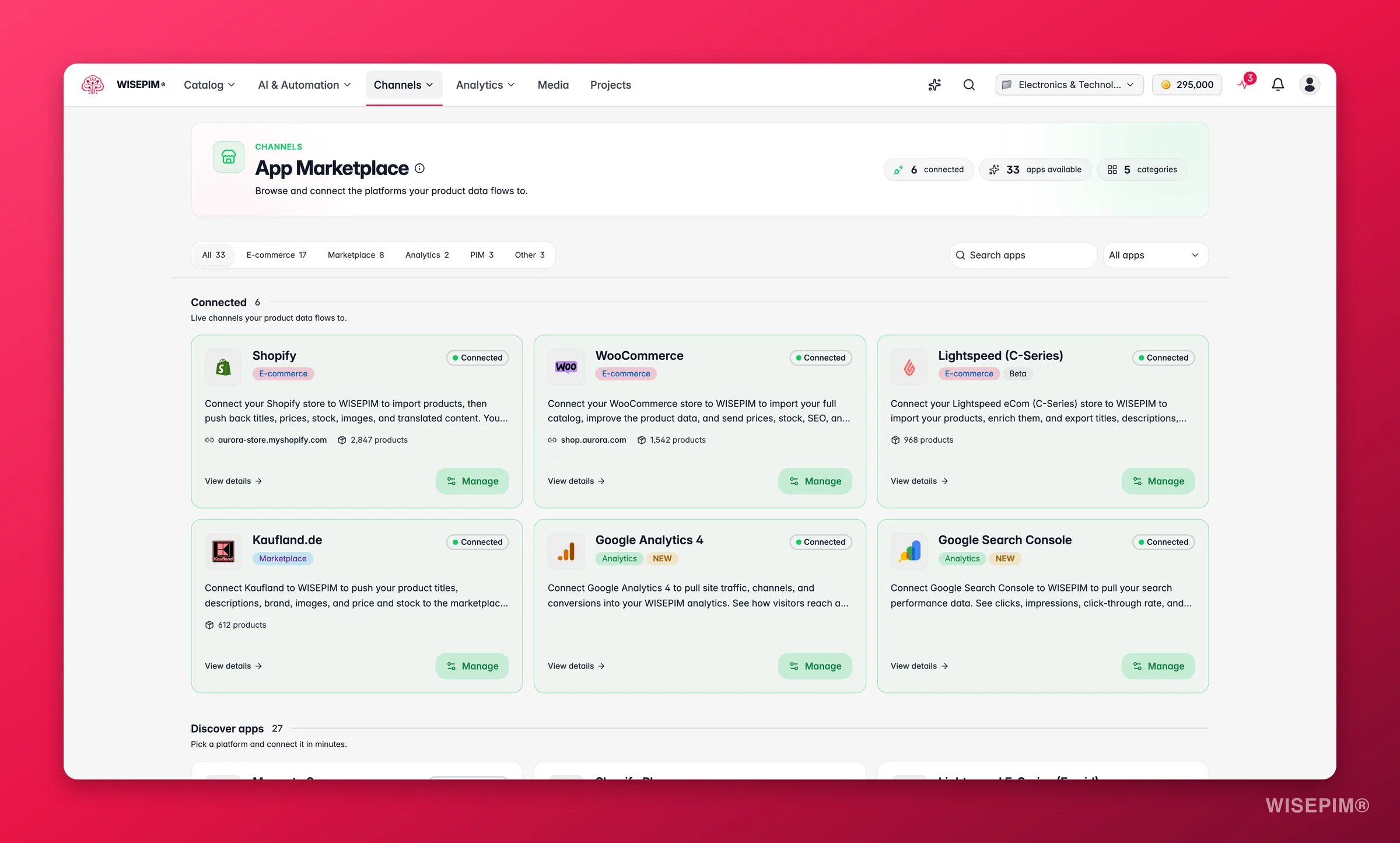
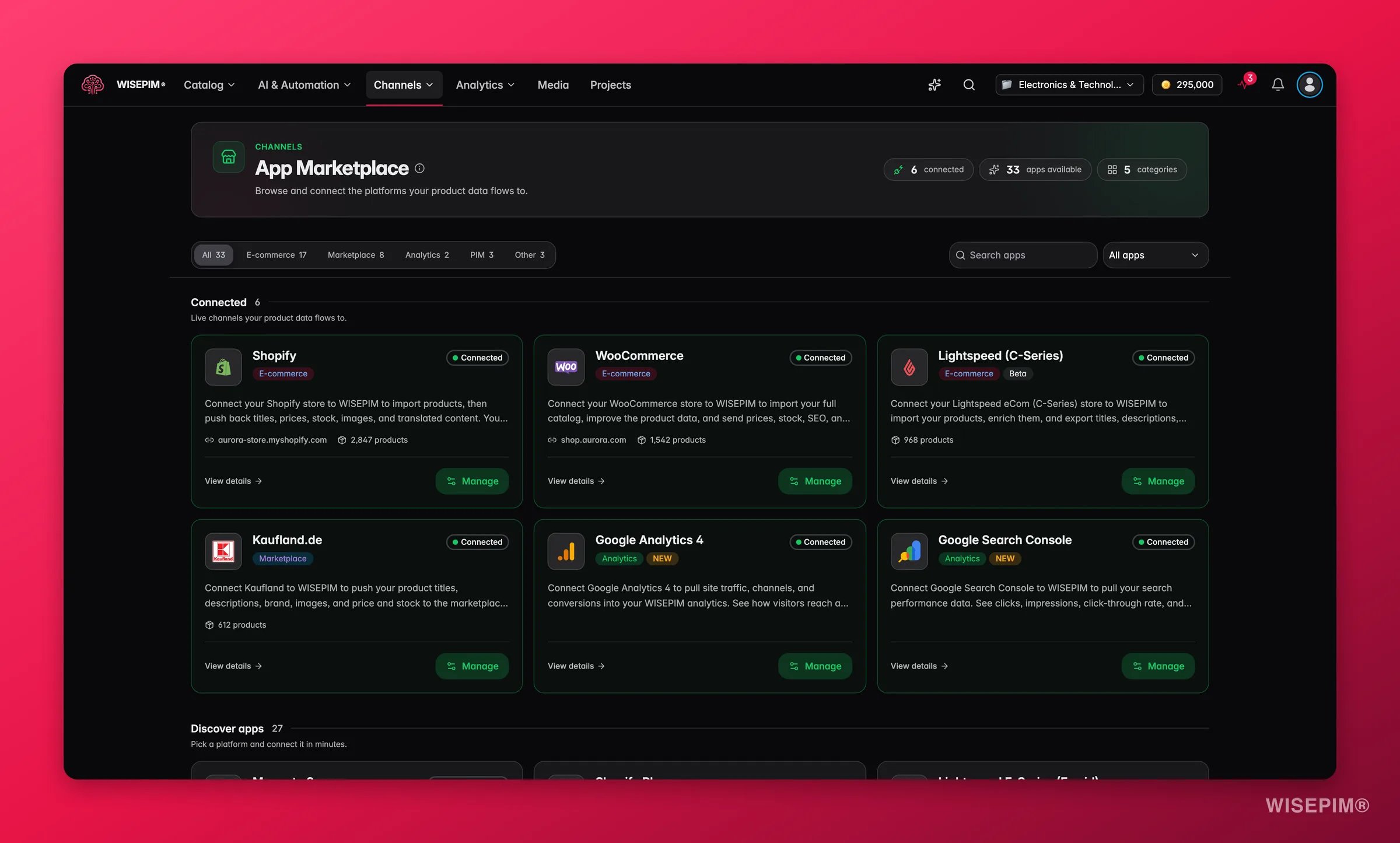
- Search apps finds a platform by name as you type.
- The category filter narrows the list to E-commerce, Marketplace, PIM, Analytics or Other.
- The connection status filter shows only the apps in a given state.
What you find on an app’s page
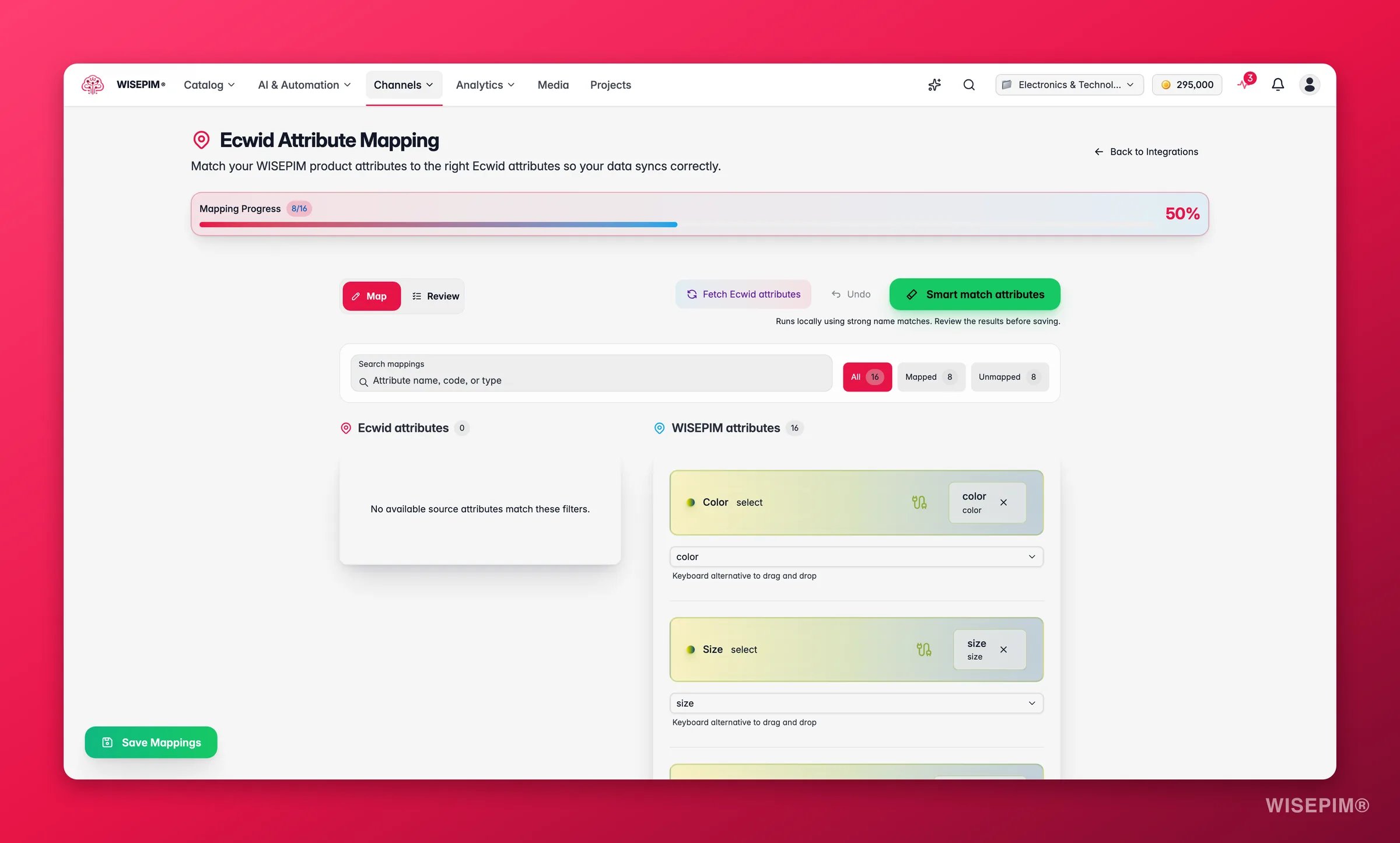
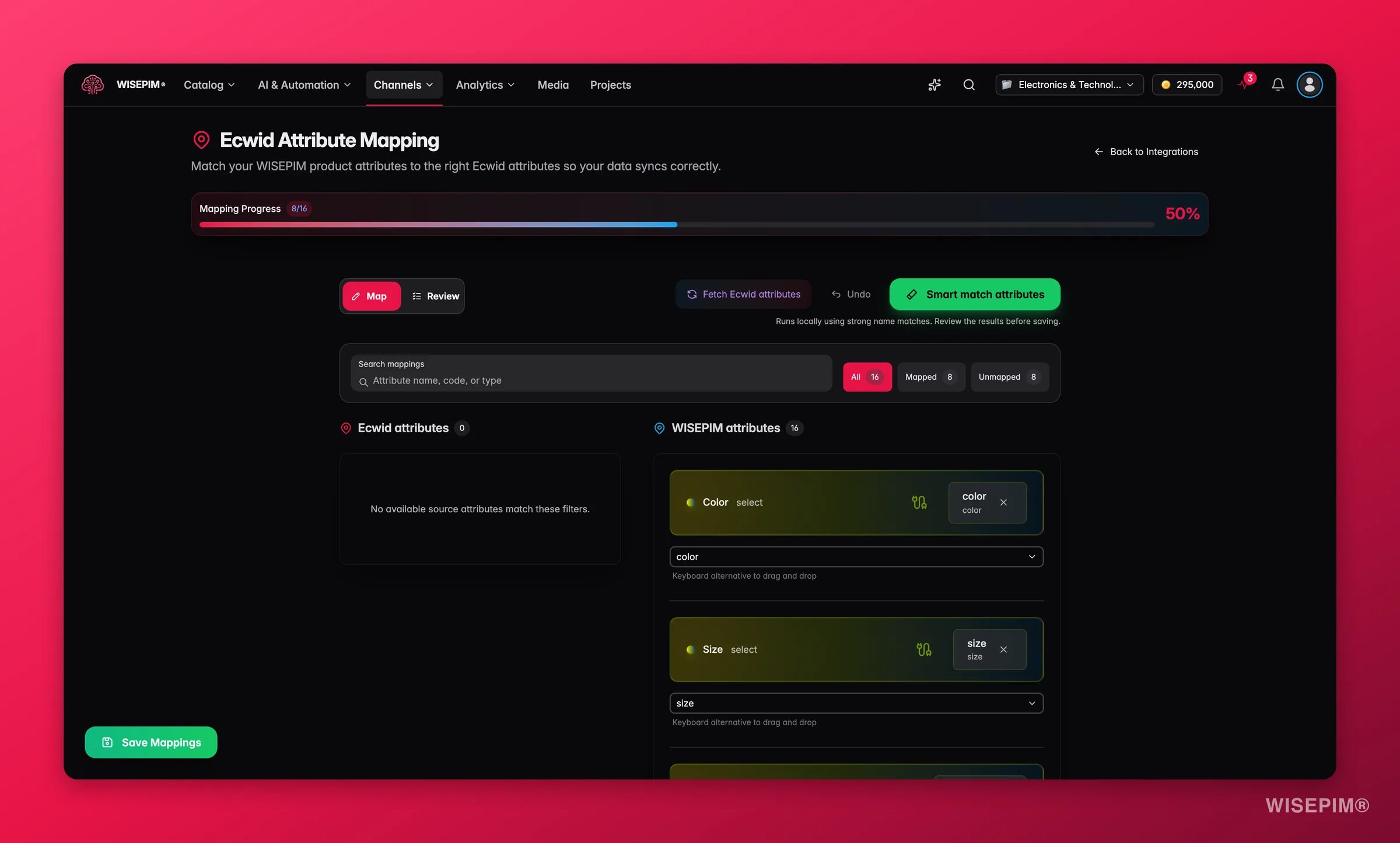
Click any app to open its own page before you commit to setting it up. Each page tells you:Map your fields
Choose your platform
E-commerce platforms
Shopify
Connect your Shopify store through the API and enrich your product data.
WooCommerce
Connect your open-source WooCommerce store and enrich your product data.
Magento 2
Import products from Magento 2 Open Source or Enterprise and enrich them with AI.
BigCommerce
Connect your BigCommerce store with a store-level API token.
PrestaShop
Connect your PrestaShop store with a webservice key.
Shopware
Connect your Shopware 6 store through the Admin API.
ShopWired
Connect your ShopWired store with an API key and secret. Import and export.
Squarespace
Connect your Squarespace Commerce store with an API key.
Lightspeed (C-Series)
Connect your Lightspeed eCom store and enrich your product data in minutes.
Lightspeed E-Series (Ecwid)
Connect your Ecwid / Lightspeed E-Series store and enrich your catalog.
CCV Shop
Connect your CCV Shop store and enrich your product data.
Medusa
Connect your open-source Medusa headless commerce store.
Sylius
Connect your Symfony-based Sylius store through the Admin API.
Django Oscar
Connect your Django Oscar store through its product API.
WordPress
Publish enriched content to your WordPress site with an Application Password.
Akeneo
Sync your catalog both ways with your Akeneo PIM.
Marketplaces
Kaufland
Export your enriched products to the Kaufland marketplace.
Mirakl
Export your products to any marketplace that runs on Mirakl.
Shopping & ads
Google Merchant Center
Push products straight into Merchant Center for Shopping ads and free listings.
Analytics & search
Google Analytics 4
Sync traffic, funnel, and item-level conversion data into Analytics.
Google Search Console
Bring real impressions, clicks, and rankings into the SEO report.
Suppliers, warehouse & data
Picqer
Import products and live stock levels from your Picqer warehouse.
TechData
Import TechData’s product, price and stock data over FTP.
Webshopimporter
Pull in dropshipment content from your suppliers, then enrich it as your own.
Databricks
Import product data straight from your Databricks tables.
Don’t see your platform?
We add new platforms all the time. If yours isn’t listed yet, use the Request an integration card at the bottom of the marketplace. Fill in the platform name, its website if you have it, and what you would want to sync. Click Send request and it comes straight to us. Prefer to talk it through, or have special requirements? Get in touch and we’ll discuss the options.Related
Integration Settings
Connect your credentials and manage active integrations.
Feed Hub
Build channel-specific feeds on top of your connected platforms.
Exporting Products
Push products to a connected platform in a few clicks.
Launch on a channel without rejections
Go from a fresh connection to an approved channel without a rejection queue.