

You need admin access to your WordPress site and a WISEPIM account with an active project.
Connect with one click
1
Open Integrations
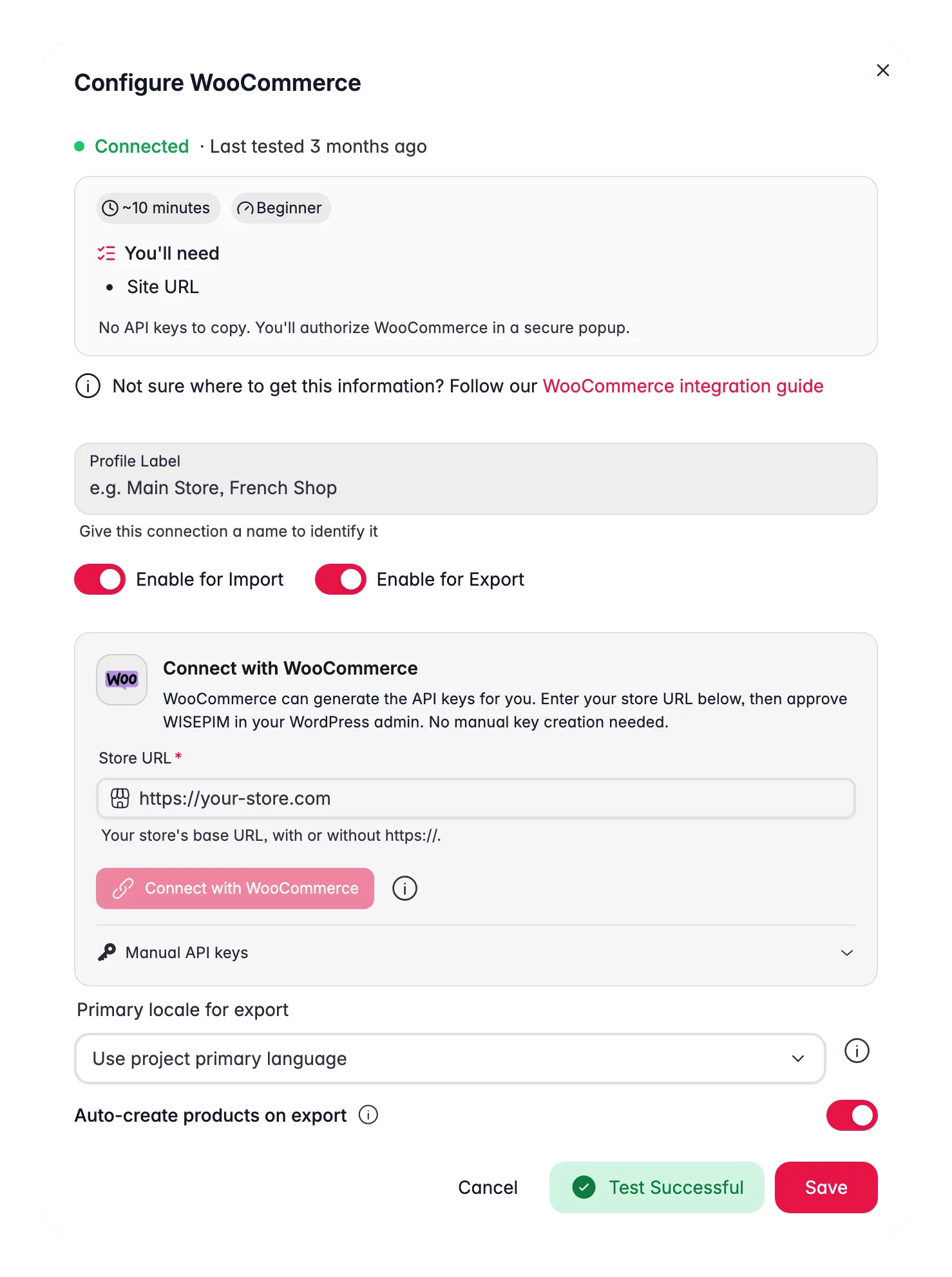
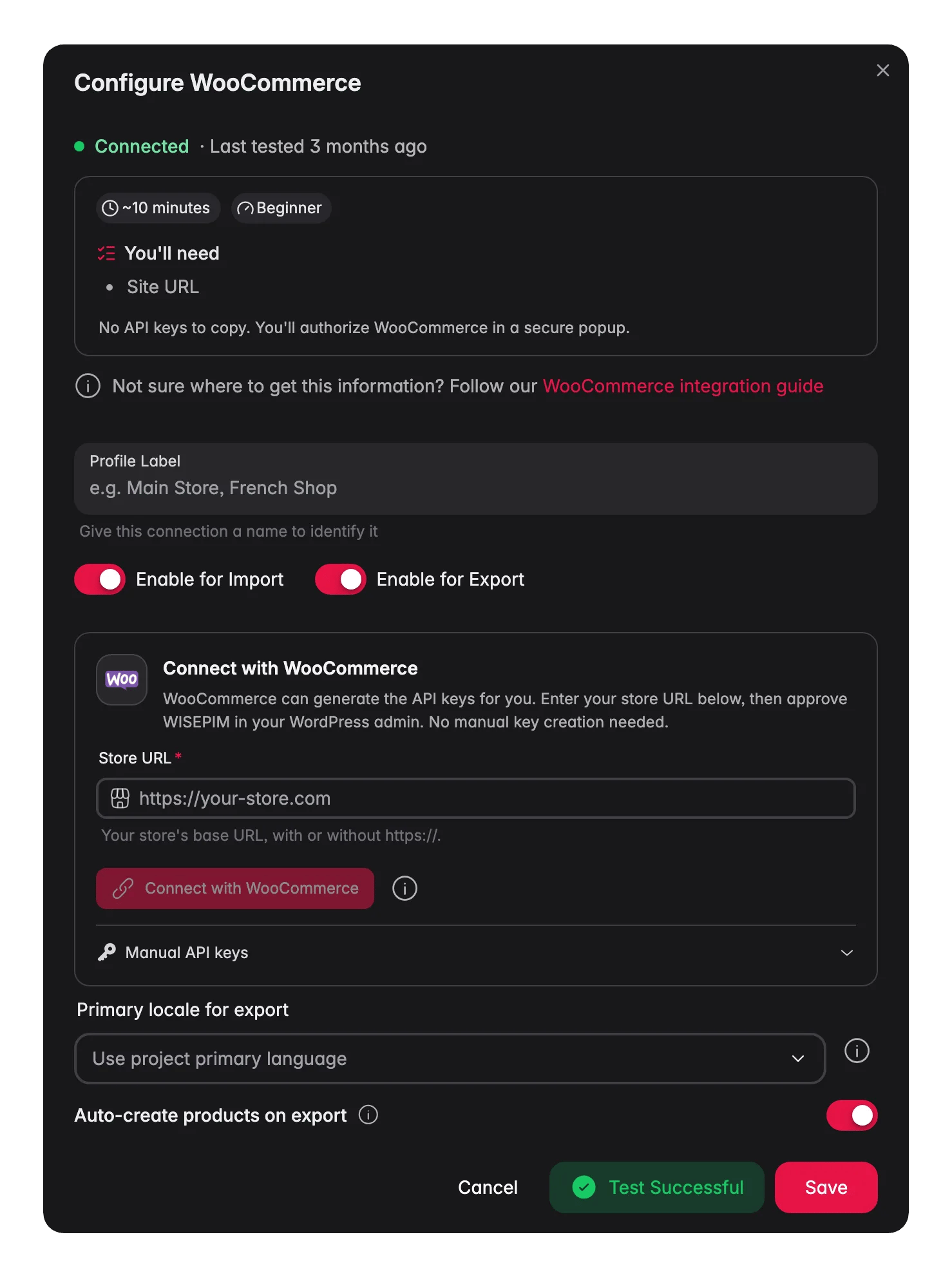
Log in to WISEPIM and go to Settings > Integrations, then click the WooCommerce tile.
2
Enter your store URL
Type your store’s base URL (for example
https://your-store.com), with or without https://. No extra path, no trailing slash.3
Click Connect with WooCommerce
You are sent to your own store, where WordPress asks you to approve WISEPIM’s access (Read/Write). Make sure you are logged in to WordPress as an admin.
4
Approve
Click approve, and WooCommerce generates the API keys and sends them to WISEPIM directly. You land back in WISEPIM with your store connected.
Your WooCommerce store is now connected. You can start importing products.
Manual API keys (fallback)
The one-click flow works for almost every store. Reach for manual keys when it can’t:- A security plugin or firewall on your site blocks the
/wc-authauthorization page - You’re connecting a local or non-HTTPS development store
- You simply prefer creating and pasting keys yourself
1
Create a key in WooCommerce
In your WordPress admin, go to WooCommerce > Settings > Advanced > REST API and click Add Key. Name it WISEPIM, select an admin user, and set Permissions to Read/Write.
2
Generate and copy
Click Generate API Key. Copy the Consumer Key (starts with
ck_) and Consumer Secret (starts with cs_) right away - the secret is only shown once.3
Paste them in WISEPIM
In the WooCommerce integration in WISEPIM, expand Manual API keys below the connect button and paste both values.
4
Test and save
Click Test Connection, and Save once it succeeds.
What syncs
- Import brings in name, SKU, regular and sale price with sale dates, descriptions, stock, weight and size, images, attributes, tags, and categories - plus brand, EAN, cost, and SEO from meta fields. Variable products come in with each variation as a child product. Products match by SKU.
- Export sends SKU, name, type, status, prices with sale dates, stock, descriptions, weight and size, SEO fields, brand, EAN, cost, and your custom PIM attributes. Prices are adjusted by your pricing rules first.
- Images and categories flow one way. Import pulls them into WISEPIM, but export does not push images or categories back - keep managing those in your store.
- Variations sync in, not out. Export does not push the variation matrix back, so set up variations in WooCommerce.
- Syncing is not real time. You start each import and export run yourself.
- Multiple stores are fine. Add several WooCommerce profiles to the same project; each keeps its own settings and runs.
Troubleshooting
When a connection test fails, WISEPIM now shows the likely cause and the concrete fix on screen, instead of a generic error. The common ones:A firewall (Cloudflare / WAF) blocks the request
A firewall (Cloudflare / WAF) blocks the request
The store’s firewall stopped the request before your store ever saw the key - this is not an API-key problem. Allowlist WISEPIM, or disable the bot-fight / browser-integrity check for the REST API path. WISEPIM sends an identifiable request so firewalls like Cloudflare and Wordfence can recognize it.
The credentials are rejected (401)
The credentials are rejected (401)
Re-check the key and secret for typos and confirm they have Read/Write permission. Regenerate them (or just hit Reconnect with WooCommerce) if unsure.
The API URL looks wrong (404)
The API URL looks wrong (404)
Verify the base URL: no extra path, no trailing slash, and the REST API enabled on your WordPress site. Permalinks must not be set to “Plain”.
The HTTPS certificate is invalid
The HTTPS certificate is invalid
Fix the SSL certificate on your store, or confirm the URL uses the correct protocol.
Integrations are included in your WISEPIM plan - connecting WooCommerce costs nothing extra.
Related
Import products
Pull your catalog from WooCommerce into WISEPIM.
Enrich products
Improve titles, descriptions, and SEO with AI.
Export products
Push the improved content back to WooCommerce.
All platforms
See every platform WISEPIM connects to.