

AI enrichment uses credits. Content types (titles, descriptions, SEO, attributes) each cost one credit per product. Translation, categorization, and image alt text have their own credit rates. Your credit balance is shown in the top navigation.
All 15 enrichment types
How to enrich products
1
Select products
Check individual products, or use filters and select all matching results. You can also apply enrichment to your entire catalog.
2
Click Enrich with AI
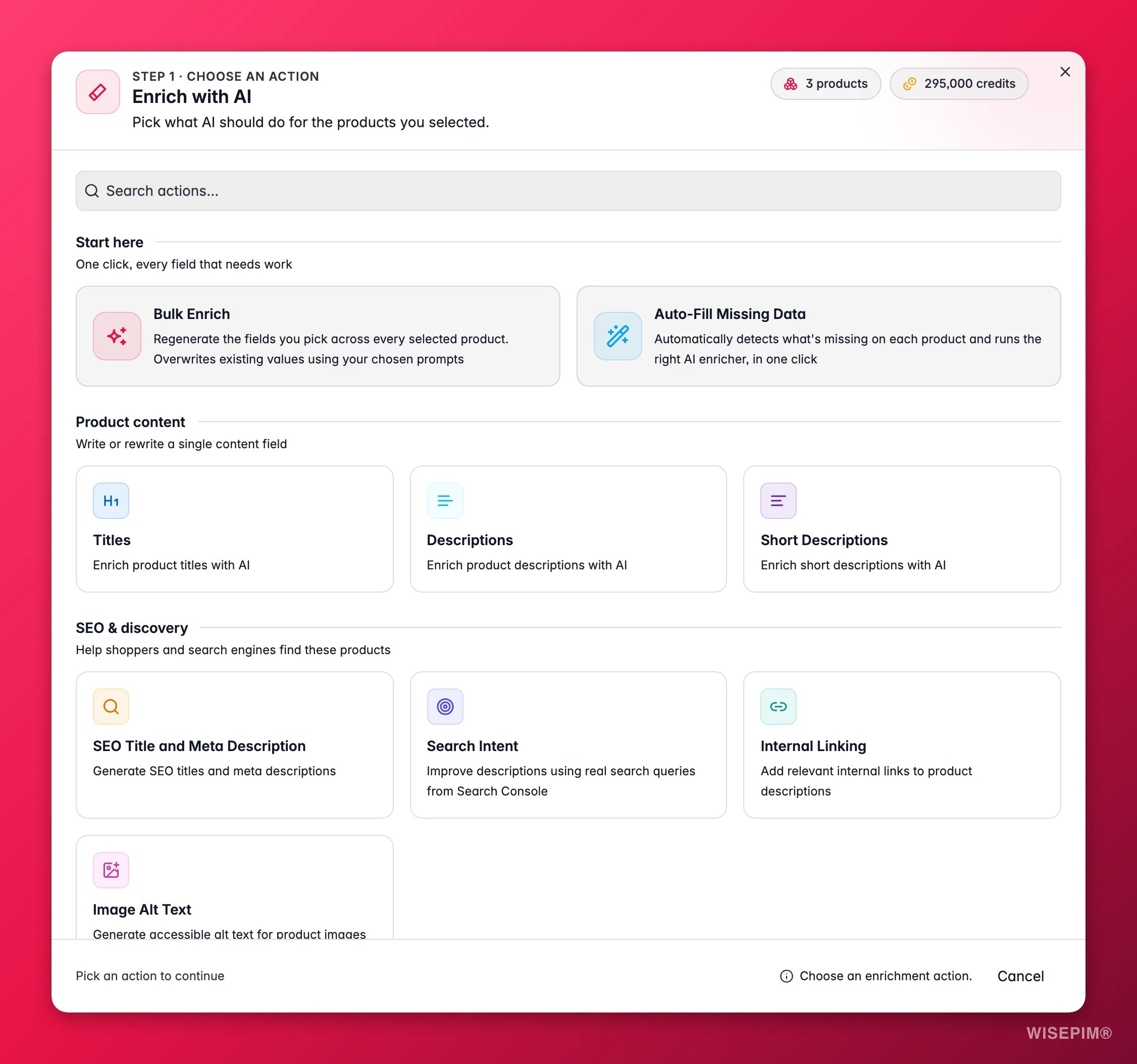
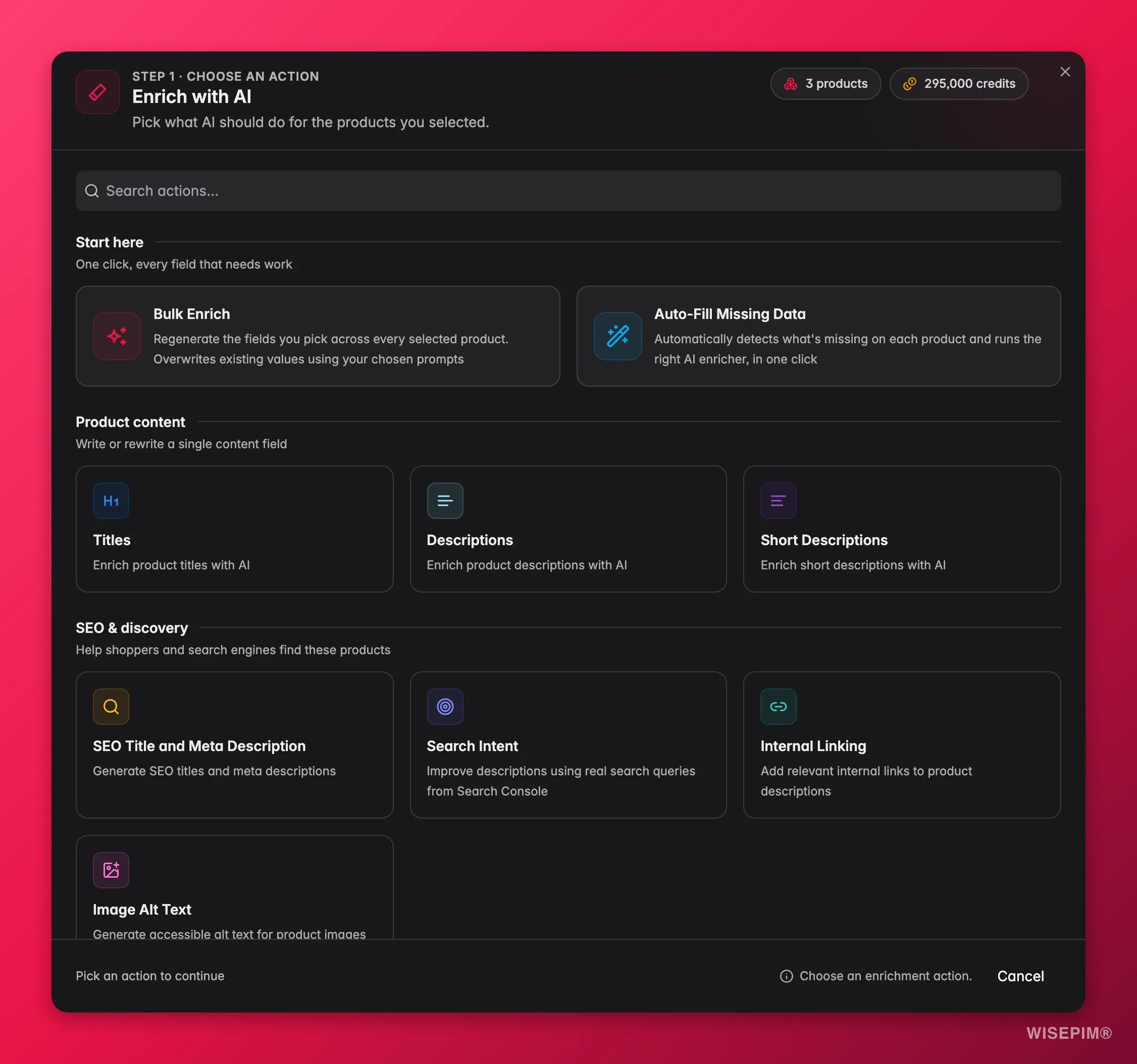
Click the Enrich with AI button in the toolbar. The enrichment modal opens.
3
Choose an enrichment type
Pick what you want to generate. Content types require a prompt from your Prompt Library. The other types configure themselves.
4
Configure and start
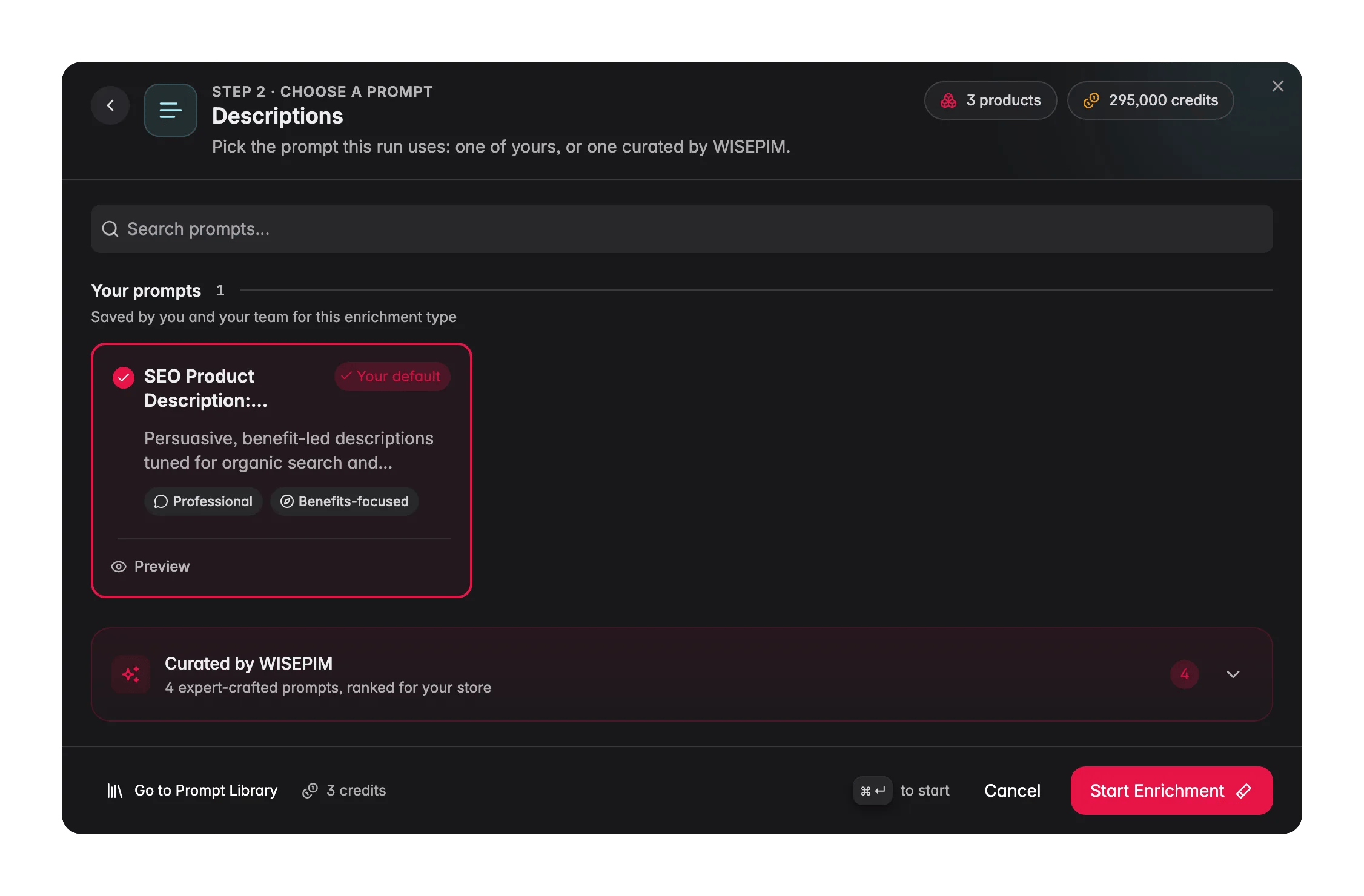
Set any options, prompt selection, language targets, confidence thresholds, and click Start Enrichment.
If the start button is greyed out, the reason is printed right under it, so you never have to guess: “Choose an enrichment action.”, “Choose at least one target language.”, “Choose at least one field to translate.”, “Choose a prompt for this enrichment.”, or “Add credits before starting; the current balance cannot process one product.”
Finding the right action
The enrichment modal groups the actions so you do not have to scan a long list:
There is a search box at the top of the modal too. Type what you want to do and matching actions rise to the top. WISEPIM also preselects your default prompt for each field, so most runs are two clicks.
Content enrichment
The five content types each have a dedicated guide with prompt tips and examples: Titles, Descriptions, Short Descriptions, SEO Title & Meta, and Attributes. They all follow the same flow: select products, pick the type, choose a prompt, start. The AI uses the prompt combined with each product’s existing data and your Knowledge Library context.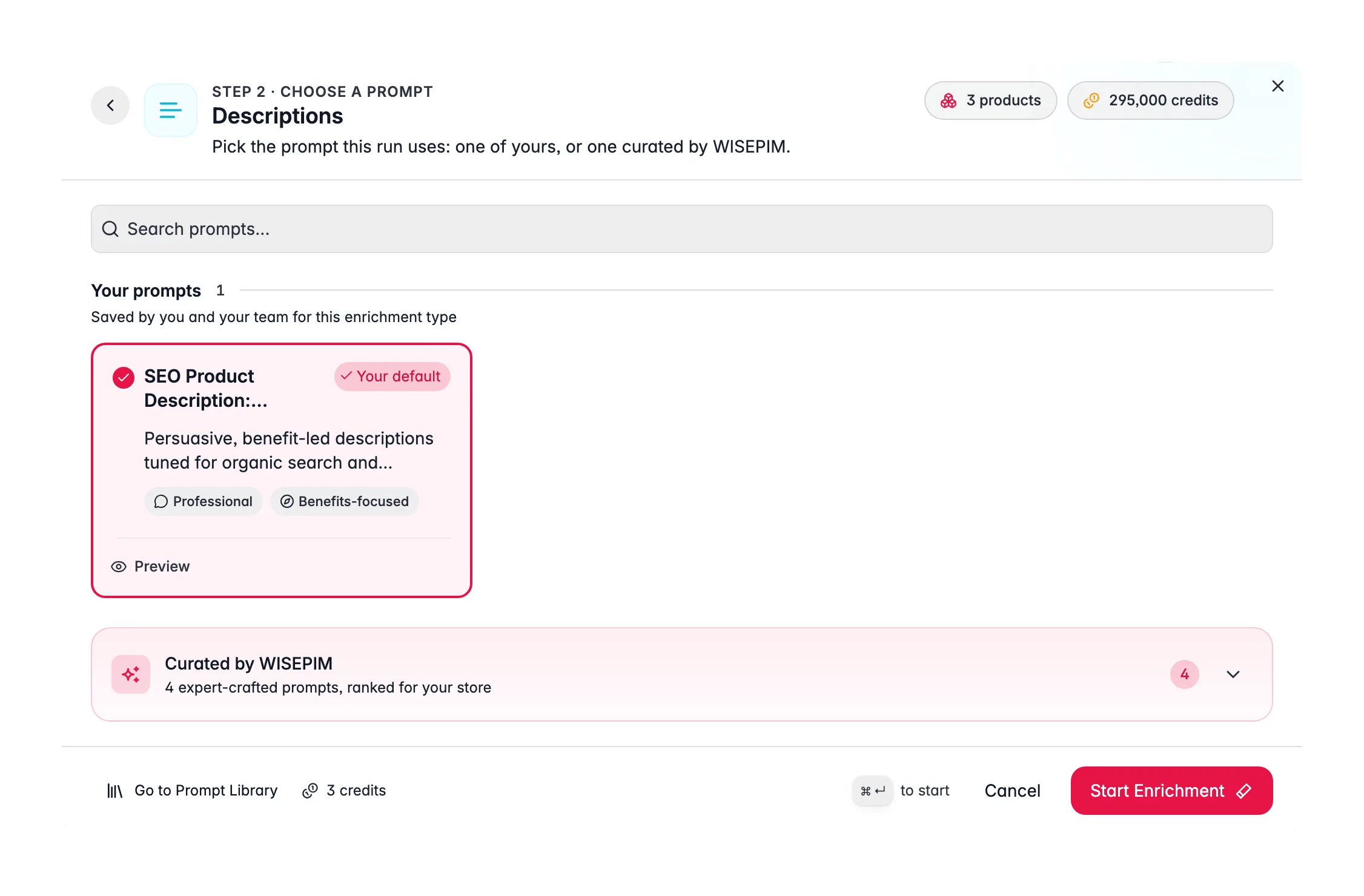
Auto-Fill
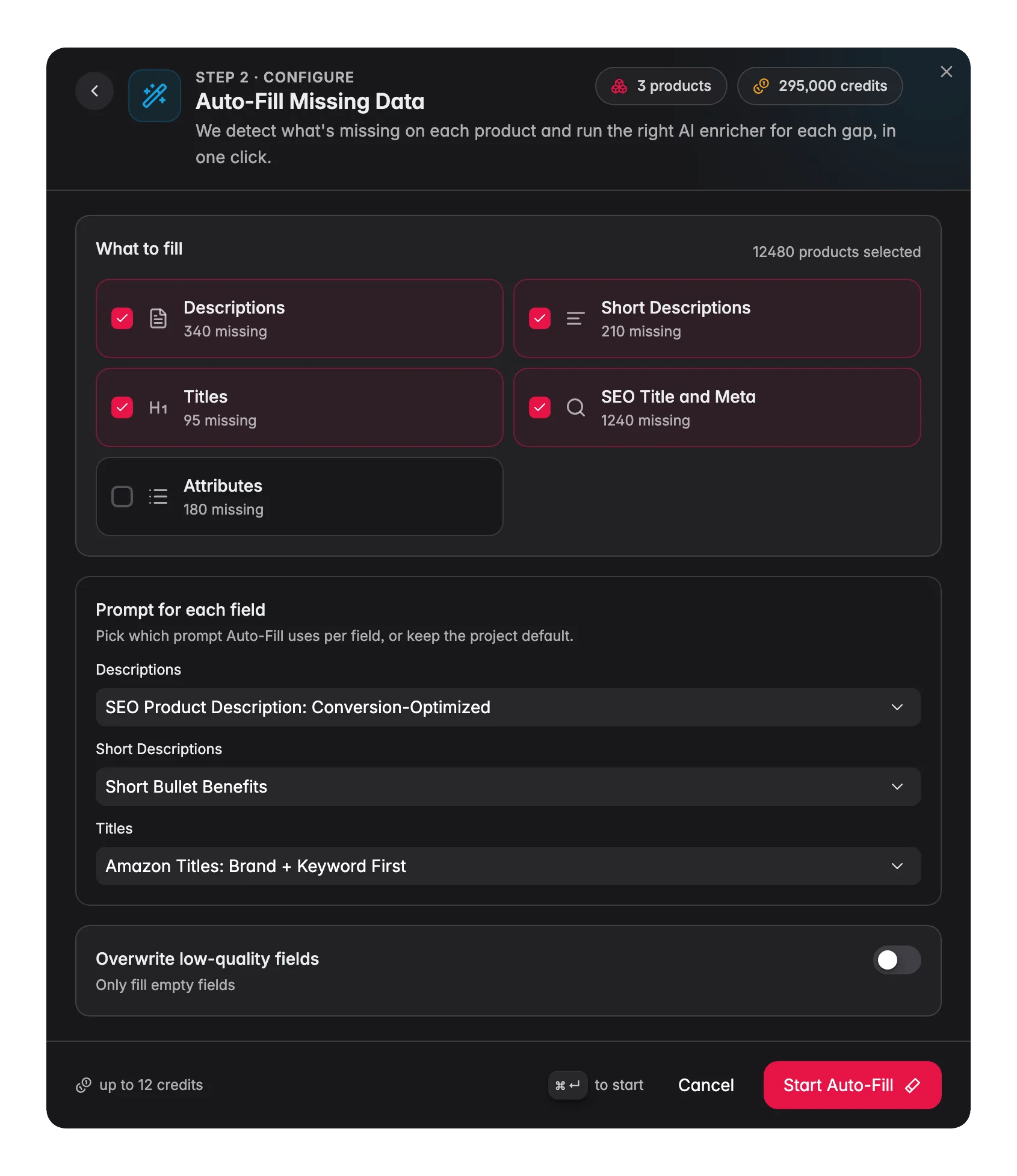
Auto-Fill analyzes each product, finds every missing content field across all 5 content types, and fills them all in one run, using your project’s default prompts. No need to run five separate enrichments.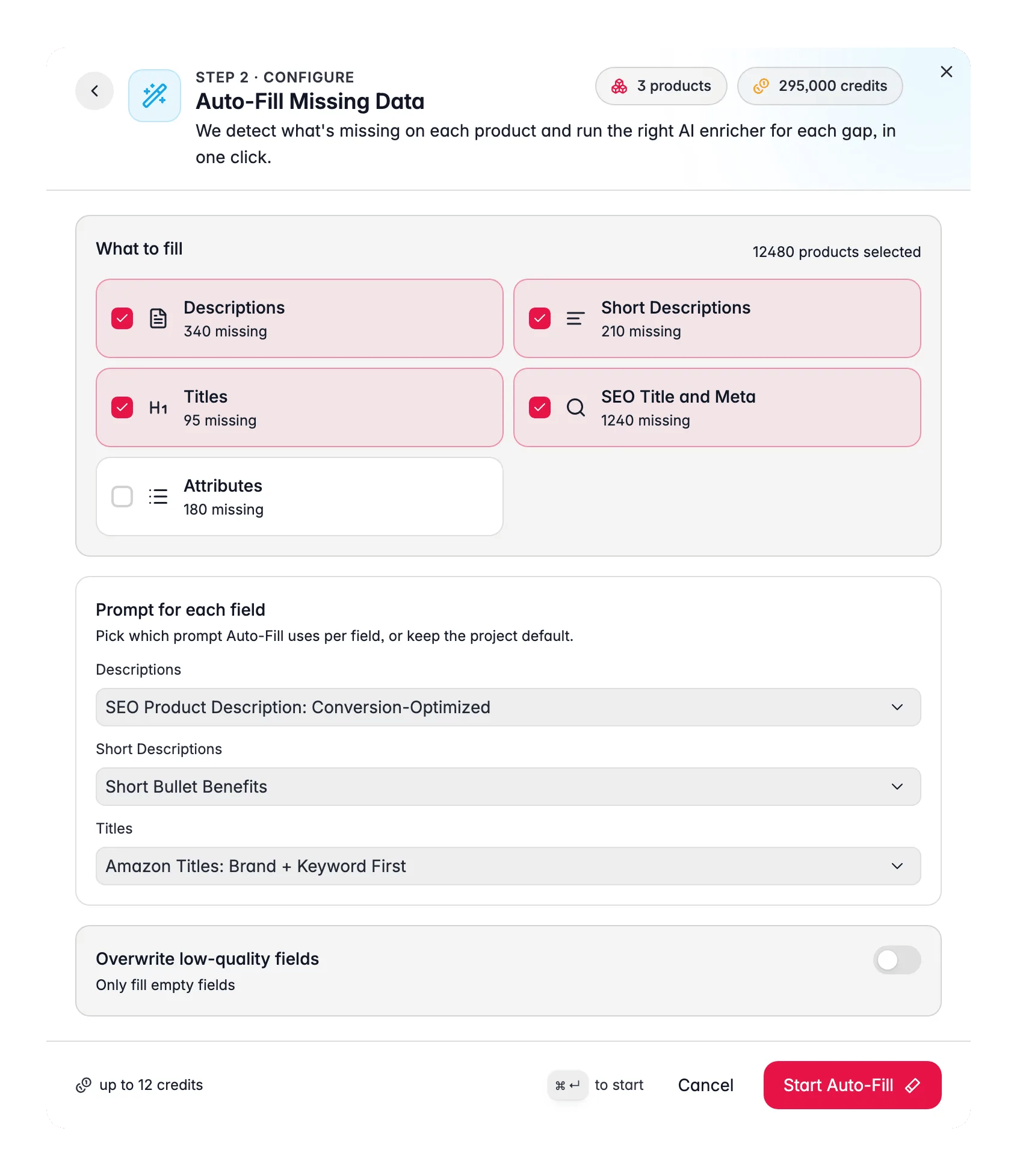
Bulk Enrich
Bulk Enrich regenerates the fields you pick across every selected product. This is the important difference: Auto-Fill fills the gaps, Bulk Enrich overwrites what is already there. Use it when the existing content is not good enough, not when it is missing. Pick which fields to rewrite from descriptions, short descriptions, titles, SEO title and meta, and attributes. Each field can use your project default prompt, or you can override the prompt per field in the same screen, so a run can write descriptions with one prompt and titles with another.Combine into fewer calls
Turn on Combine into fewer calls and titles, SEO title and meta, and short description are generated together in one call instead of three. Runs finish faster and cost fewer credits. Descriptions and attributes are big enough to keep their own call, so they are unaffected.With Combine into fewer calls on, a product costs 1 credit if you picked one field and 2 credits if you picked several. The modal shows the estimated credit cost for the whole run before you start, so you always know what a run will cost.
When credits run short
Credits are checked before a run starts and while it runs, so you never get a half-finished catalog with no explanation:- If your credits only cover part of the selection, WISEPIM processes as many products as it can afford. The rest are skipped and marked in the task, so you can see exactly which products still need work.
- If you run out of credits mid-run, the task stops with a clear message telling you what happened, instead of silently failing.
Resume finishes the remainder at no extra cost. Restart runs the whole selection again from scratch and is charged as a new run. When a partial run left products behind, Resume is almost always what you want.
AI Categorization
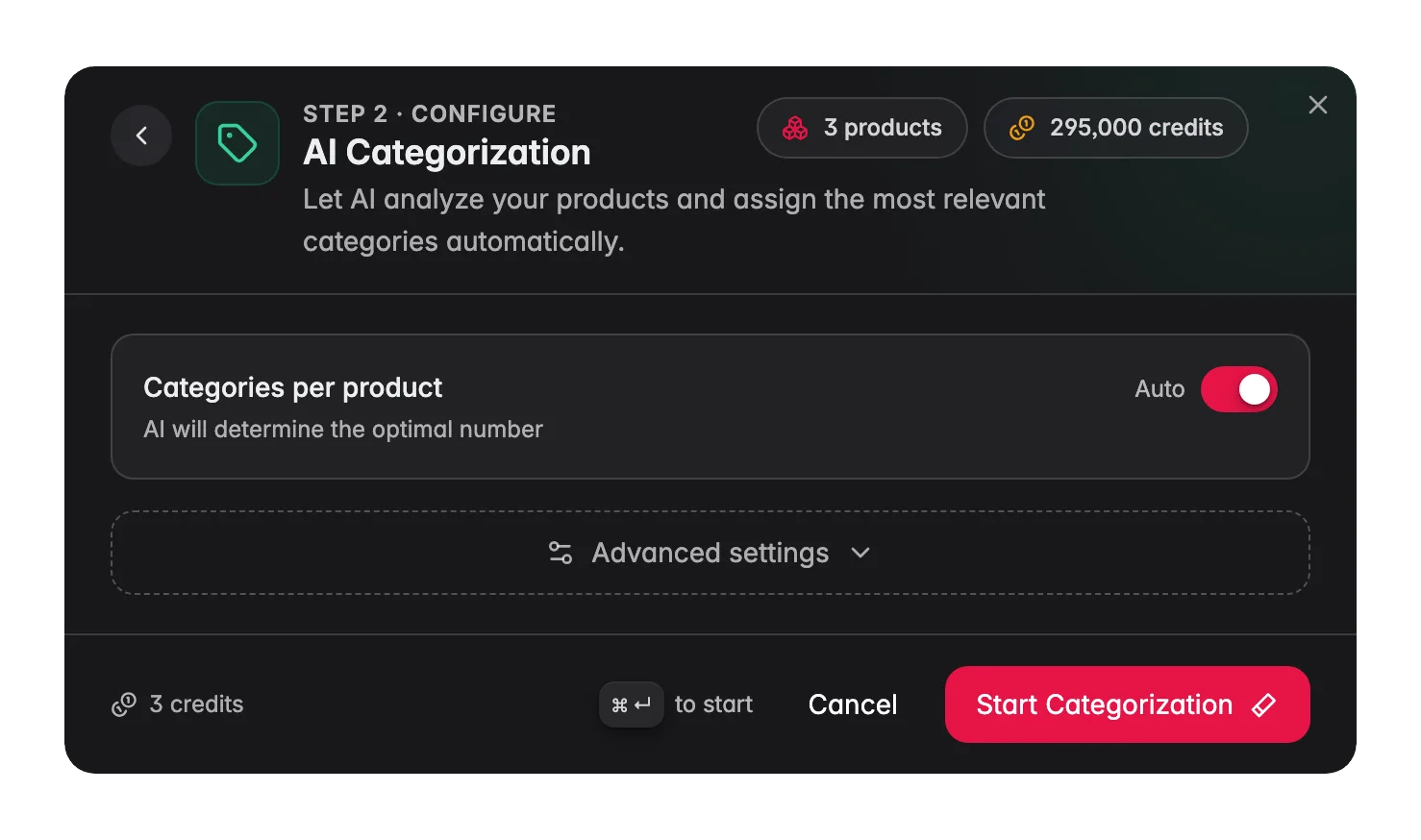
AI Categorization automatically assigns your existing categories to products based on their content.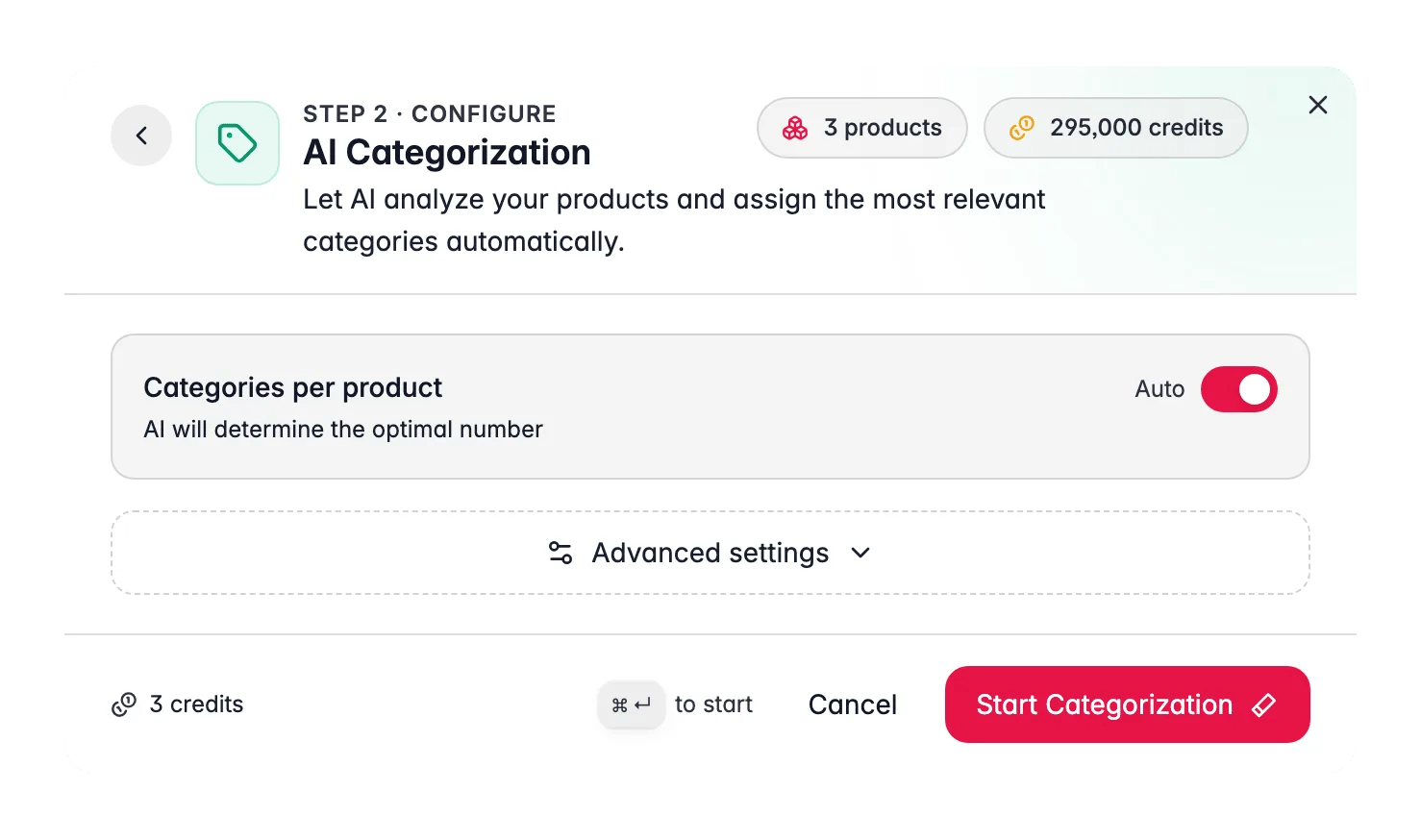
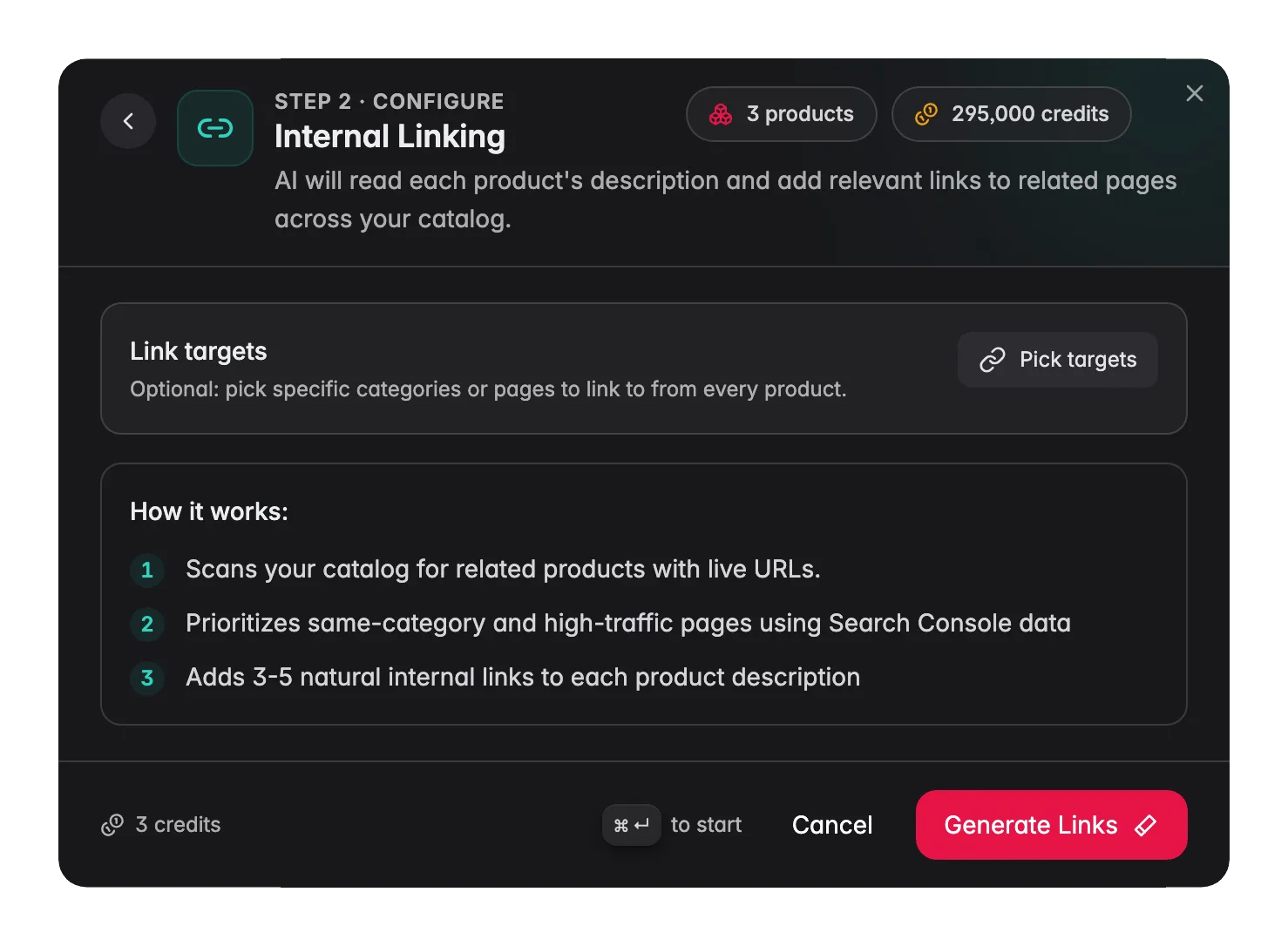
Internal Linking
Internal Linking reads each product’s description and adds 3–5 contextual links to related products and category pages. It prioritizes high-traffic pages using Search Console data.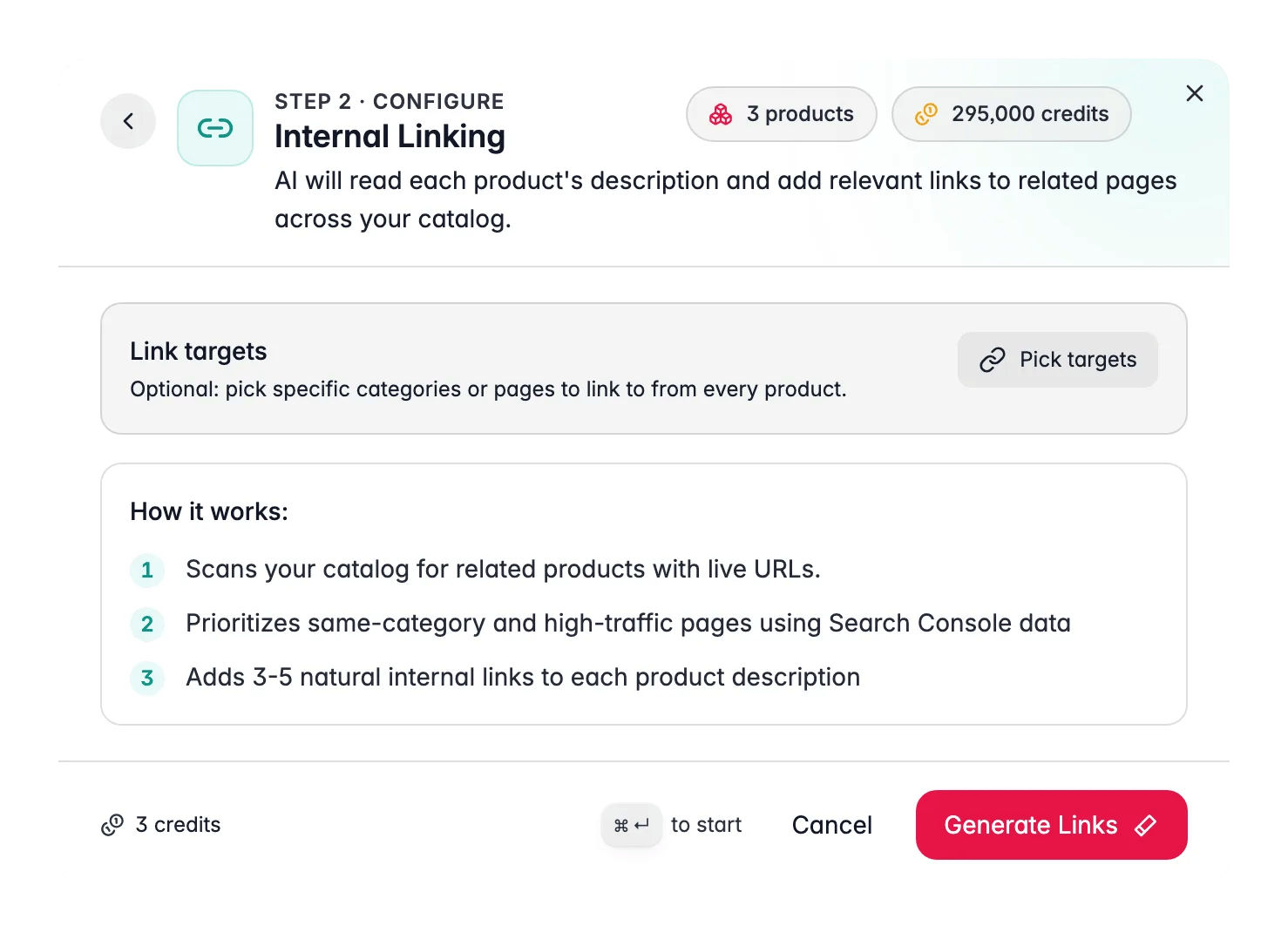
Search Intent
Search Intent uses your Google Search Console data to understand how real shoppers find each product, then rewrites the description to better match what they are actually looking for.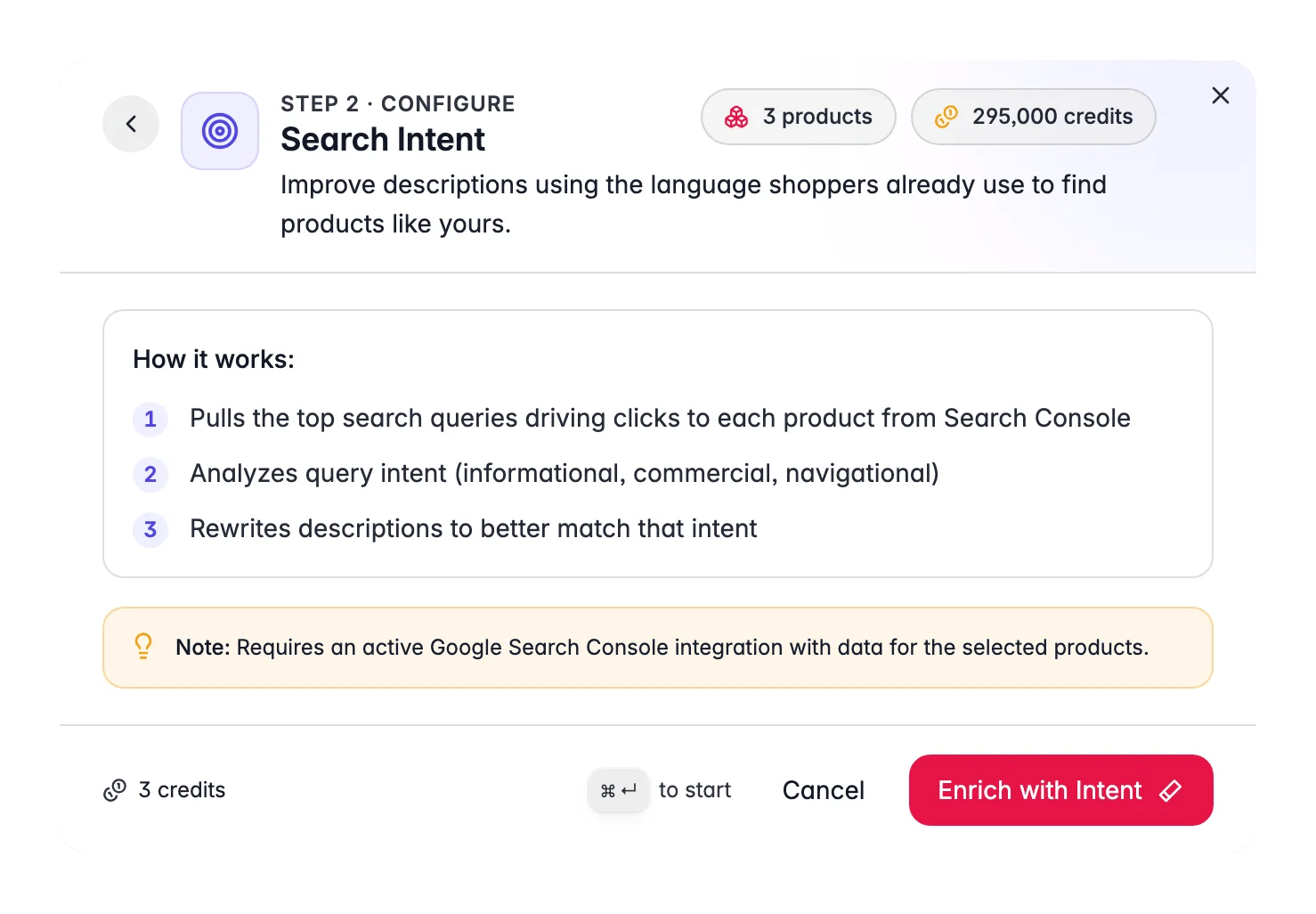
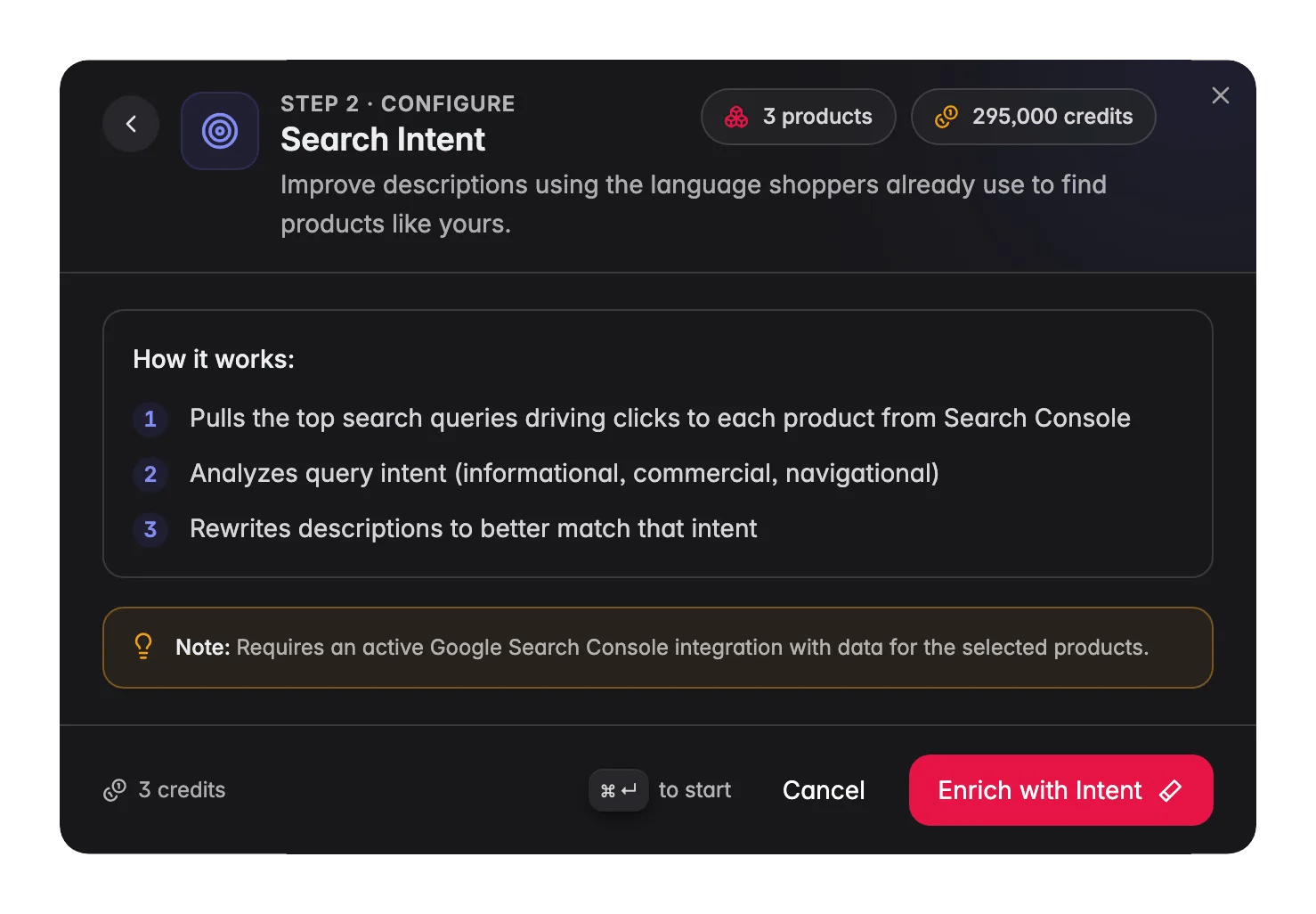
Image Alt Text
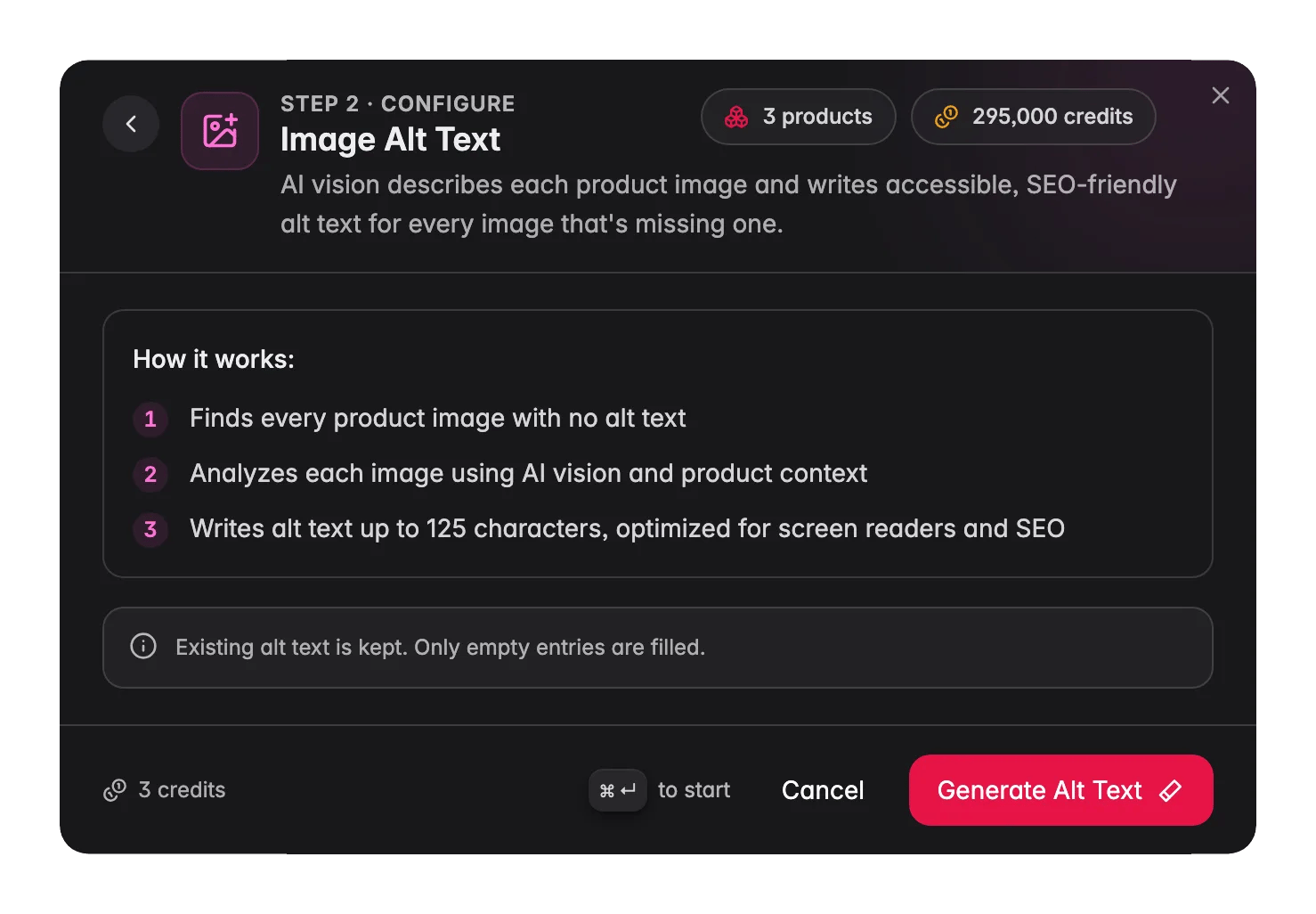
Image Alt Text uses AI vision to analyze each product image and write descriptive alt text, up to 125 characters, for every image that has none. Existing alt text is never changed.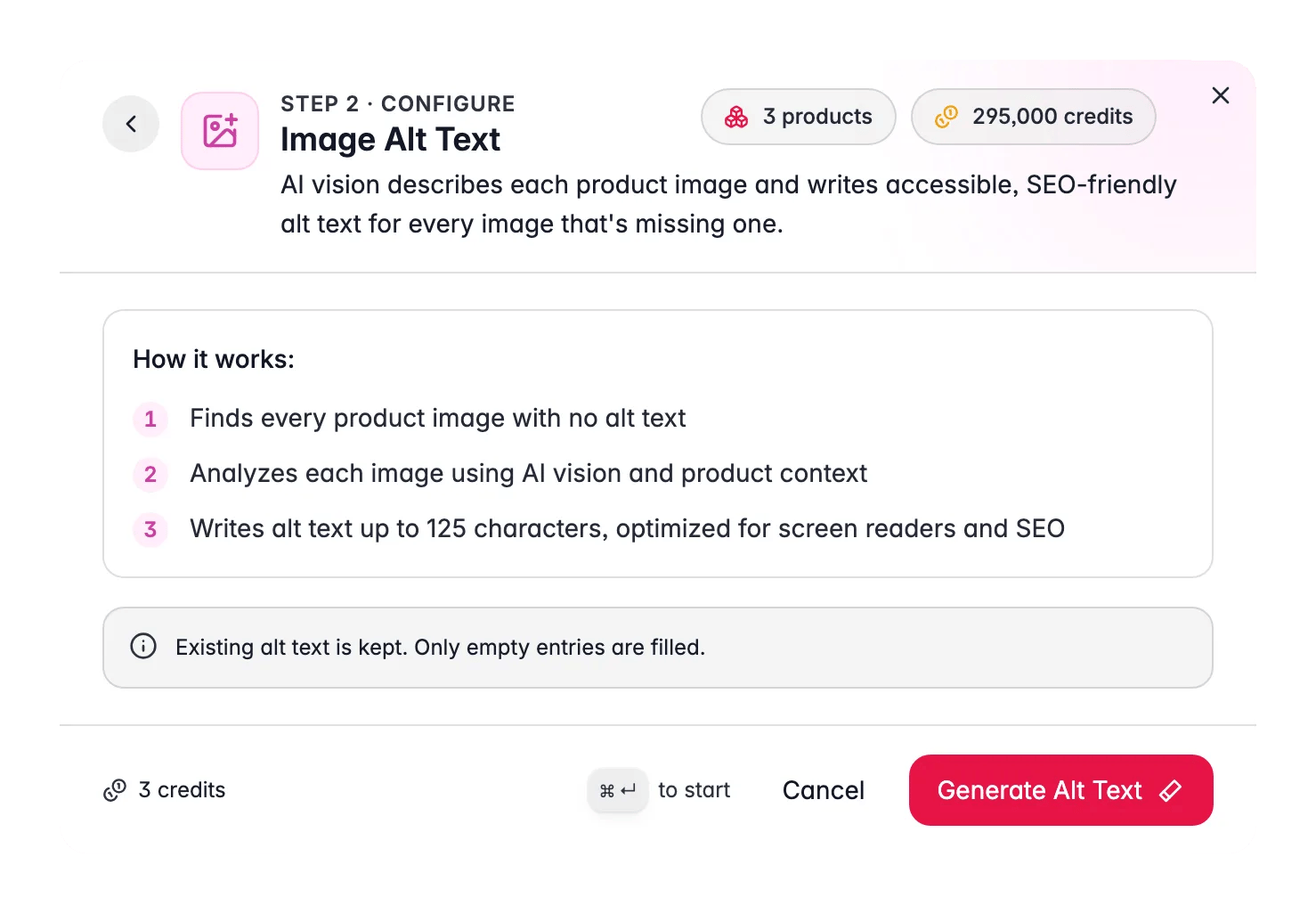
Translation
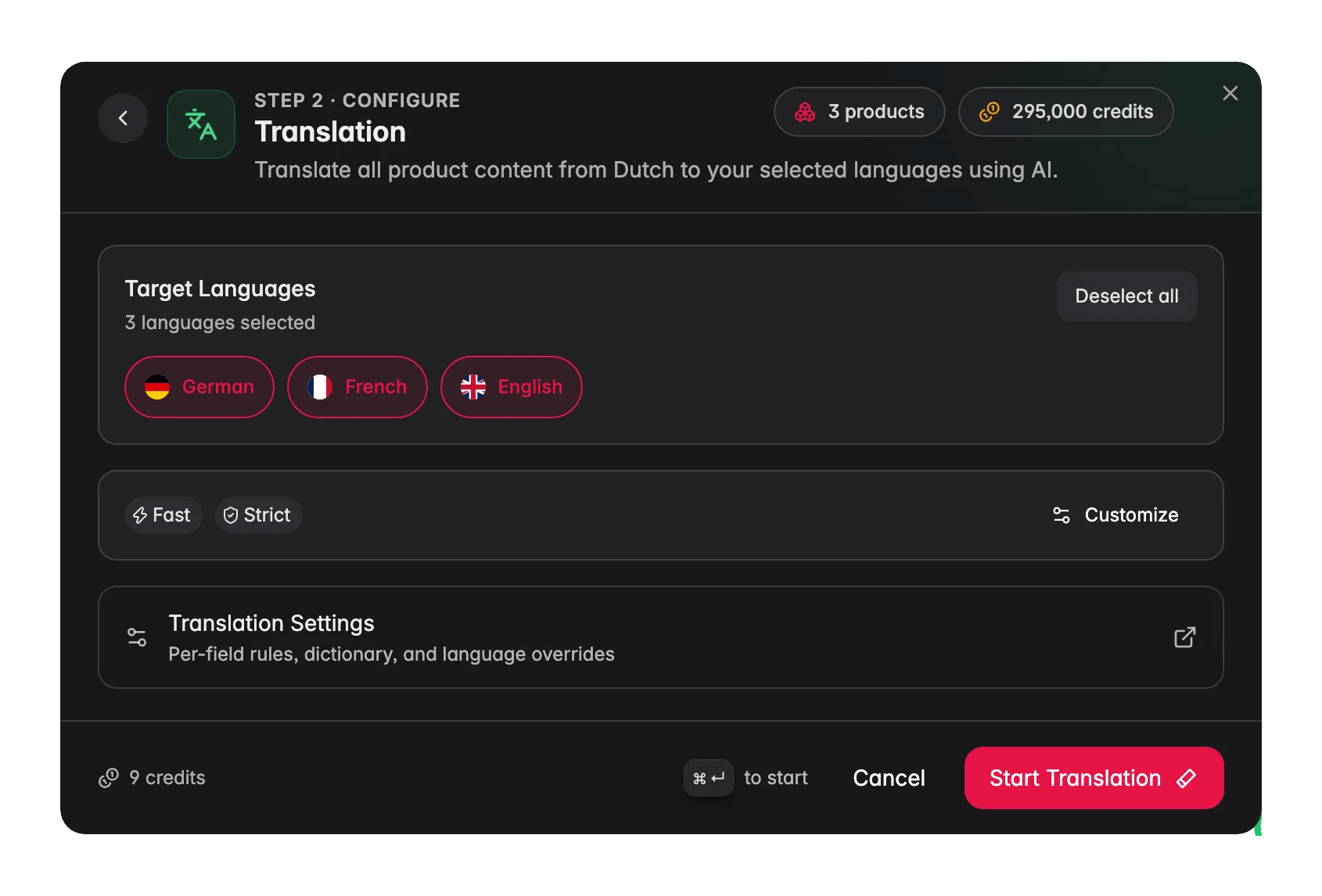
Translation converts product content into one or more target languages simultaneously. Configure which fields to translate, set a tone, add custom instructions, and save instruction templates for future runs.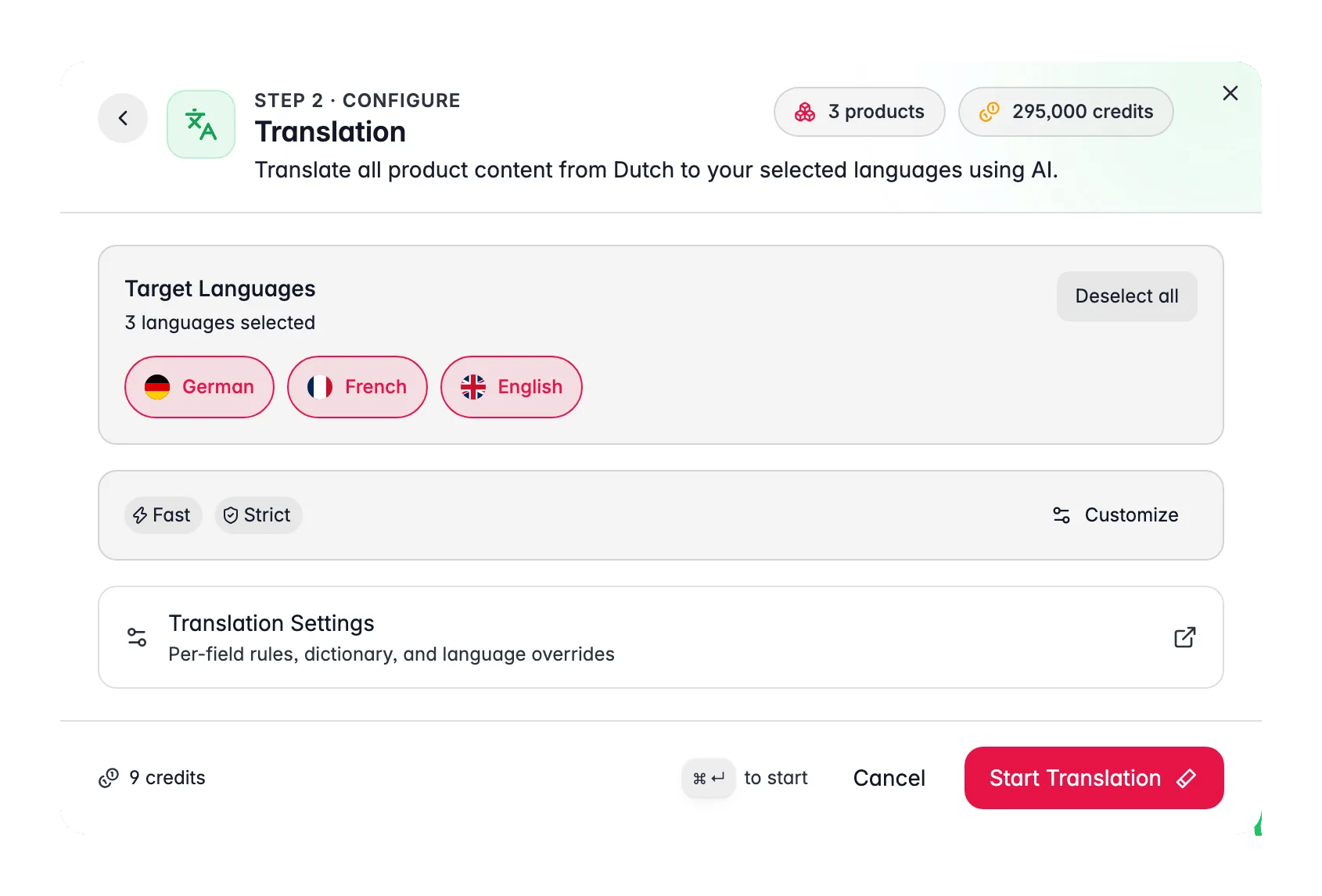
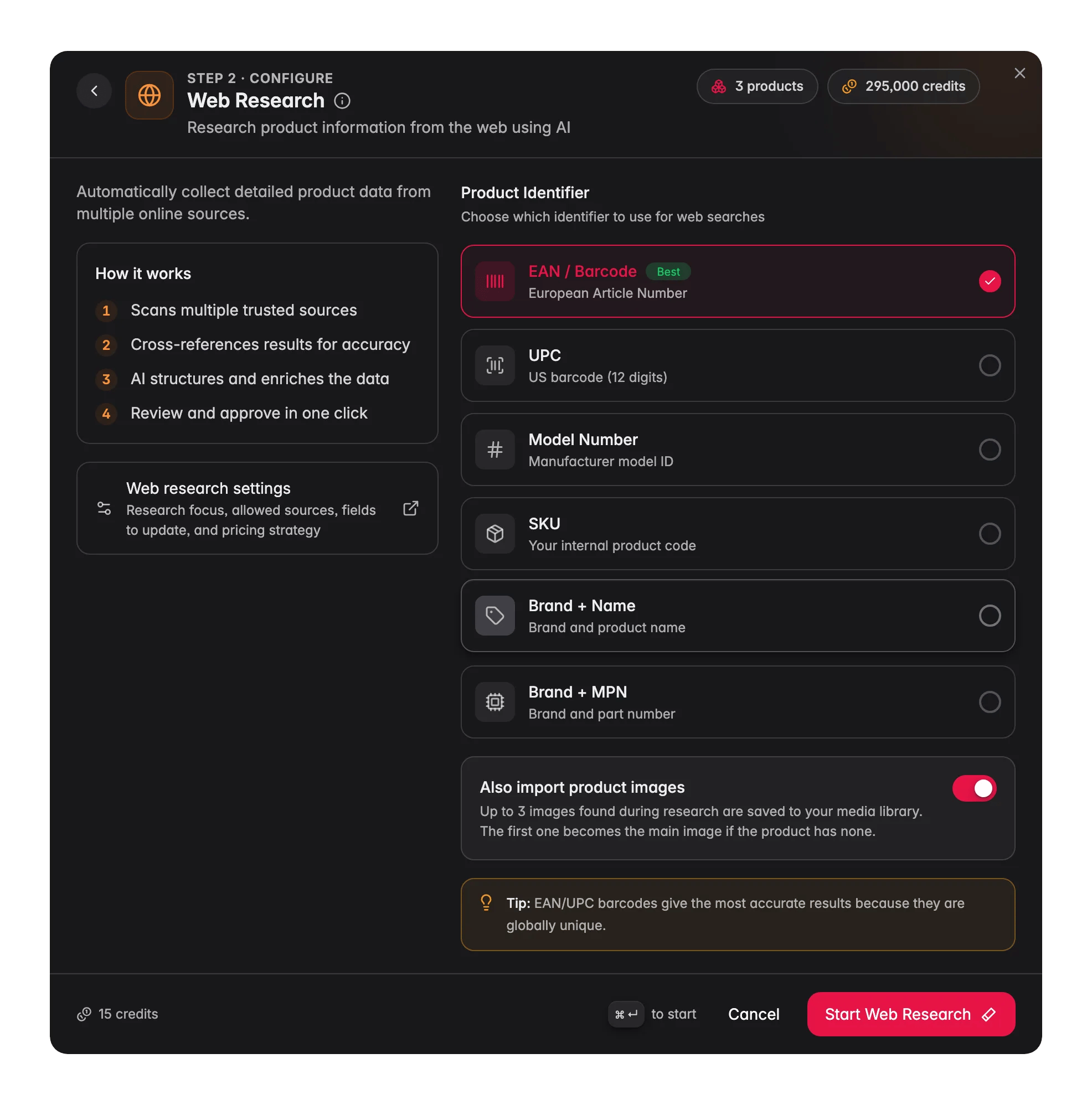
Web Research
Web Research searches the web for product data using your product identifiers (EAN, UPC, model number, SKU, or brand plus name), cross-references multiple sources for accuracy, and puts the results in the Data Quality tab for you to review before applying.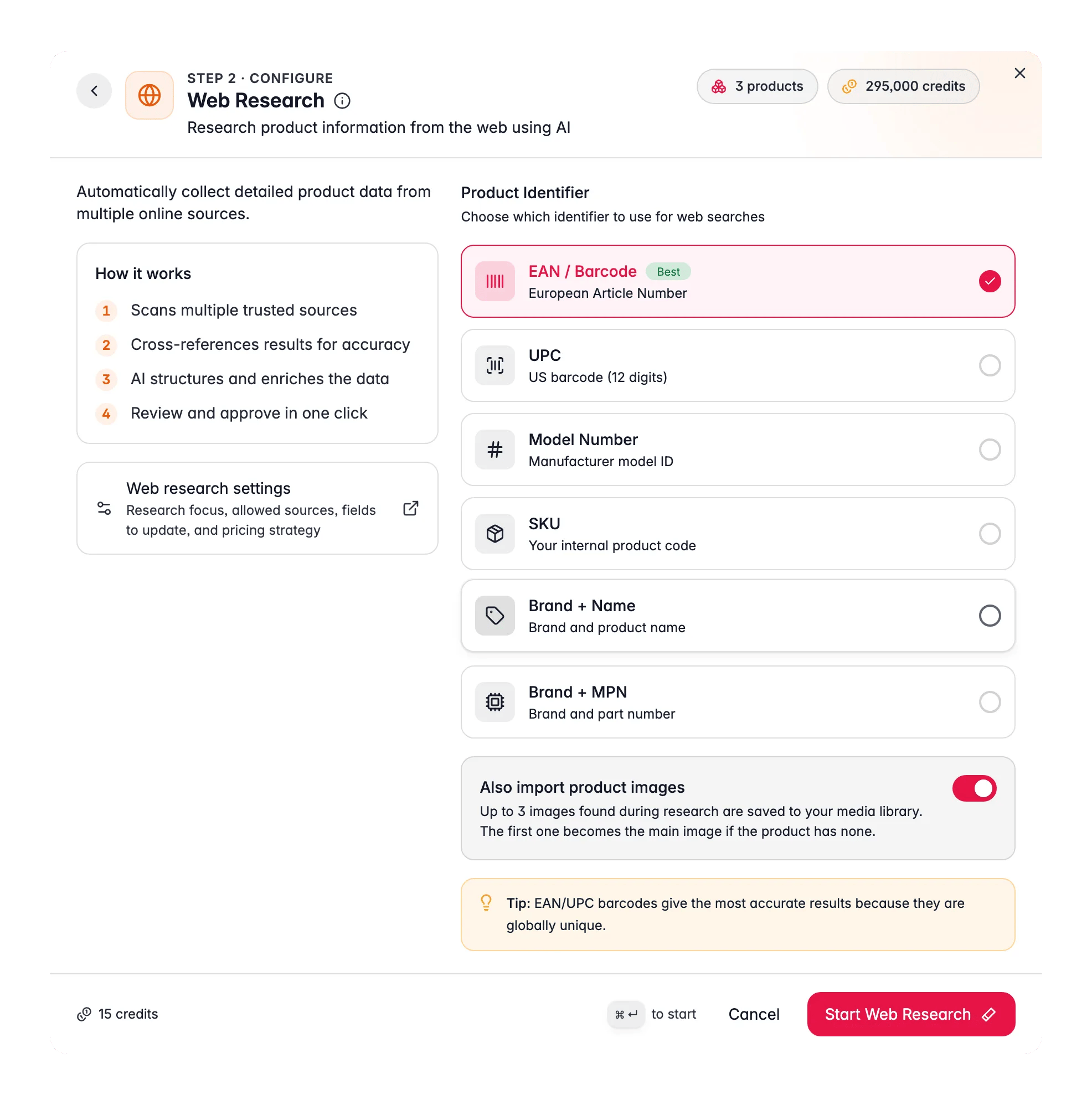
Linguistic Review and Quality Review
These two run from the same enrichment modal but open their own dedicated workspaces:- Linguistic Review: scores your translated content across 6 criteria (completeness, terminology, locale quality, consistency, format, meta compliance) and offers one-click fixes for inconsistencies.
- AI Quality Review: reads each product like a demanding customer and scores it across 12 dimensions (completeness, content quality, image vs. data, pricing sanity, conversion readiness, and more), then hands you a ranked list of fixes.
Single product enrichment
Every enrichable field on the product detail page has an Enrich button. Click it to run enrichment on that field only, without selecting products in the main table. The same prompt selection and configuration flow applies, scoped to that one product and field. Enrichable fields on the product page: name, description, short description, SEO title and meta description, attributes, and categories.Using Content Logic with enrichment
Content Logic variables in your prompts give the AI dynamic, per-product context. A prompt like:Automating enrichment
All 15 enrichment types are available as Automation actions. Trigger them on a schedule, after imports, when quality scores drop below a threshold, or when products are updated.Tips
- Start with 5–10 products. Test a prompt on a small batch and review the output before running it on your full catalog.
- Fill your Knowledge Library. The more context the AI has about your brand, audience, and products, the more consistent the output. See Knowledge Library.
- Use specific prompts. A prompt for “B2B industrial fastener descriptions” will outperform a generic “write a description” prompt every time. Create prompts per category or product type in the Prompt Library.
- Set defaults. Configure default prompts in Settings → Enrich Prompts so Auto-Fill works without any extra clicks and the right prompt is always preselected in the modal.
Related
Prompt Library
Build and organize the prompts that power content enrichment.
Prompt Lab
Test and refine prompts on real products before running them in bulk.
Knowledge Library
Give the AI your brand voice, audience, and product context.
Enrichment Impact
Measure the revenue lift AI enrichment generates across your catalog.
Teach WISEPIM your house style
Set up brand voice once so every AI-written description sounds like you.