

Set the status
1
Select products
Check the products you want to update. Or use filters and select all matching results.
2
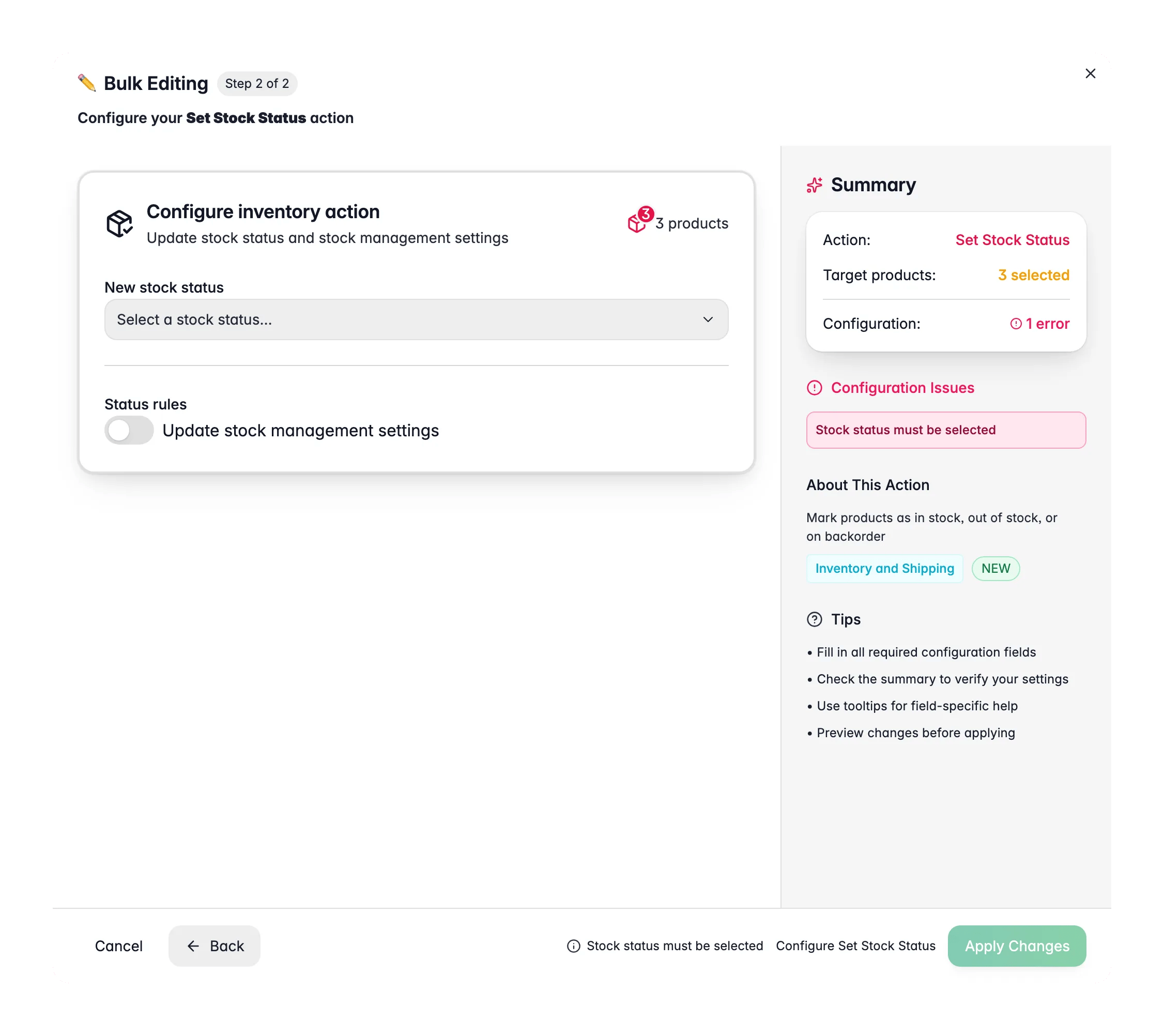
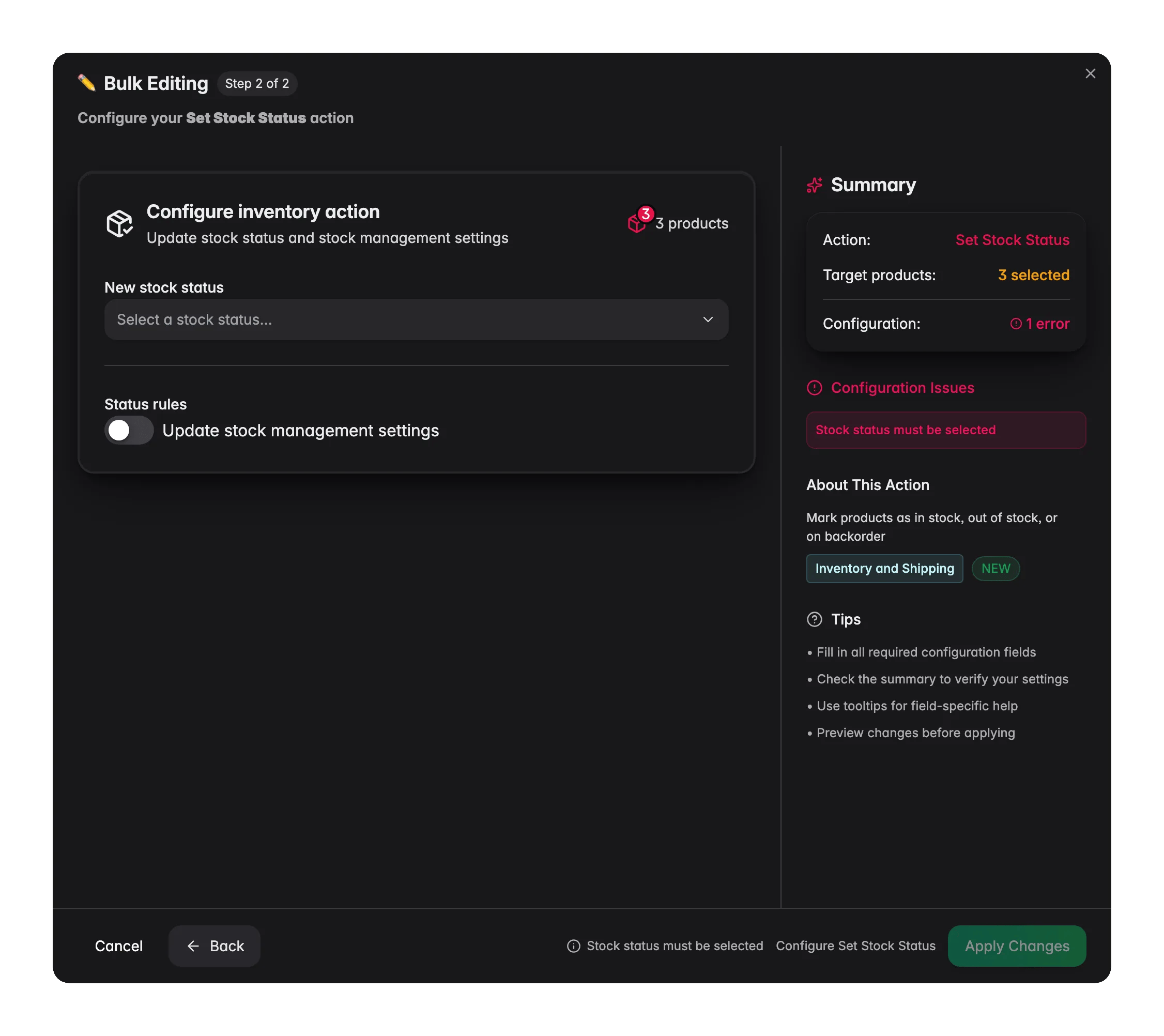
Open Bulk Edit and choose Set Stock Status
Click Bulk Editing, then search for “Stock Status” or find it under Inventory & Shipping.
3
Pick the status
Choose In Stock, Out of Stock, or On Backorder.
4
Configure options and apply
Optionally update stock management and backorder settings, then click Apply.
Options
This action sets the status flag only. It does not change the stock quantity. To adjust numbers, use Update Stock.
Related
Update Stock
Set or adjust the actual stock quantity for your selection.
Update Weight
Set product weights for accurate shipping calculations.
Update Status
Set the review status of products to Ready, Pending, or Needs Review.
All bulk actions
Browse every bulk editing action by category.