

Margin needs costs. The catalog cost price gives an estimated margin (≈) on orders imported after you set it. For orders you already have, import your purchase prices on Costs. Payment, carrier and marketplace fees come from fee imports or bol invoices.
The margin ladder
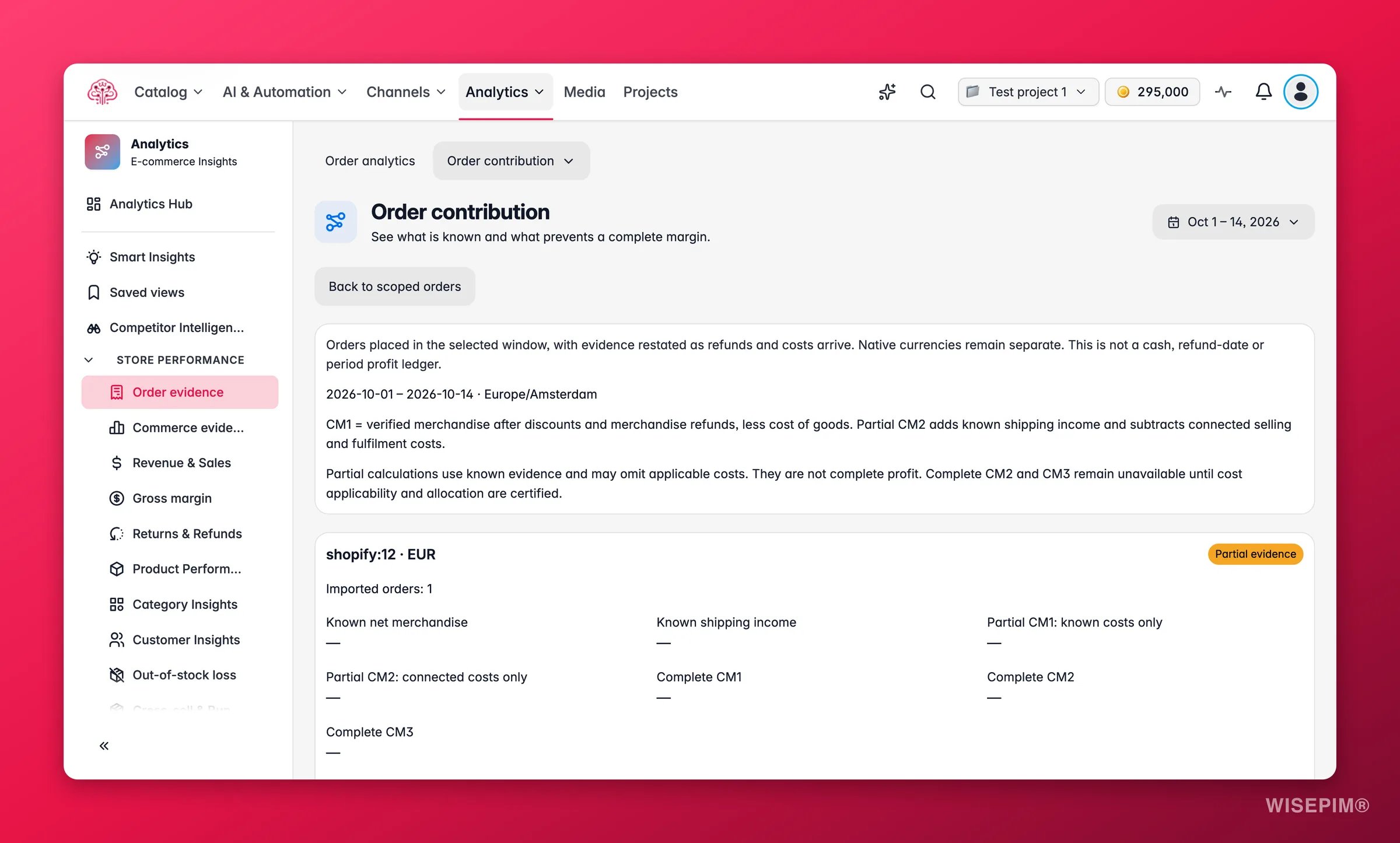
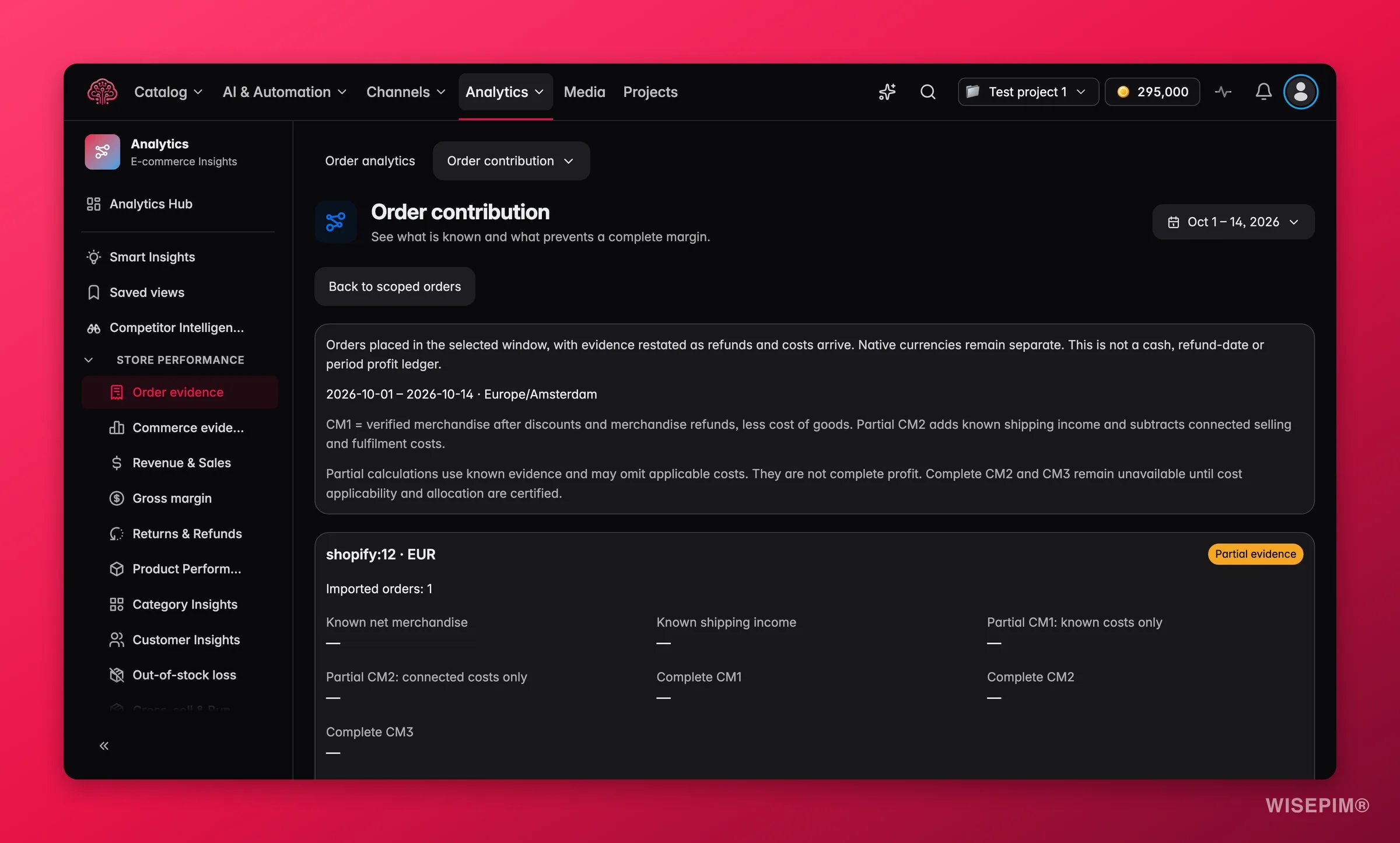
The glossary on the page is written for your accountant: “CM1 is product sales after discounts and refunds minus cost of goods. CM2 adds shipping income and subtracts marketplace, payment, shipping, fulfilment and return costs. CM3 subtracts advertising. These are contribution margins, not accounting profit.”
Partial and estimated values
A row that cannot be completed does not show 0. It shows one of these instead:- Margin after product costs (known costs only) or Margin after selling costs (known costs only): a partial margin over the orders where every cost is known. A line such as Margin after product costs on 737 of 899 orders: 4,120 (31% of their product sales) tells you the coverage.
- ≈ 4,300 with catalog cost prices (estimated): the margin using the cost price in your catalog at the time of sale. It is an estimate, not an invoiced cost.
- A short reason, such as Needs product costs or Not sent by WooCommerce, when nothing can be calculated yet.
What’s blocking margin
This section lists every reason a margin is partial, each with a button to the fix:
The Cost postings list shows every cost posted for the period by kind: Cost of goods, Marketplace fees, Payment fees, Shipping, Fulfilment, Return handling, Advertising. Before anything is posted it reads No costs posted yet. Missing costs stay unknown, never zero.
Coverage counts sit alongside: Orders with unknown sales, Orders with a line without a cost, Estimated costs (≈) and Costs left out for a different currency. The last one matters when your cost prices are in a currency other than the store’s; set Currency of your cost prices in Analytics settings.
Costs are posted, not edited. A purchase-price import replaces a catalog estimate on the same lines, but never a cost that was already exact. That is why the page can always tell you which figure is an estimate.
Act on what you find
Margin is unknown for every store
Margin is unknown for every store
Margin after product costs looks fine but the next step is missing
Margin after product costs looks fine but the next step is missing
Margin after selling costs needs marketplace, payment, shipping, fulfilment and return costs. Check Payment fees are imported up to
{date} and the Cost coverage table on Costs to see which cost kind and which days are missing. For bol, post the invoice from the bol invoices tab.One store earns far less than it sells
One store earns far less than it sells
Compare the Selling and fulfilment costs row across stores. Marketplace commission and return handling often explain the gap. Then open the Returns view in Orders for that store and look for products marked Fix with product data.
The page says the period is too large
The page says the period is too large
This period is too large to calculate live. Pick a shorter period or fewer stores. Margin is calculated per order line, so narrow the period or the stores, or build a frozen report on Reports for the full range.
Related
Orders
The product sales and refunds the top of the ladder is built from.
Order Detail
One order’s lines and the costs that were posted to them.
Today
The setup checklist that lists the cost, rate and fee steps still open.
How Order Numbers Work
Estimated, known so far and the CM1, CM2, CM3 definitions.