

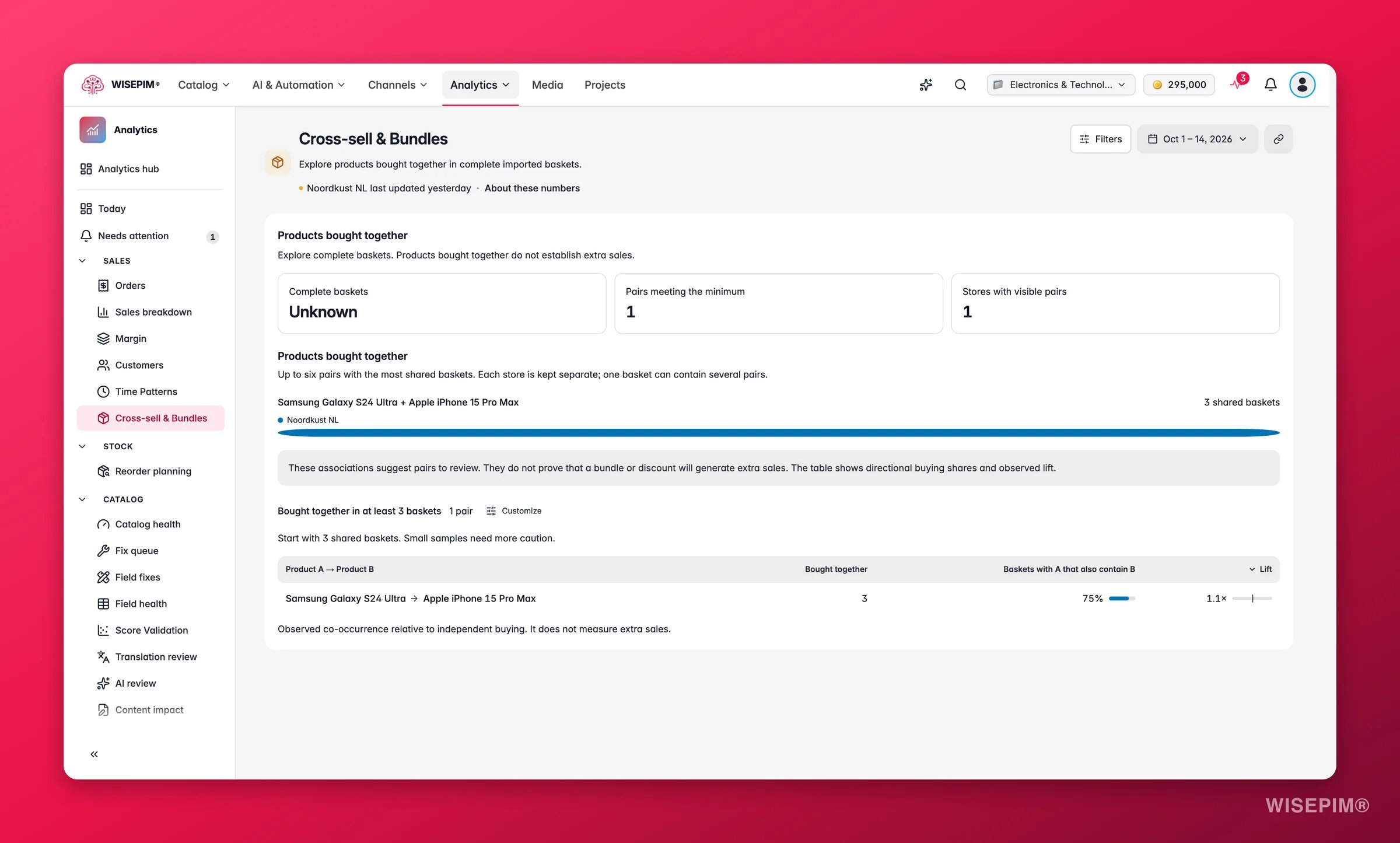
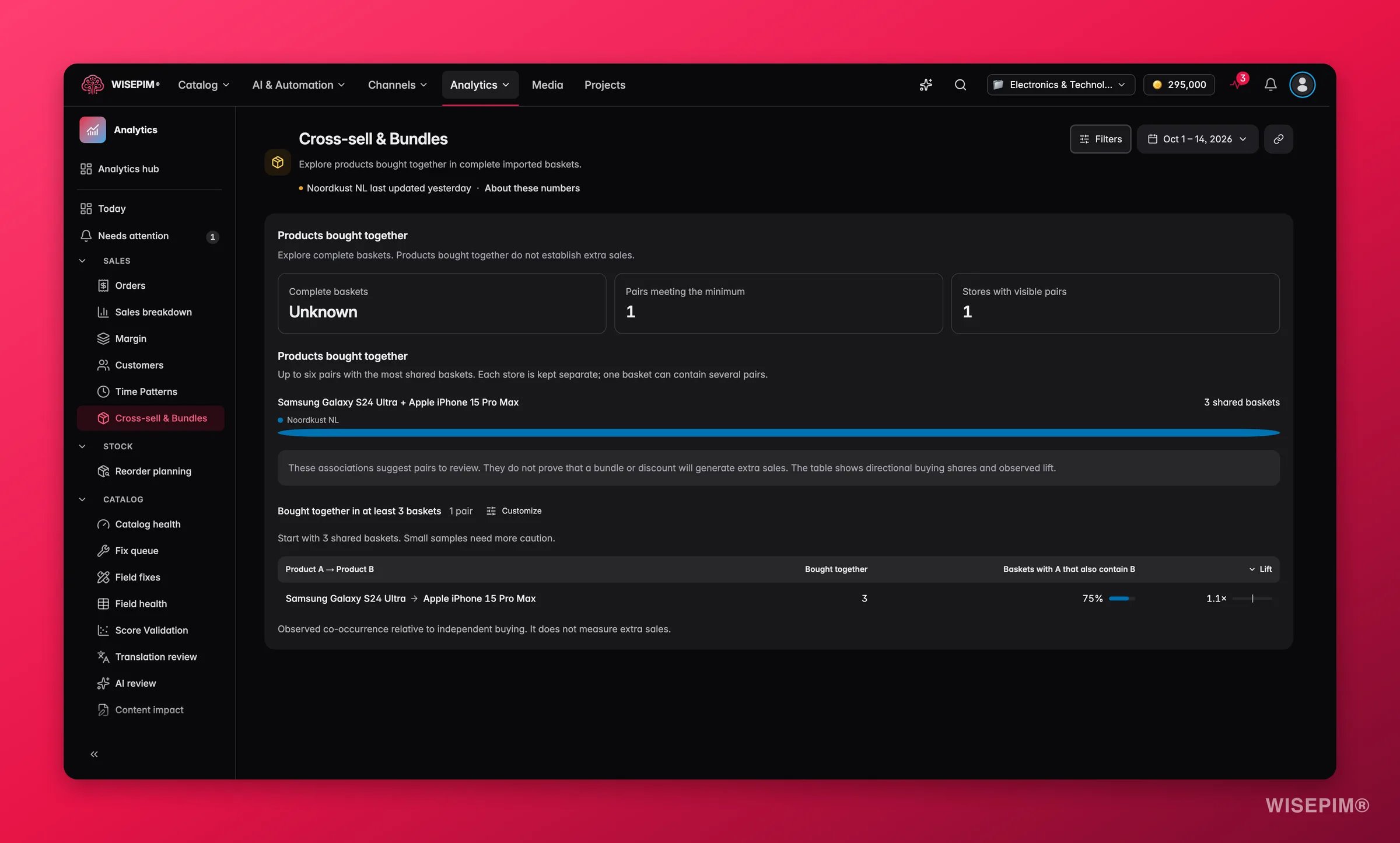
A basket counts only when every line in the order is matched to a catalog product. A basket with an unknown product is left out entirely, so link unmatched order lines under Analytics > Data & setup > Unmatched products before you read this page. Single-product baskets are included in the total, which keeps the shares honest.
Summary
Three numbers at the top tell you how much evidence you have:
A coverage line spells out the basis:
{complete} of {observed} observed orders have complete baskets. Orders with unknown products are excluded.
Set the threshold
The Bought together in at least{count} baskets control hides pairs with too little evidence. The page recommends starting at 3: Start with 3 shared baskets. Small samples need more caution. Raise it on a busy store to keep only recurring combinations; lower it on a small store to explore. When nothing clears the bar, the page says No pairs meet this minimum. Lower the threshold to explore smaller samples.
Products bought together
The chart ranks up to six pairs with the most shared baskets for the selected store. Each store is kept separate, and one basket can contain several pairs, so the bars do not add up to the basket total. Hover a bar to read{pair}: bought together in {count} complete baskets.
The pairs table
In plain language: Bought together = 45 means 45 complete baskets held both products. Buyers of A who also bought B = 32% means roughly one in three baskets with A also had B. Lift = 3.2 means the pair turns up together about three times as often as chance alone would produce.
Act on what you find
Buyers of A who also bought B is high, but the reverse pair is weak
Buyers of A who also bought B is high, but the reverse pair is weak
The link runs one way. Show Product B on Product A’s page and leave Product B’s page alone, so you do not clutter it with a suggestion its buyers rarely take. Outcome: the recommendation sits where buyers actually act on it.
One product appears in many pairs
One product appears in many pairs
It is a natural anchor. Feature its top companions on its page, and use Product Families to make the relationship maintainable instead of editing products one by one. Outcome: one anchor page carries several cross-sells at once.
Complete baskets is far below the number of observed orders
Complete baskets is far below the number of observed orders
Many orders contain a product WISEPIM cannot match, and all of those baskets are left out. Link the unmatched lines under Analytics > Data & setup > Unmatched products. Outcome: more baskets count, and pairs that were hiding in excluded orders become visible.
Few pairs clear the threshold on any store
Few pairs clear the threshold on any store
Most of your orders hold one product. That is normal for some catalogs, and it also marks room to grow basket size. Check whether your product pages and cart show any cross-sell at all, and start with your best sellers. Outcome: a baseline you can measure against in this report once multi-product baskets start to appear.
Related
Orders
Every imported order, with the Baskets view and the other More insights reports.
Product Performance
How each product in a pair performs on its own page.
Revenue & Sales
Average order value and sales per store, to see whether bundles move the basket.
Product Families
Group related products so cross-sells stay maintainable.