

Posting costs needs permission to manage settings. Coverage counts orders, never money: a store reads N of N orders covered for each cost kind, so you always know how much of Margin rests on known costs. Cost coverage looks at one period, so there is nothing to compare.
Cost coverage
The Cost coverage table has one row per cost kind and one column per store: Marketplace commission, Payment fees, Shipping labels, Return labels, Fulfilment, Return handling and Advertising. Each cell reads N of N orders, the gap Missing{range} when days have no postings, and Last posted {time}.
Products sold with no recorded cost
Below the table, N products sold with no recorded cost lists the products Margin cannot price. Two fixes:- Set cost price writes a cost price into the catalog. It applies to orders imported from now on, as an estimate (≈). Past orders don’t change.
- Import purchase prices for these orders posts your purchase price per product to the order lines sold in the dates you choose. Margin uses it instead of the catalog estimate.
Import purchase prices
1
Prepare the file
One row per SKU with the purchase price, its currency, and the date range it applies to. A file may match up to 5,000 order lines; split larger files by date range.
2
Preview
Upload it under Import purchase prices. The preview reads N order lines in N orders get a cost. N catalog estimates are replaced. Rows that cannot be posted say why: SKU not found in your catalog, More than one product has this SKU, These lines already have a non-estimated cost, Dates overlap with another row for this SKU, or Some orders are in another currency, so we skipped them.
3
Post
Click Post purchase prices. The confirmation ends with Reports need an update. Run Update reports under Analytics settings for the period.
Imported costs
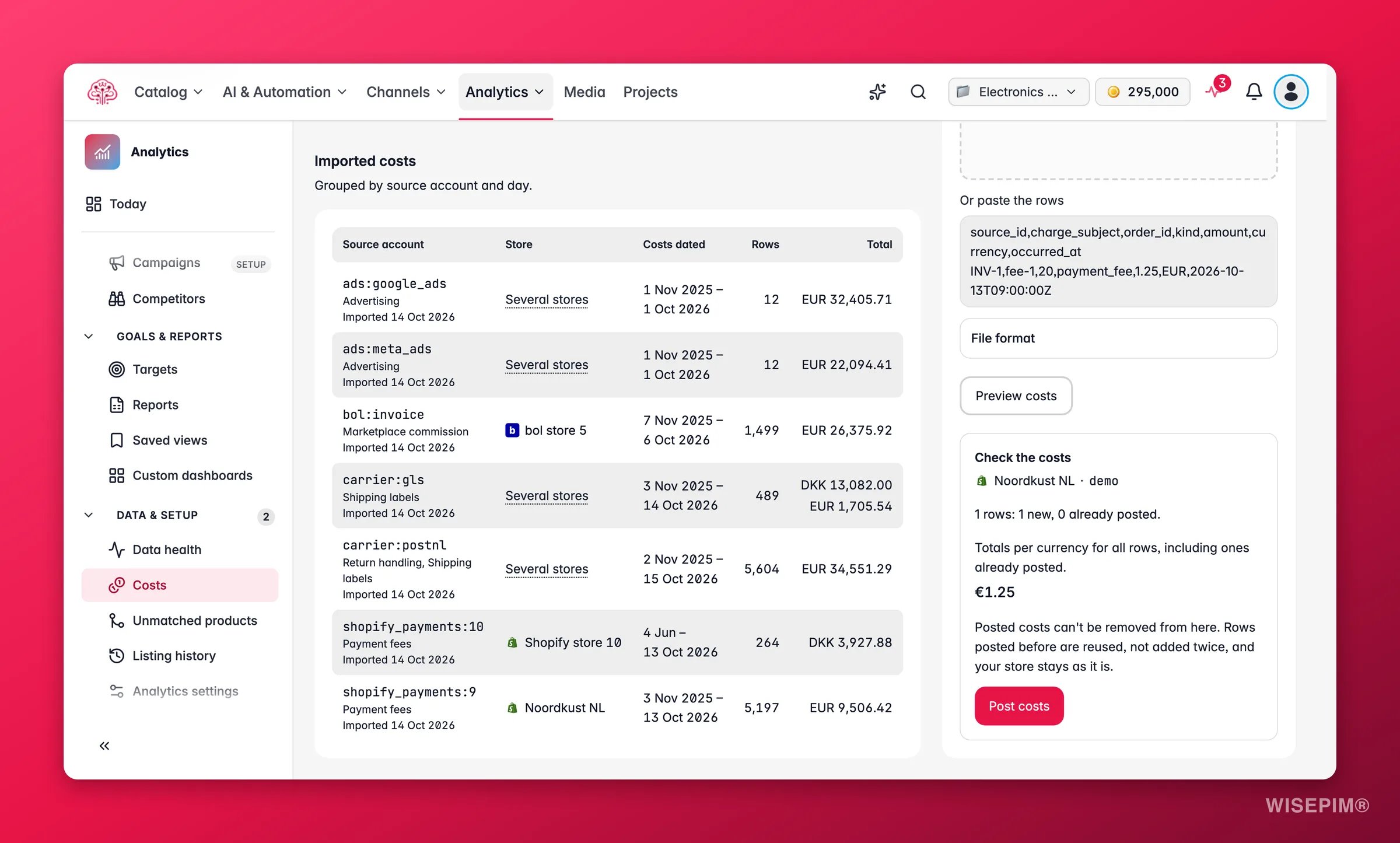
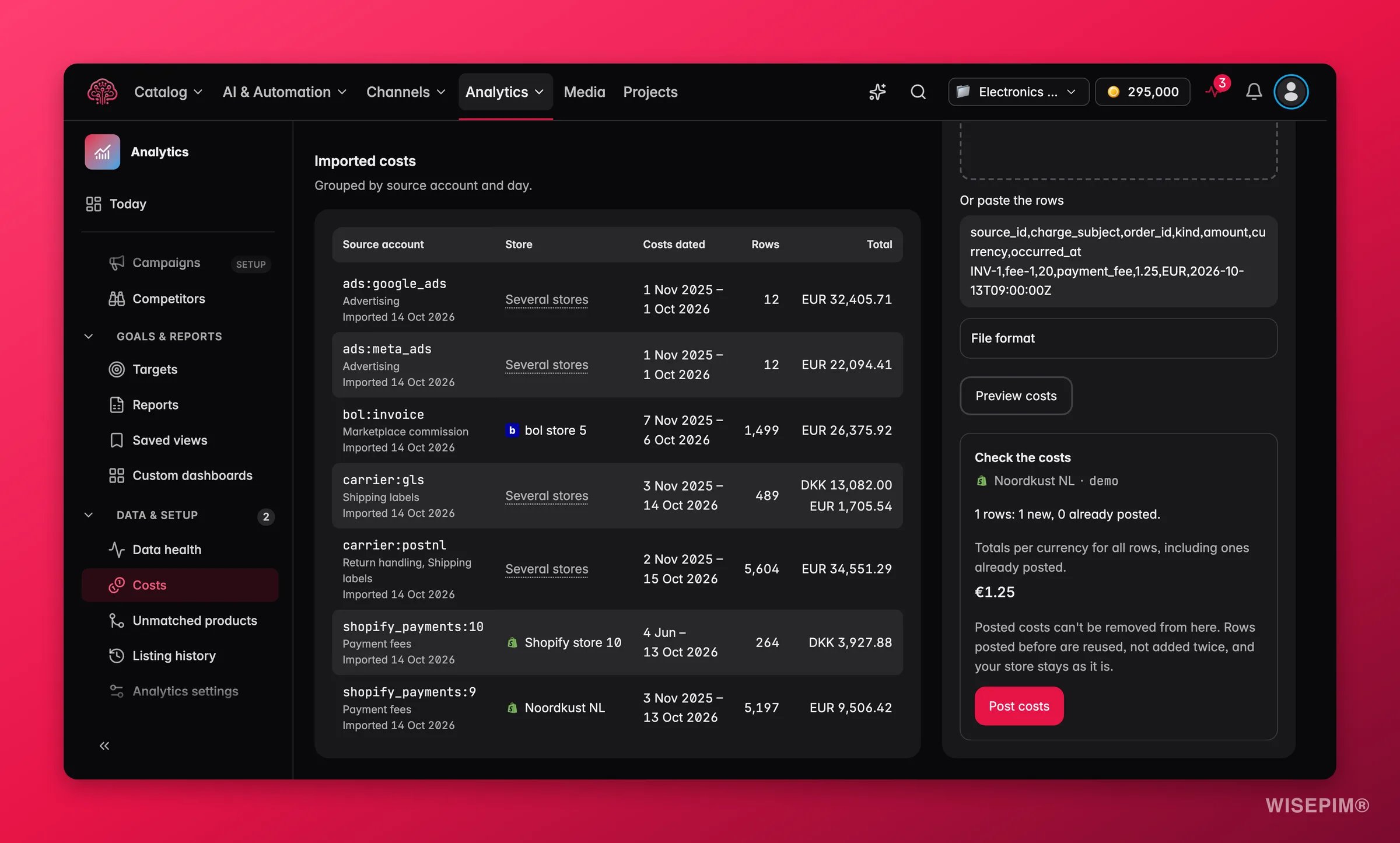
Imported costs lists every batch you posted, grouped by source account and day: Source account, Store, Costs dated, Rows and Total. Rows posted before are reused, not added twice, so re-importing the same file is safe.Import a cost file
Fees and carrier costs come in as a CSV from the marketplace, payment provider or carrier.1
Which store is this file for?
Pick the store. Costs apply to the store and account you pick.
2
What kind of cost is it?
Choose Marketplace and payment fees or Carrier and fulfilment costs.
3
Add the file
Choose a CSV file, or paste the rows. Enter the Source account the file comes from, for this store.
4
Check the file format
One row per cost: order number (or order ID), amount, currency and date. Amounts may use a comma or a point. The technical format is a UTF-8 CSV with commas, 1 to 500 rows, up to 250 KB, with the columns
source_id, charge_subject, order_id, kind, amount, currency and occurred_at. Kinds for fees are marketplace_fee, payment_fee and compensation; for carriers shipping, fulfilment, return_handling and compensation. Negative amounts are credits.5
Preview and post
Click Preview costs. The Check the costs step reads N rows: N new, N already posted. with totals per currency for all rows, including ones already posted. Rows that did not match say Order number not found in this store, More than one order has this number or This order belongs to another store. Then click Post costs.
Posted costs can’t be removed from here. Rows posted before are reused, not added twice, and your store stays as it is. The preview you confirm is valid for a short while; if orders or settings change in between, WISEPIM asks you to preview again.
bol invoices
1
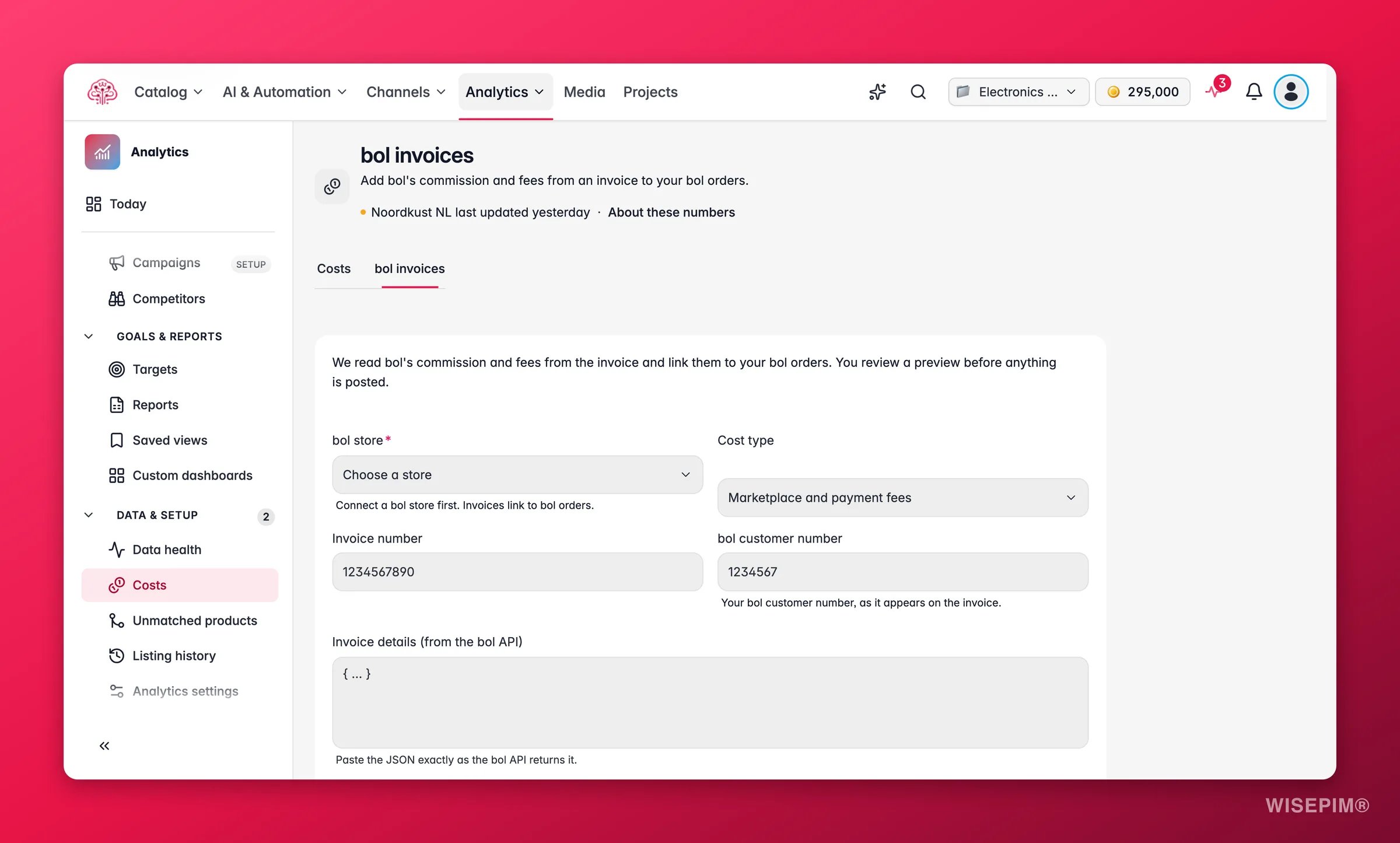
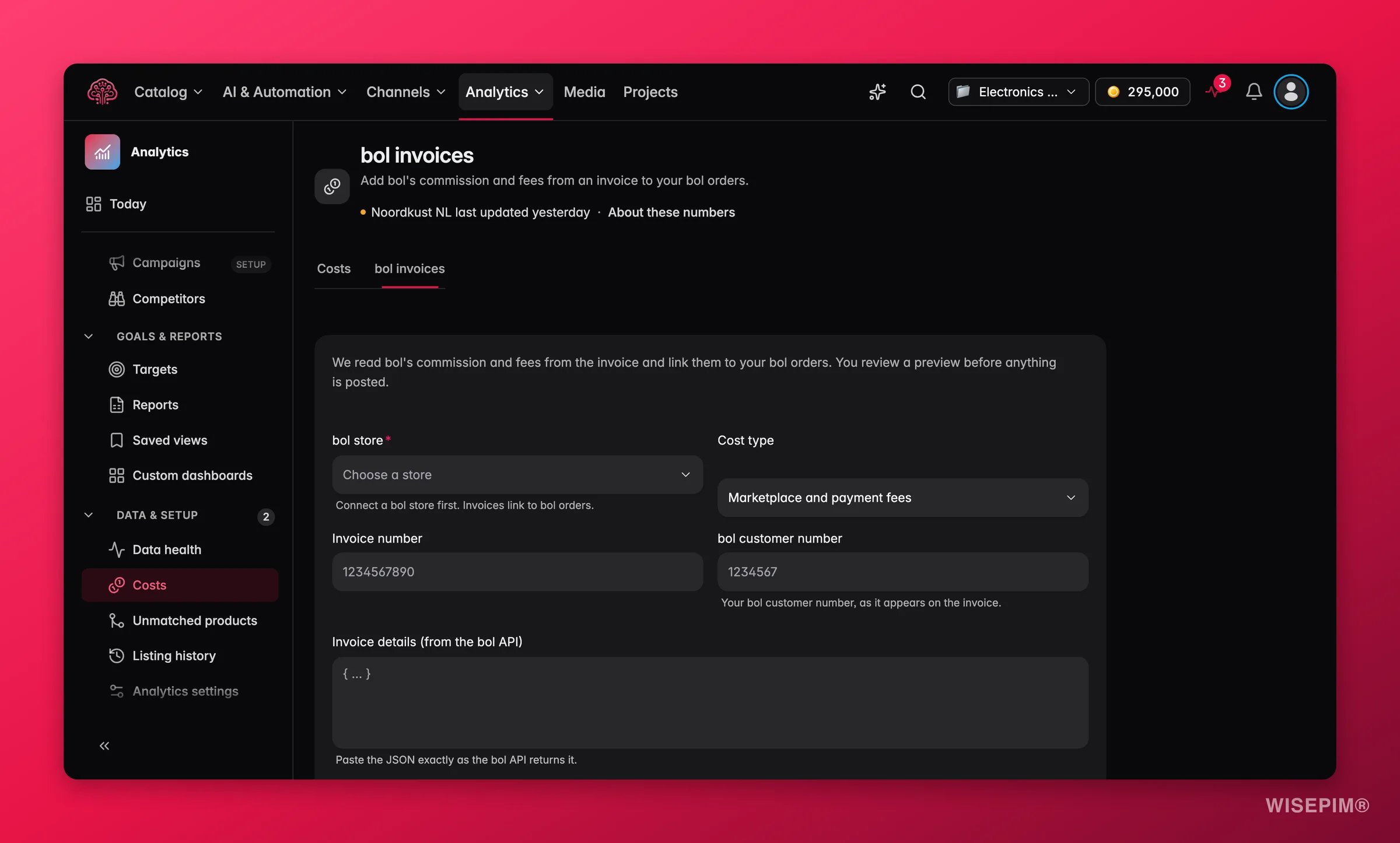
Pick the bol store
Choose the bol store. You need a connected bol store first, because invoice lines link to bol orders.
2
Describe the invoice
Set the Cost type (Marketplace and payment fees or Carrier and fulfilment costs), the Invoice number and your bol customer number as it appears on the invoice.
3
Paste the invoice JSON
Paste the Invoice details (from the bol API) and the Invoice specification (from the bol API) exactly as the bol Retailer API returns them, up to 500 rows. Tick This specification includes every page of the invoice.
4
Set the posting date
Enter the Posting date with a UTC offset. Recommended: the invoice date, so costs land in the month bol billed them. The date is never inferred.
5
Review and post
Click Review invoice. Under Invoice lines, each line is Can be posted, Left out or Unknown line type, and the Invoice check reads Adds up or Can’t tell. Then click Post costs.
Commission is posted as a marketplace fee, shipment labels as shipping, pick and pack as fulfilment, and return labels as return handling. VAT is left out and bol’s signs are kept, so a credit stays negative. Posted invoice costs are as final as any other posted cost.
Act on what you find
Margin after product costs is unknown on most orders
Margin after product costs is unknown on most orders
Look at N products sold with no recorded cost. For orders you already have, use Import purchase prices for these orders; a catalog Set cost price only helps from the next import on. Run Update reports afterwards.
Margin after selling costs never appears
Margin after selling costs never appears
It needs every selling cost known. Check Cost coverage for the store: a kind at 0 of N orders or a Missing
{range} gap keeps the full margin unknown. Import the fee or carrier file for those days, or the bol invoice for a bol store.A cost file preview says every row is already posted
A cost file preview says every row is already posted
You imported this file before. Nothing is added twice, so you can close the preview. If the amounts changed, the only rows a re-import replaces are catalog estimates.
A bol invoice line reads No single matching order in this store
A bol invoice line reads No single matching order in this store
The order number on the invoice does not match exactly one imported bol order in the store you picked. Check that the right bol store is selected and that the order was imported, under Data health. Lines that still do not match stay out; they cannot be posted by hand.
Related
Margin
The ladder these costs feed, from product costs to marketing.
Analytics settings
The cost currency and the report update that picks up new costs.
Data health
See posted fees and carrier costs in the part-by-part check.
Supported Platforms
Connect the bol store that invoice lines link to.