

Pick a theme
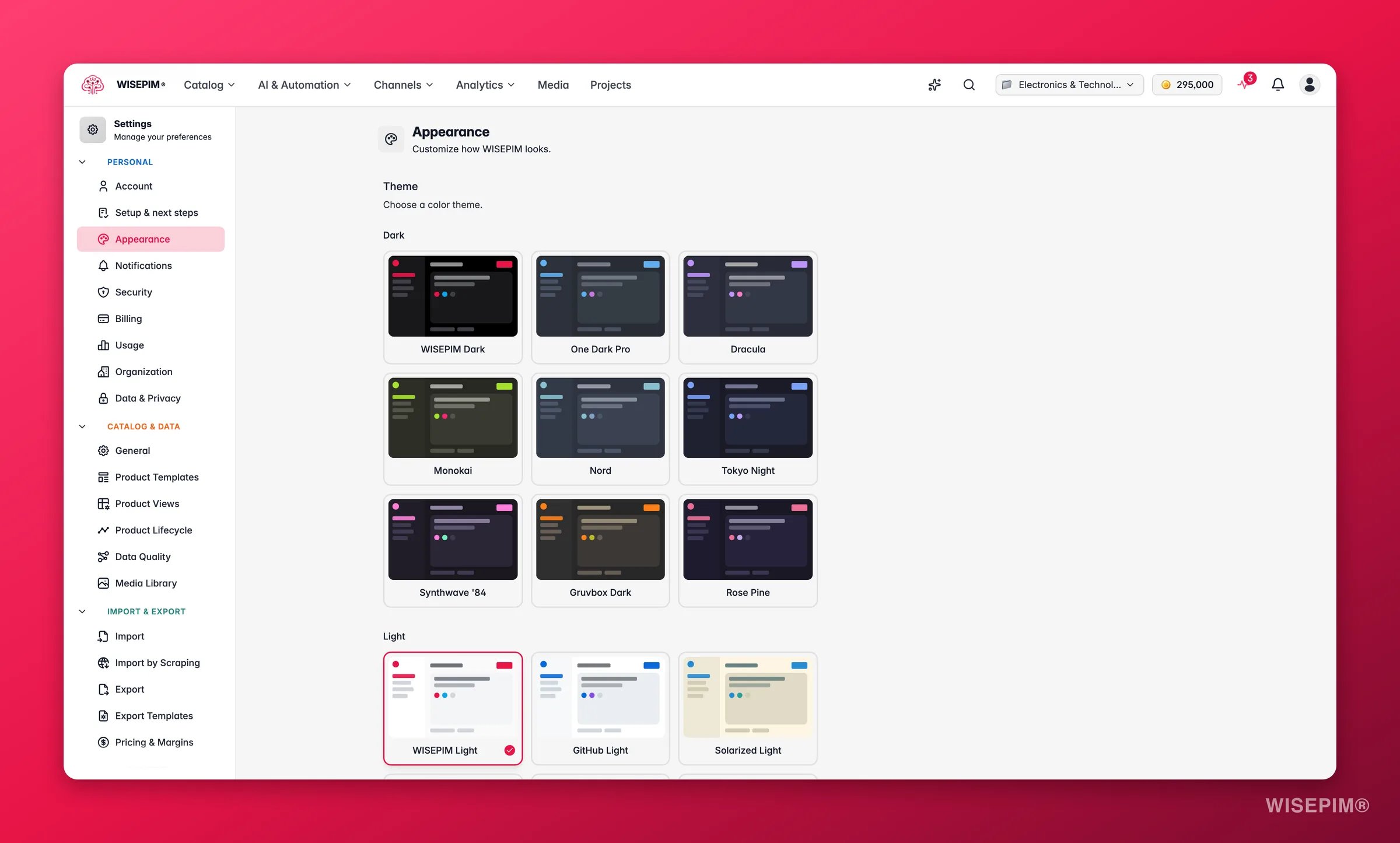
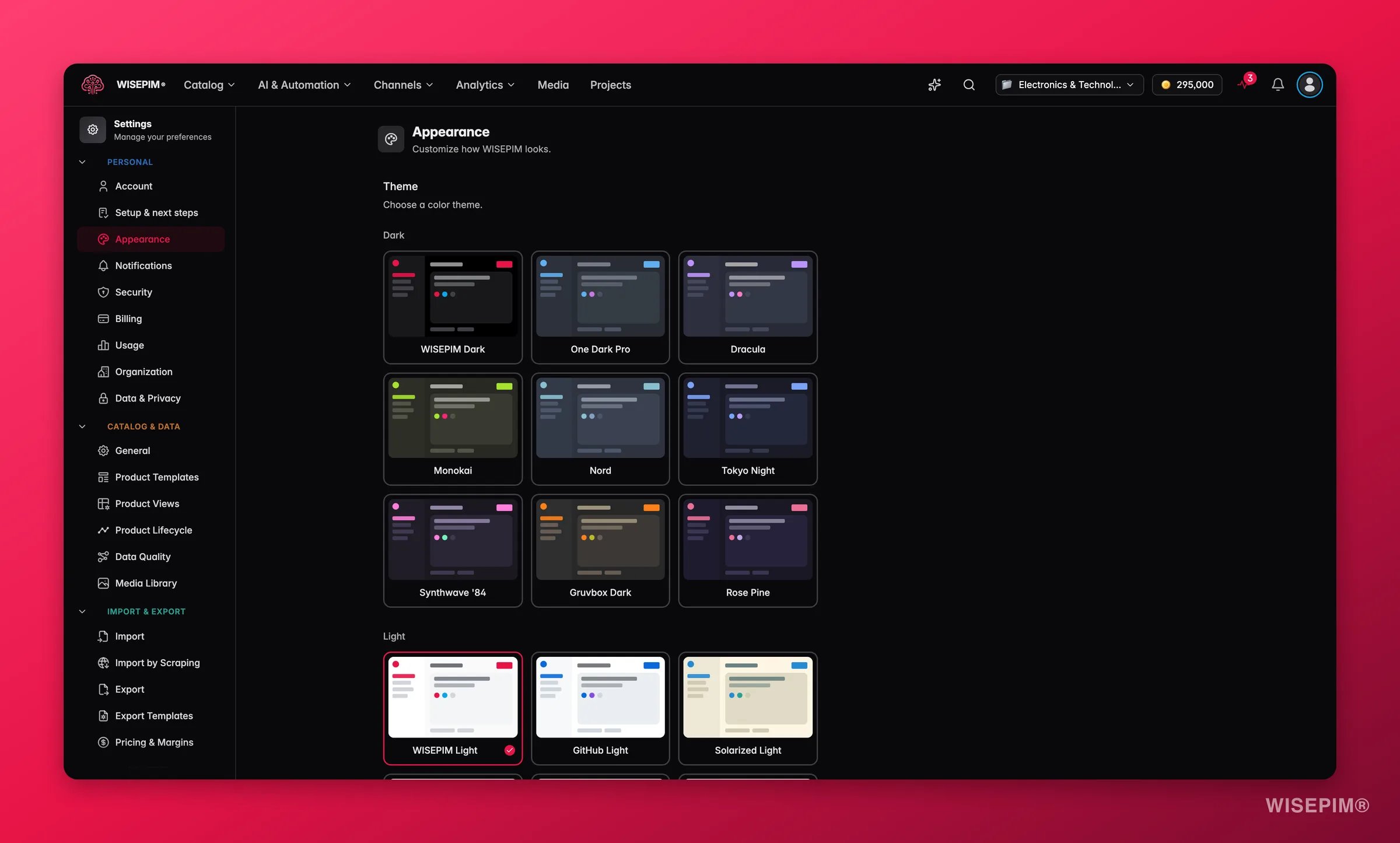
Dark themes
Light themes
Set the font size
Use the dropdown next to the Font size label to switch sizes:Tune interface effects
Appearance preferences save locally and apply right away. They stay set across sessions in the same browser.
Related
Account
Update the name and email tied to your WISEPIM login.
Language
Set the interface language for your account.
Command Menu
Jump to any page or action with one keyboard shortcut.
Settings overview
Browse every personal and project setting in one place.