

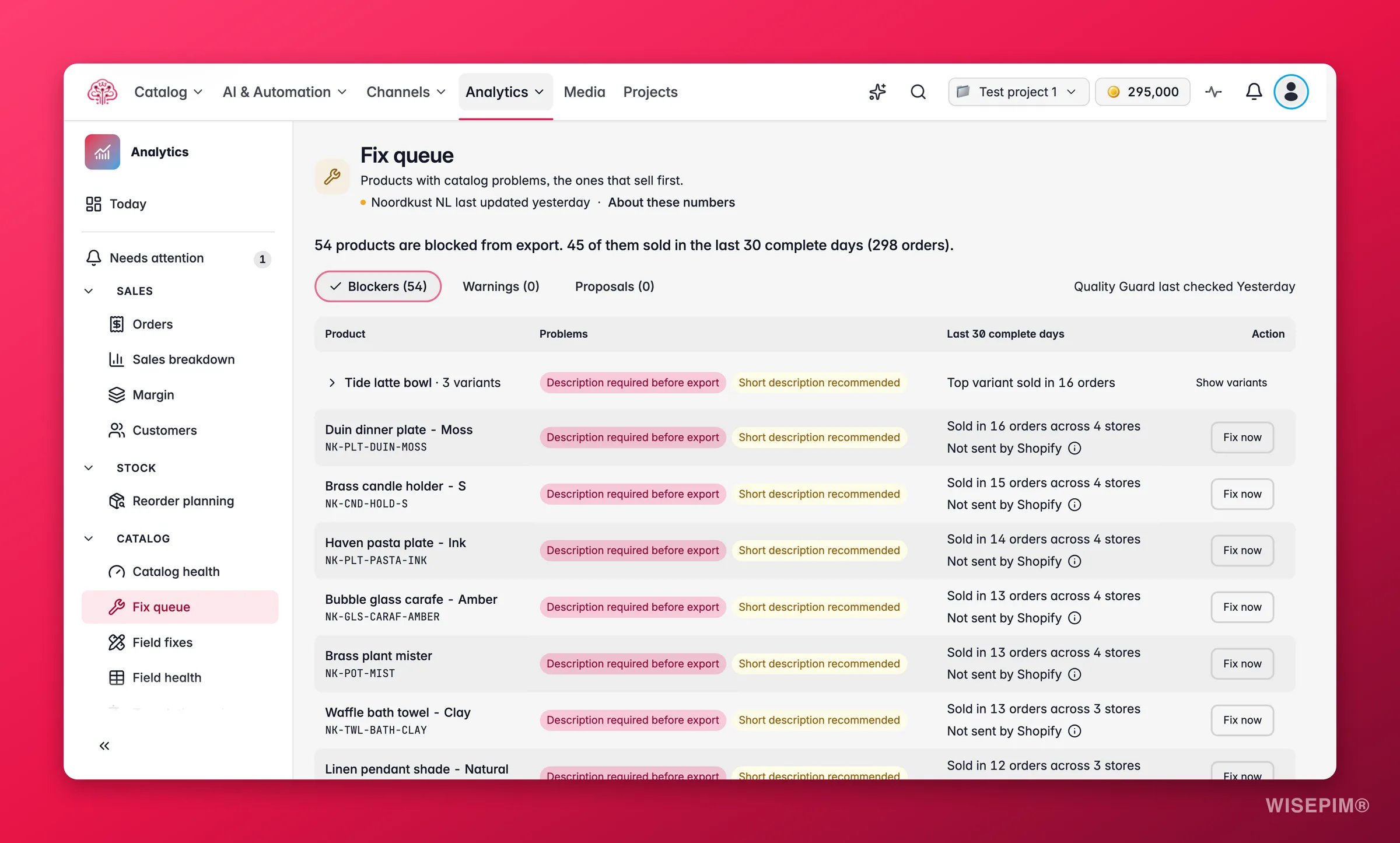
The queue needs two things: Quality Guard rules that have run at least once, and imported orders so the products can be ranked. The line Quality Guard last checked
{time} tells you how fresh the problems are. Sales are counted per product from the orders you imported; see How order numbers work for the trust marks you will meet here.Read the queue
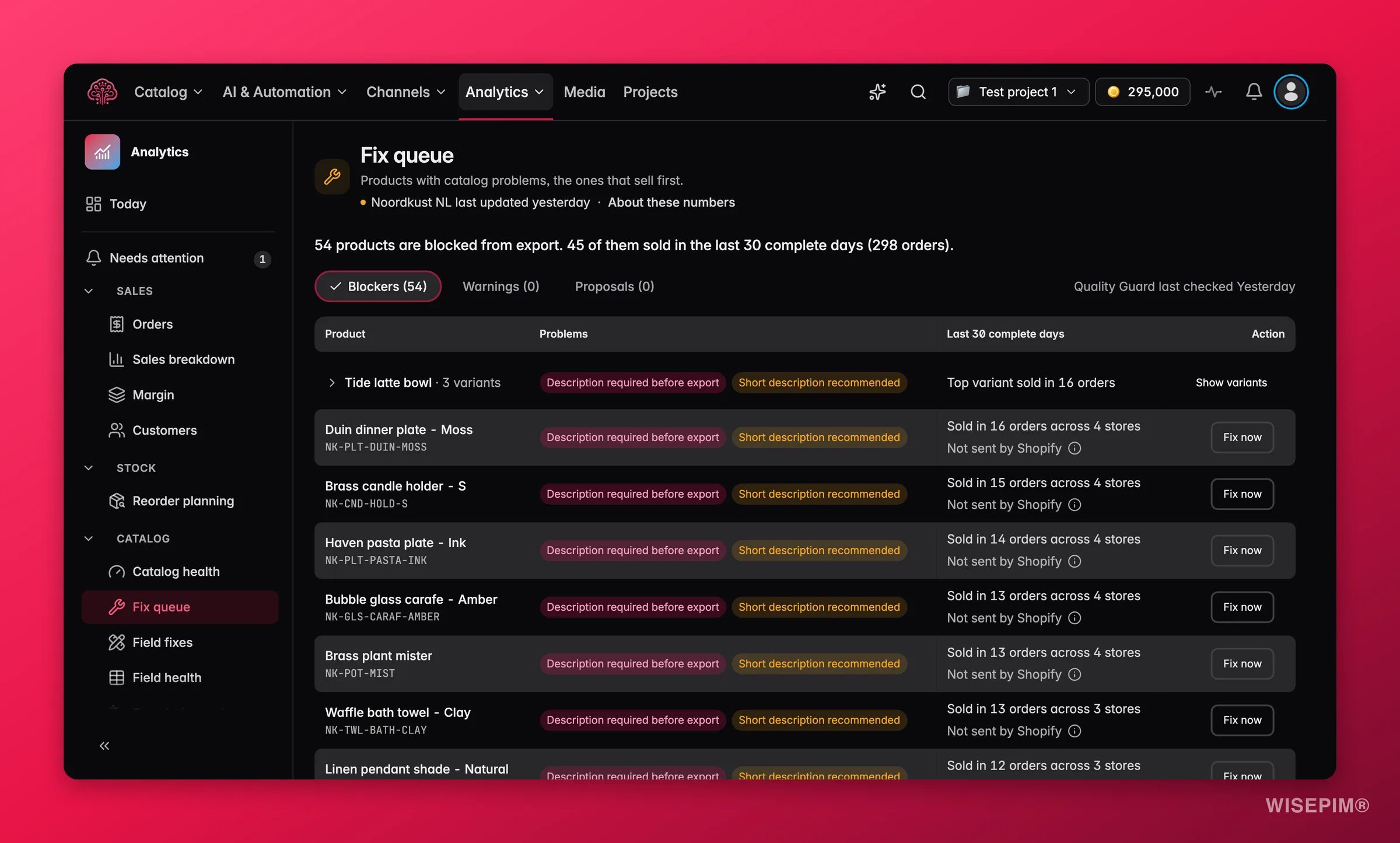
The header sums up the situation in one sentence: N products are blocked from export. N of them sold in the last 30 complete days (N orders). Below it, three filters narrow the list:
Each row shows the Product, its Problems, and a Last 30 complete days column with what it sold: Sold in N orders across N stores and the Past order value. The Action column has Fix now, which opens the product so you can edit it, and Show variants when the problems sit on variants.
The sales column is honest about what it knows. Instead of a number you may see:
Sales shown are past orders for the product, not a prediction of what a fix earns. A product at the top of the queue is there because it sold recently, not because WISEPIM expects a fix to add a certain amount.
Apply proposals in bulk
Where Quality Guard has a proposed value, you can review and apply several at once.1
Select the proposals
Switch to Proposals (N) and tick the rows you want. You can pick up to 100 proposals to review together; the counter shows how many are selected, and Clear selection empties it.
2
Review the changes
Click Review selected proposals (N). The Review catalog changes drawer lists every field with its Current value and Proposed value, so you can see exactly what will change before anything is written.
3
Apply
Click Apply proposals. The result line reads Applied: N · Needs attention: N, and the applied products move into an Applied just now (N) group with the note that Quality Guard confirms on its next check.
- Applying proposals needs permission to edit products. Without it you can still read the list.
- If the list changes while you have rows selected, the page says Your selection changed. Preview again before you apply. Review again before applying.
- A product that reads No proposal yet. Open the product to fix it. has a problem but no automatic fix. Use Fix now.
- A product with more proposals than the row can show says so; open its review to see them all.
Act on what you find
Your best seller is blocked and has no proposal
Your best seller is blocked and has no proposal
Click Fix now to open the product and fill the missing field by hand, or run an enrichment on it. Then export. The product stays in the queue until Quality Guard confirms the fix on its next check, which runs after every import.
You applied proposals but the products are still listed as blocked
You applied proposals but the products are still listed as blocked
That is expected for a short while. The products sit under Applied just now (N) until Quality Guard re-checks them. If they are still blocked after the next check, open one with Fix now: a second rule may be failing on the same product.
You applied proposals but your store still shows the old content
You applied proposals but your store still shows the old content
Applying only changes the catalog in WISEPIM. Export the products as usual, then check Listing history for the Seen live event.
The sales column says Sold, amount unknown or Currency not confirmed
The sales column says Sold, amount unknown or Currency not confirmed
The ranking still works, because it uses order counts. The amount is missing because the store sent no total or no confirmed currency for those orders. For bol stores this is permanent, since bol sends no order amounts. For other stores, check the store under Data health.
The page asks you to pick at most one store
The page asks you to pick at most one store
The queue ranks products for one store at a time. Pick a store in the scope bar, then revisit the others. The period must also be valid, up to 366 days.
Related
Quality Guard Overview
The rules that decide what counts as a blocker, a warning or a proposal.
Data Quality Analytics
Scores, field health and the Fix Issues workspace for the whole catalog.
Listing history
Confirm when a fixed product was exported and seen live in the store.
Orders
The orders the ranking is built from, store by store.