

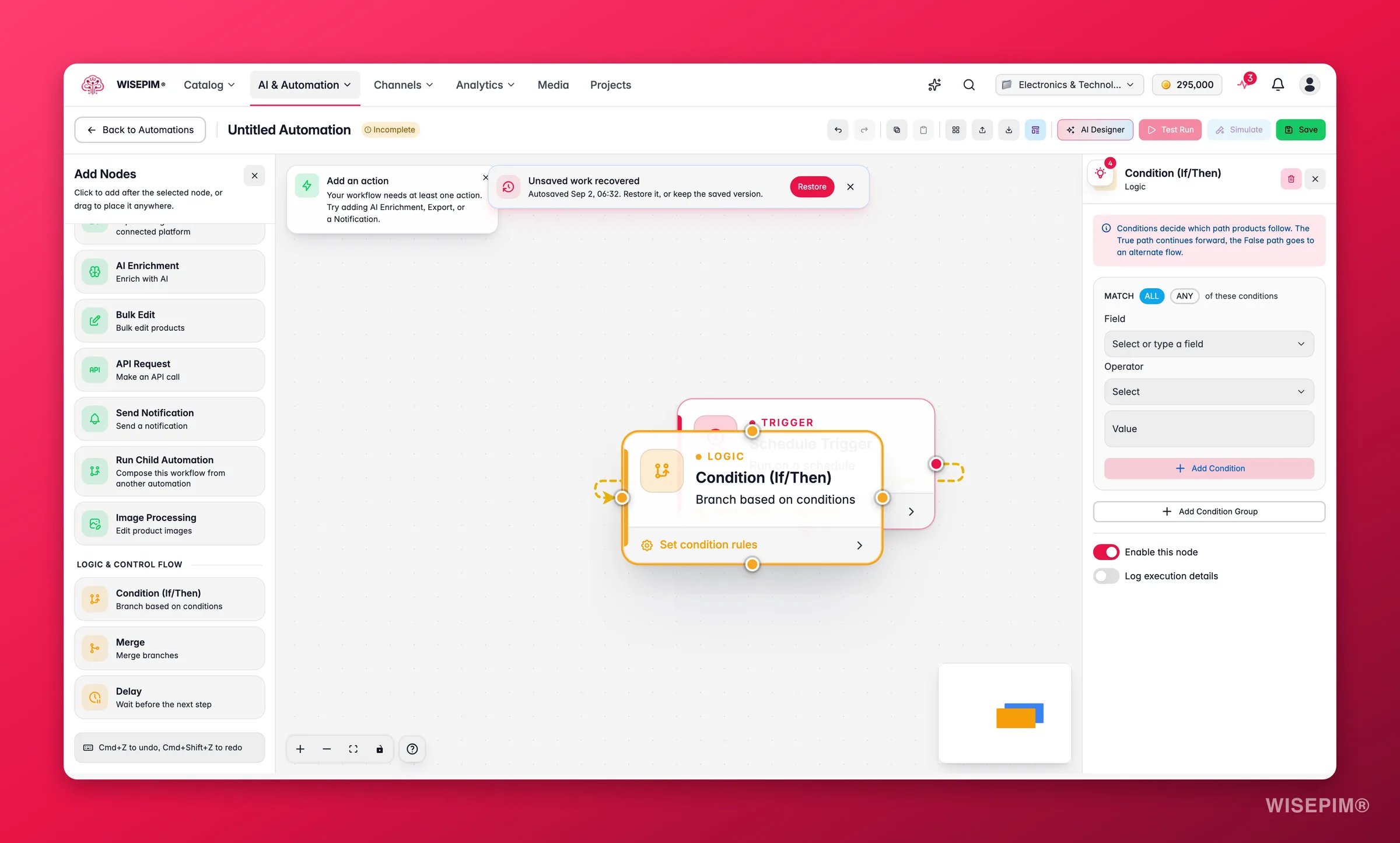
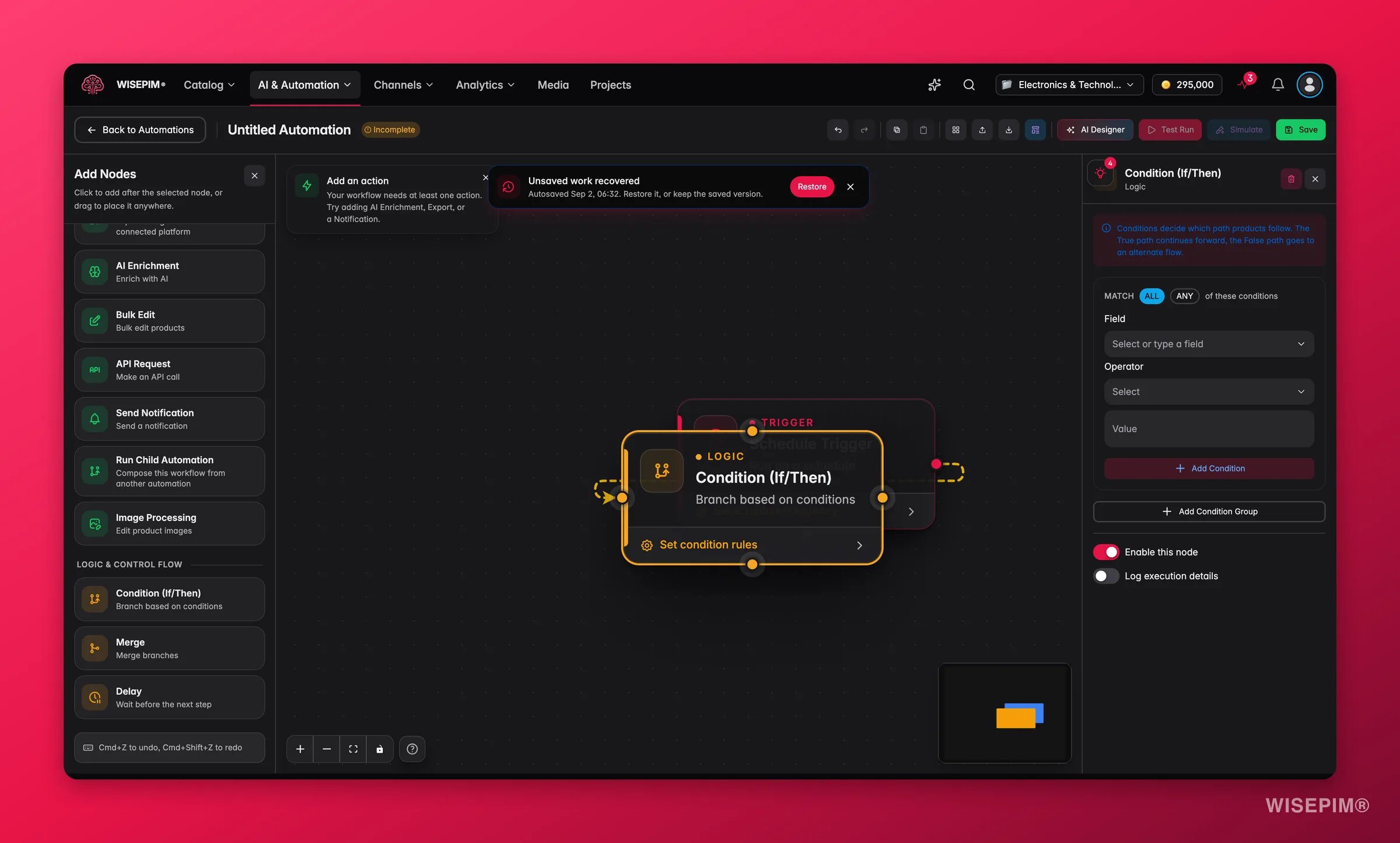
Logic nodes work with any trigger, data node, or action node. Add them anywhere in your workflow to control how products are routed.
Branch with if/then logic
The Condition node splits the flow in two. Products that match follow the “true” path. Products that don’t follow the “false” path.
Each group holds one or more rules:
The operators you can pick depend on the field type:
Merge parallel paths
The Merge node brings two or more branches back into one flow. It collects products from every incoming connection and passes them on as a single set. No setup is needed. Just connect each branch to the merge node’s input handles. Use it to:- Recombine the true and false paths after a Condition node
- Bring parallel action branches together before a final step, such as a summary notification
Add a delay
The Delay node pauses the workflow before it moves to the next node.
Use it to:
- Wait between an import and an export to leave time for manual review
- Space out API calls to stay under rate limits
- Hold notifications until business hours
Related
Data nodes
Control which products flow through your workflow.
Action nodes
See every action your automations can run.
Triggers
Decide what starts your automation and when.
Visual builder
Drag, connect, and configure nodes on the canvas.