

Add and configure action nodes in the visual builder. Click a node to open its settings. A green checkmark means the node is ready. An amber icon means it still needs setup.
Choose an action
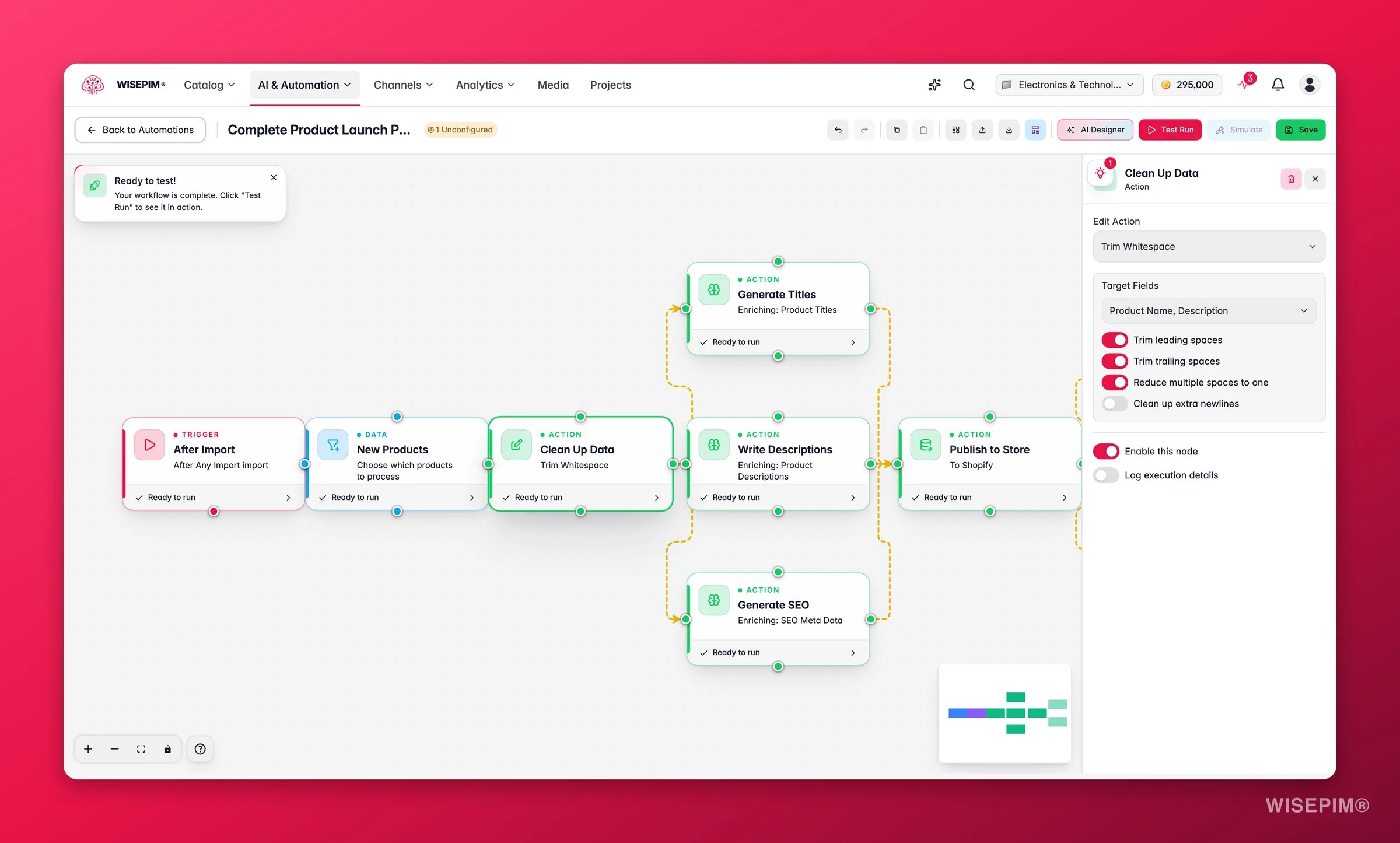
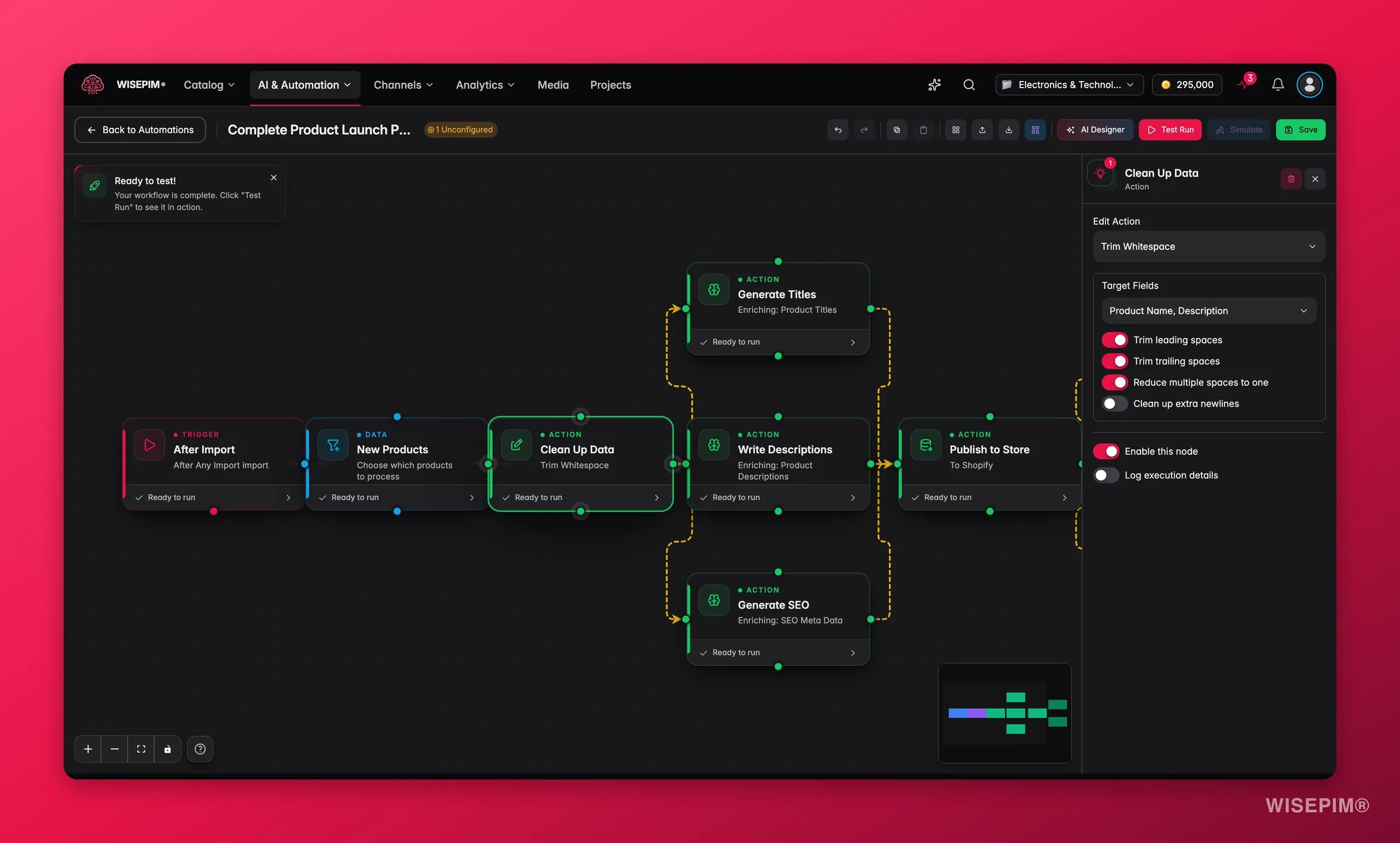
Import products
Pull product data into WISEPIM from an external source.
Supported sources: Shopify, WooCommerce, Magento, Lightspeed, Kaufland, CSV file, and WebShopImporter. To pull a file from a URL on a schedule, use Import from URL instead.
Import from URL
Fetch a CSV, Excel or XML feed from a public URL and import it, without anyone uploading a file. This is the node for supplier feeds that refresh on their own server.
Limits: CSV up to 50 MB, Excel up to 20 MB and 200,000 rows, preview up to 32 MB. The node waits when another import is already running for your account. An import started this way cannot re-trigger the same automation’s After Import trigger, but other automations can chain off it.
Picqer
The Picqer node brings products and live stock in from Picqer. It can also push stock to other projects you own, so one Picqer connection keeps several catalogs in sync.
Cross-project syncing matches products by SKU and only copies stock quantity, stock status, and the manage-stock flag. Nothing else is touched, so each project keeps its own content and prices. See Picqer for the connection itself.
Export products
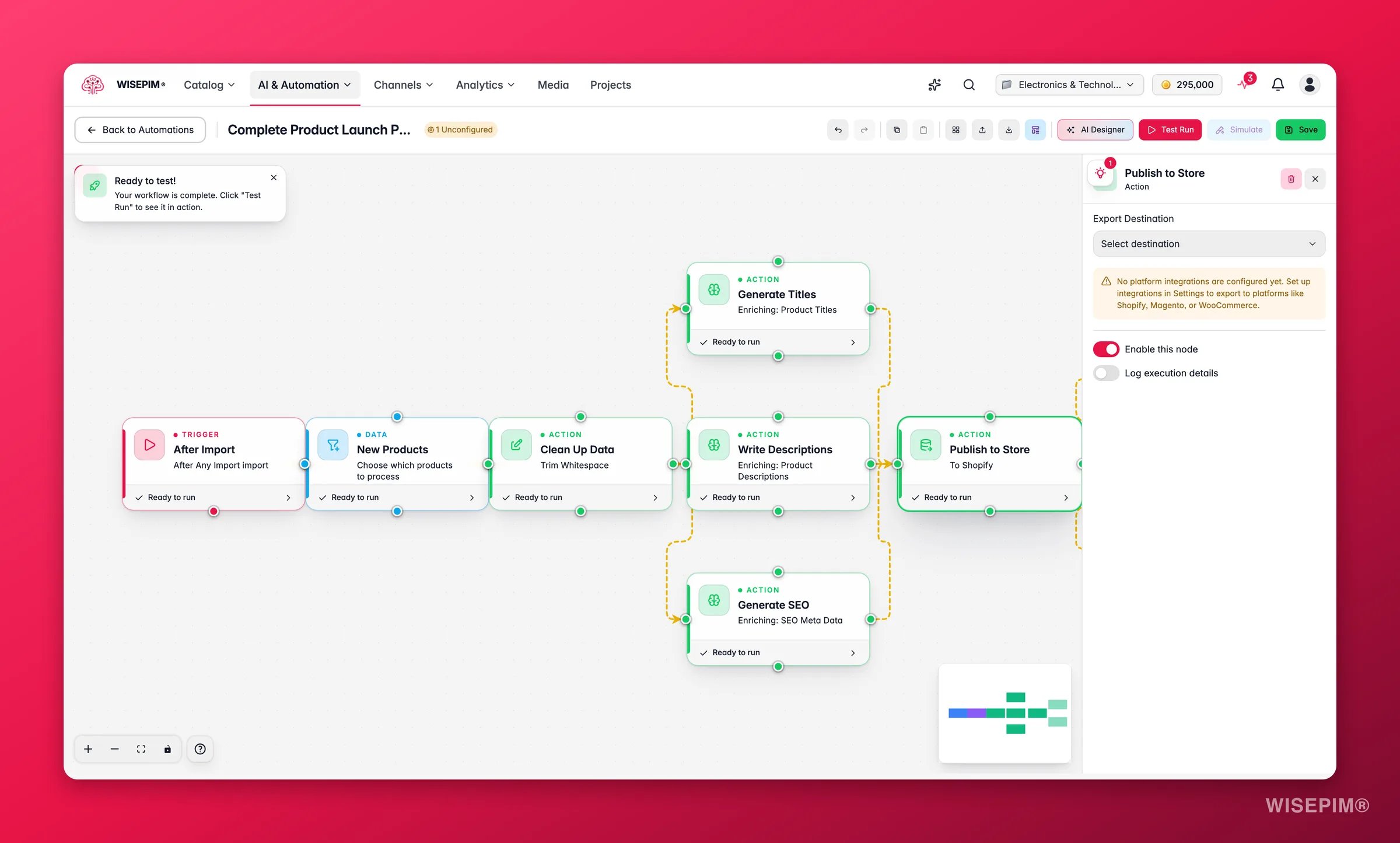
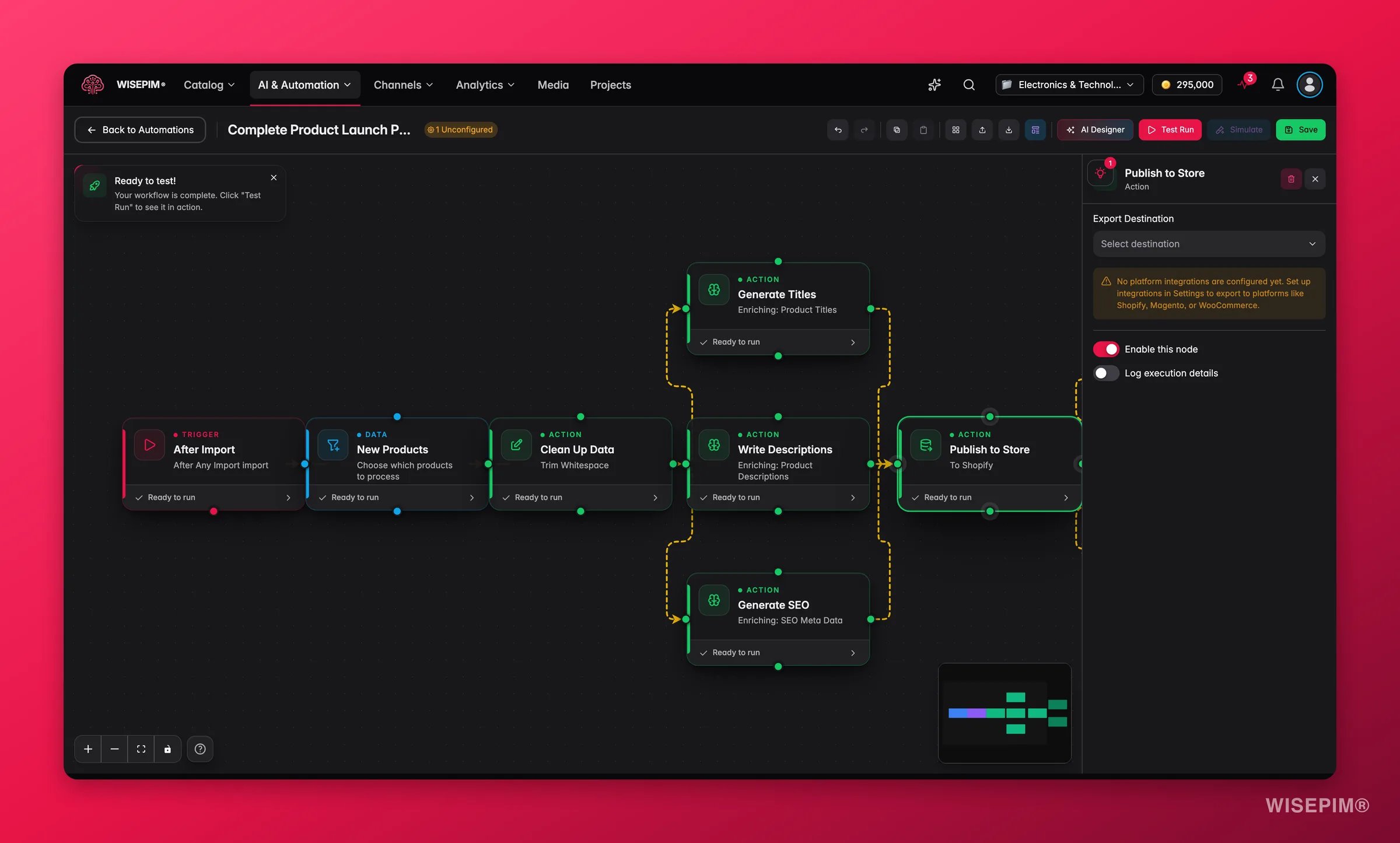
Supported destinations: Shopify, WooCommerce, Magento, Lightspeed, Kaufland, and Excel or CSV file.
If you use Pricing & Margins rules, the prices in an export can differ from the prices stored in WISEPIM. The rules apply at export time only. Your stored prices never change.
AI enrichment
Generate or improve product content with AI. This action runs a prompt from your Prompt Library.
Pick an enrichment type to tell the AI what to produce:
Every enrichment run costs AI credits, so the node checks your credit balance before it starts. If the balance is too low, the run does not begin and nothing is charged. Standard enrichment costs 1 credit per product per field. Web research costs 5 credits per product. Fast translation costs 1 credit per product per language and Pro translation costs 5.
Bulk edit
Change many products at once. Bulk edit supports more than 25 operations, grouped by what they affect.Text
Text
Categories
Categories
Pricing
Pricing
Status and inventory
Status and inventory
Physical attributes
Physical attributes
Attributes
Attributes
API request
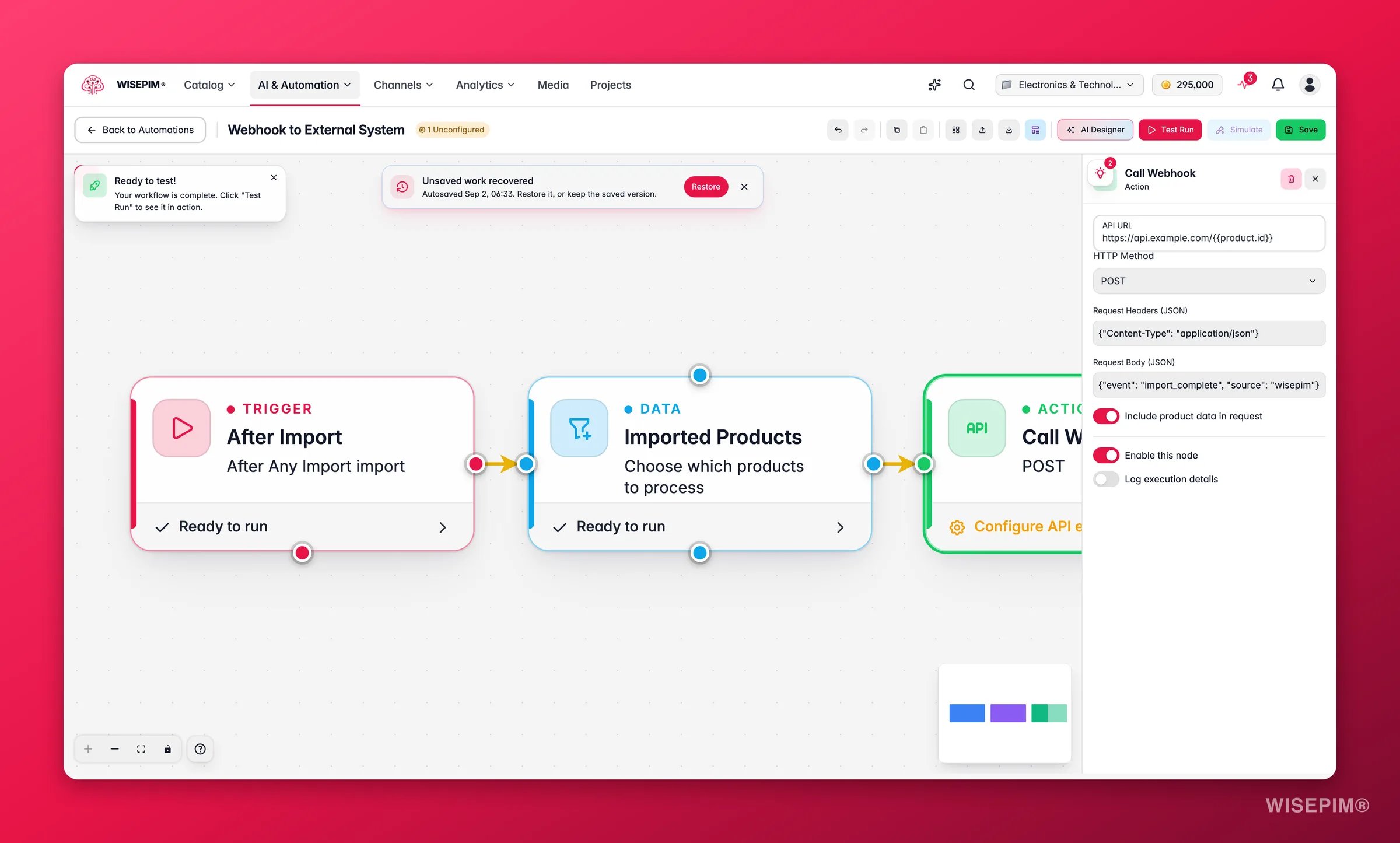
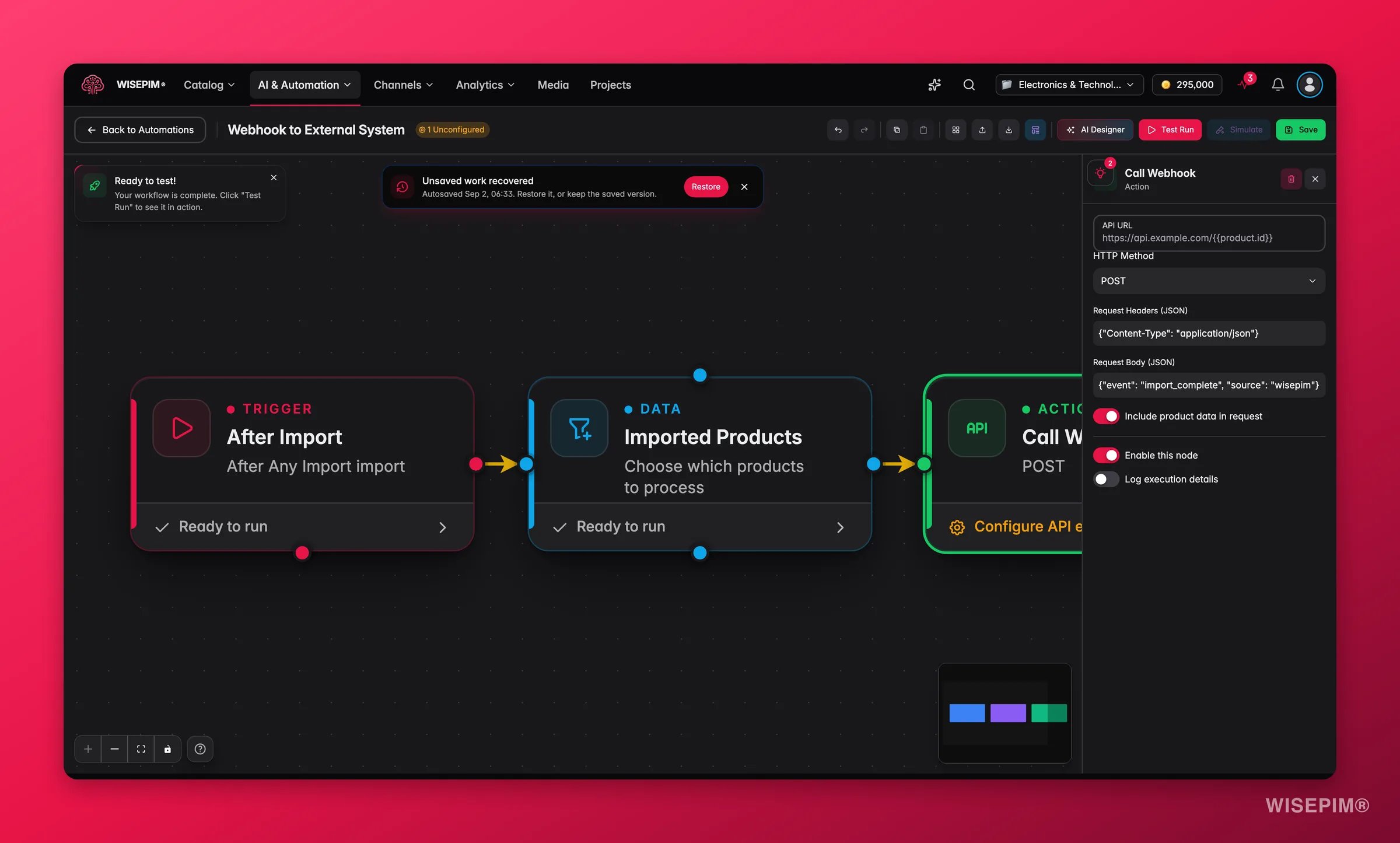
Send notification
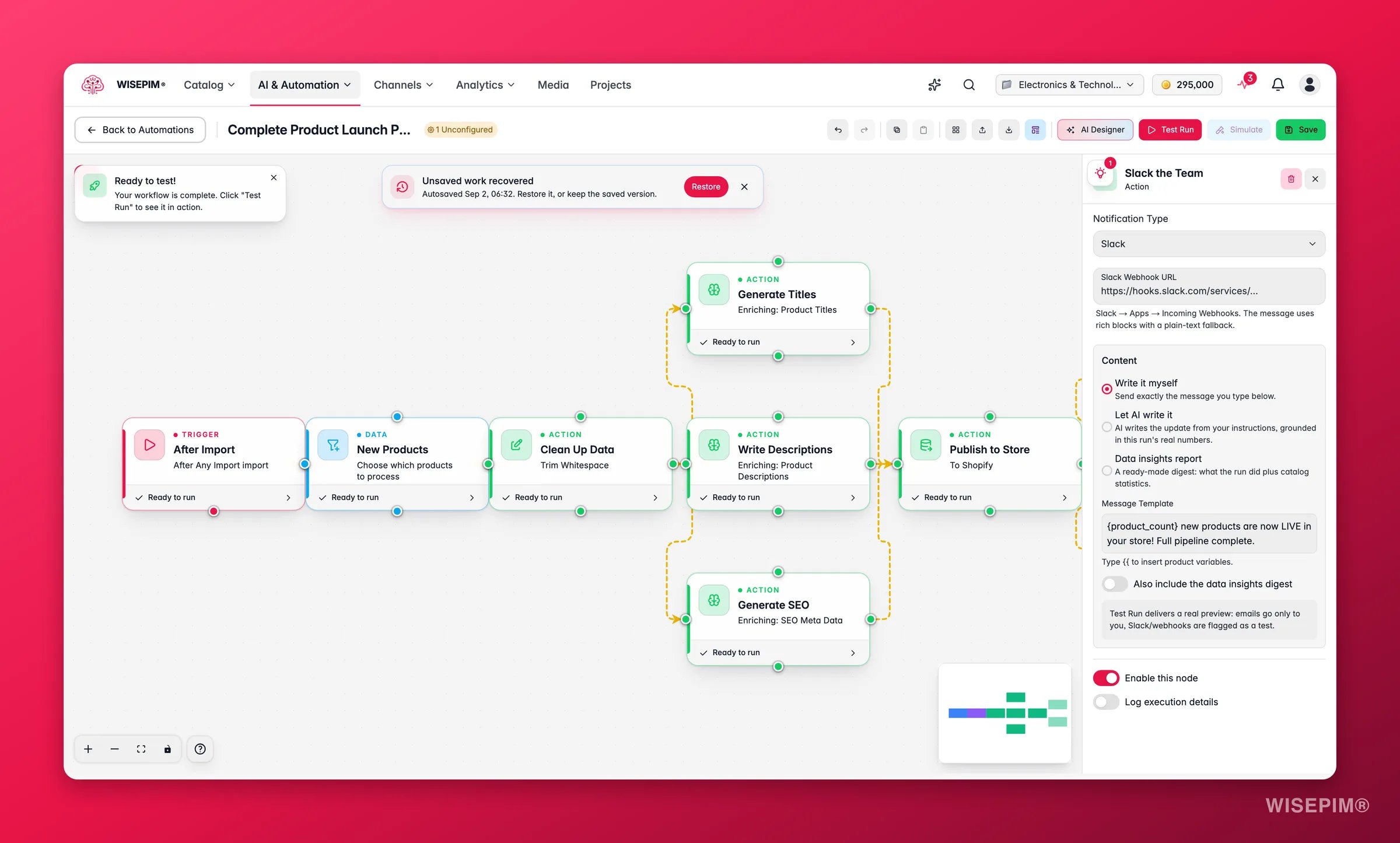
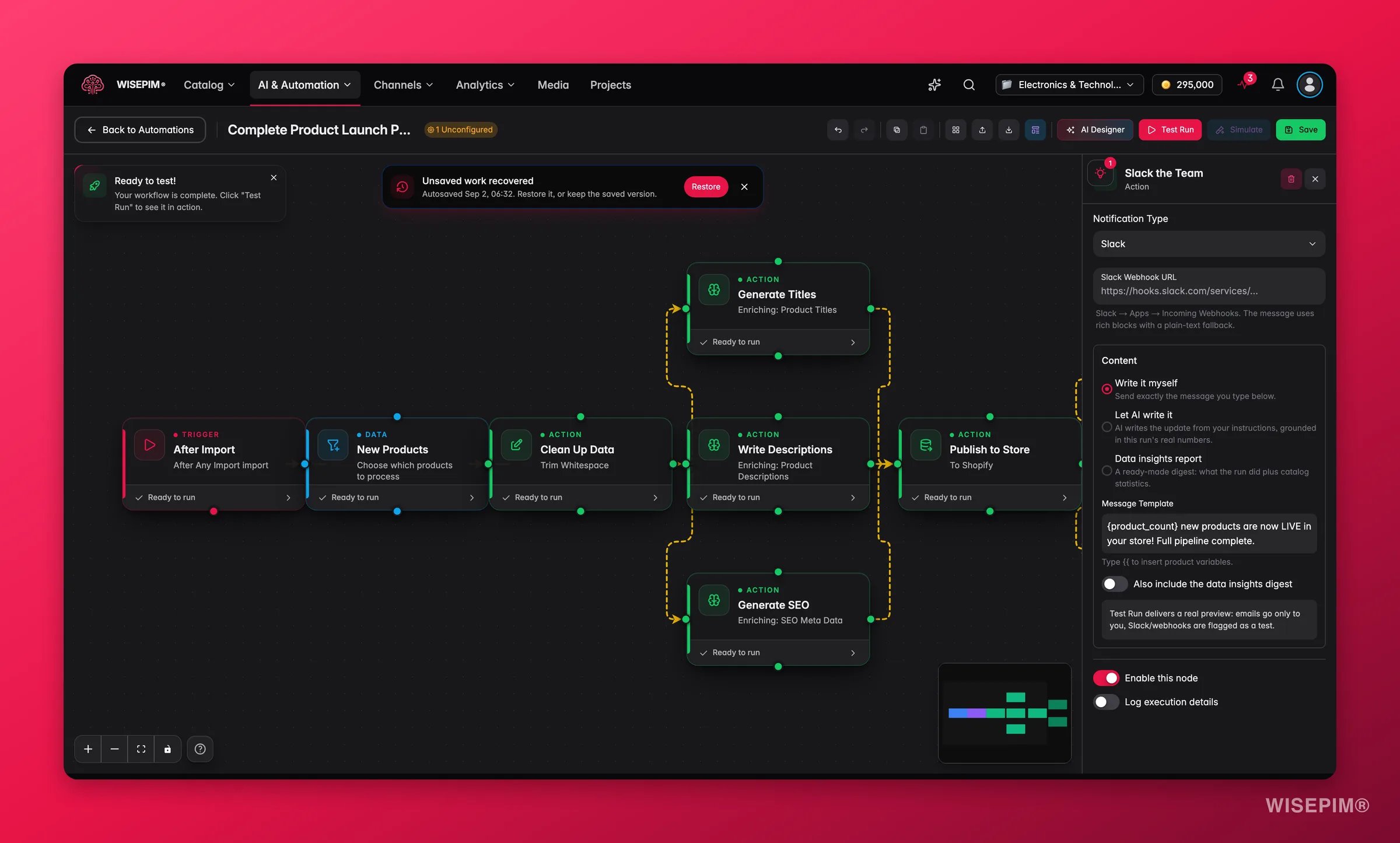
During a Test Run, emails go only to you with a “[Test Run]” subject, and Slack or webhook posts are flagged as a test. Private, loopback and non-http(s) webhook URLs are rejected.
Related
Data nodes
Control which products flow through your workflow.
Logic nodes
Add conditional branching and flow control to your automations.
Visual builder
Drag, connect, and configure nodes on the canvas.
Triggers
Decide what starts your automation and when it runs.