> ## Documentation Index
> Fetch the complete documentation index at: https://docs.wisepim.com/llms.txt
> Use this file to discover all available pages before exploring further.
# AI Short Descriptions
> Generate concise product summaries with AI, the one or two lines that sell a product in grids, listings, and feed snippets.
 The short description is the elevator pitch, the one or two lines that appear in category grids, quick-view cards, comparison tables, and feed snippets where there is no room for the full description. Short Description enrichment uses AI to distil each product down to its most compelling, scannable summary.
**What it enables:** give every product a punchy summary line, so grid and listing views sell, instead of showing a truncated full description or nothing at all.
Short Description enrichment costs **1 credit per product**. Output is written to the **Enriched Short Description** field, your original is preserved.
## When to use it
* **Your storefront or feed shows a short description** in grids and cards, and it is empty or just a clipped version of the long description.
* **You publish to marketplaces** that use a separate short-description or "highlights" field.
* **You want consistent length** across every card so grids look tidy.
* **As part of [Auto-Fill](/en/ai/auto-fill)**, which fills missing short descriptions using your default prompt.
## How to run it
Check products individually, or filter and select all matching results.
Click **Enrich with AI** in the toolbar.
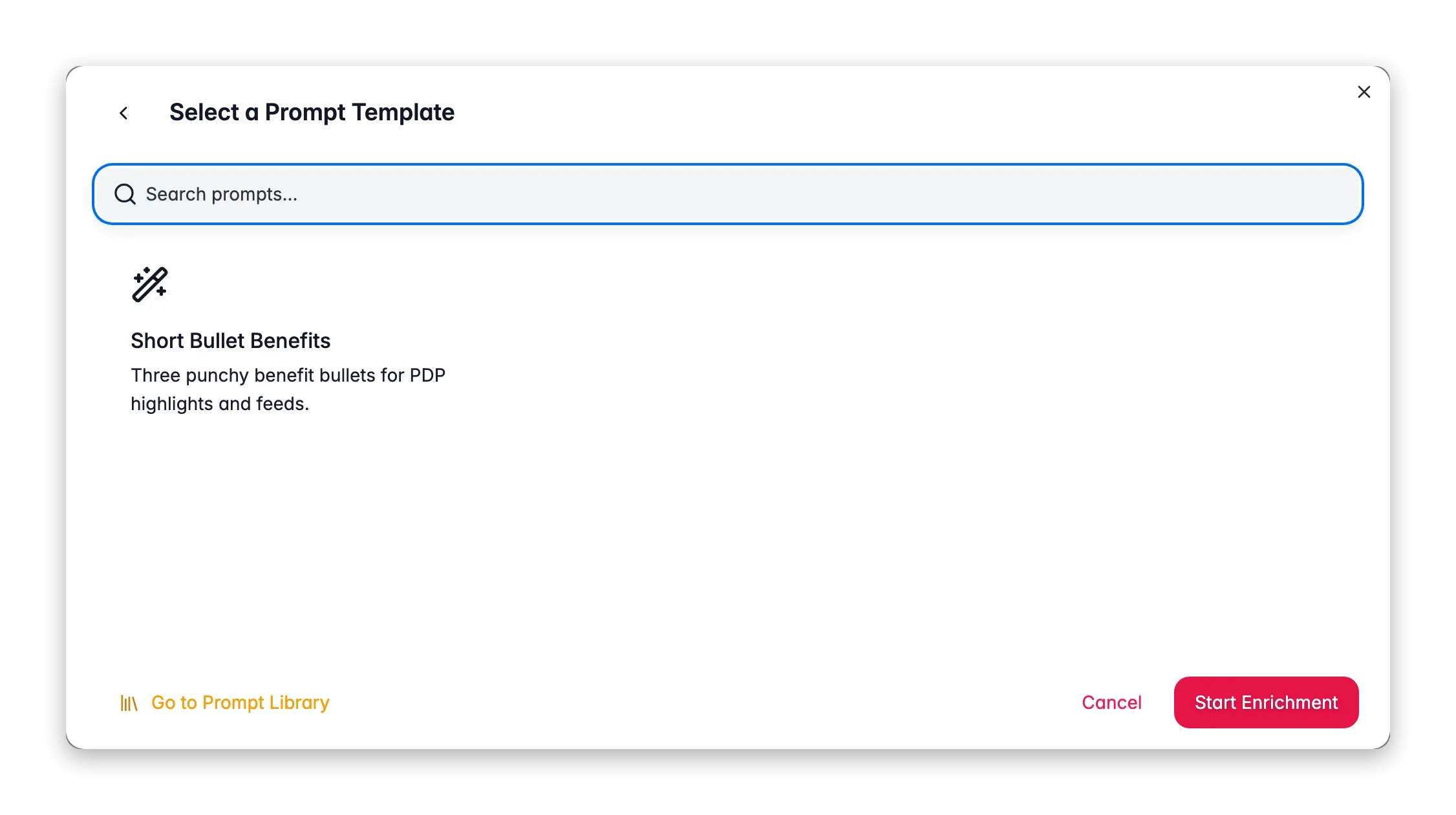
Pick **Short Descriptions** as the enrichment type.
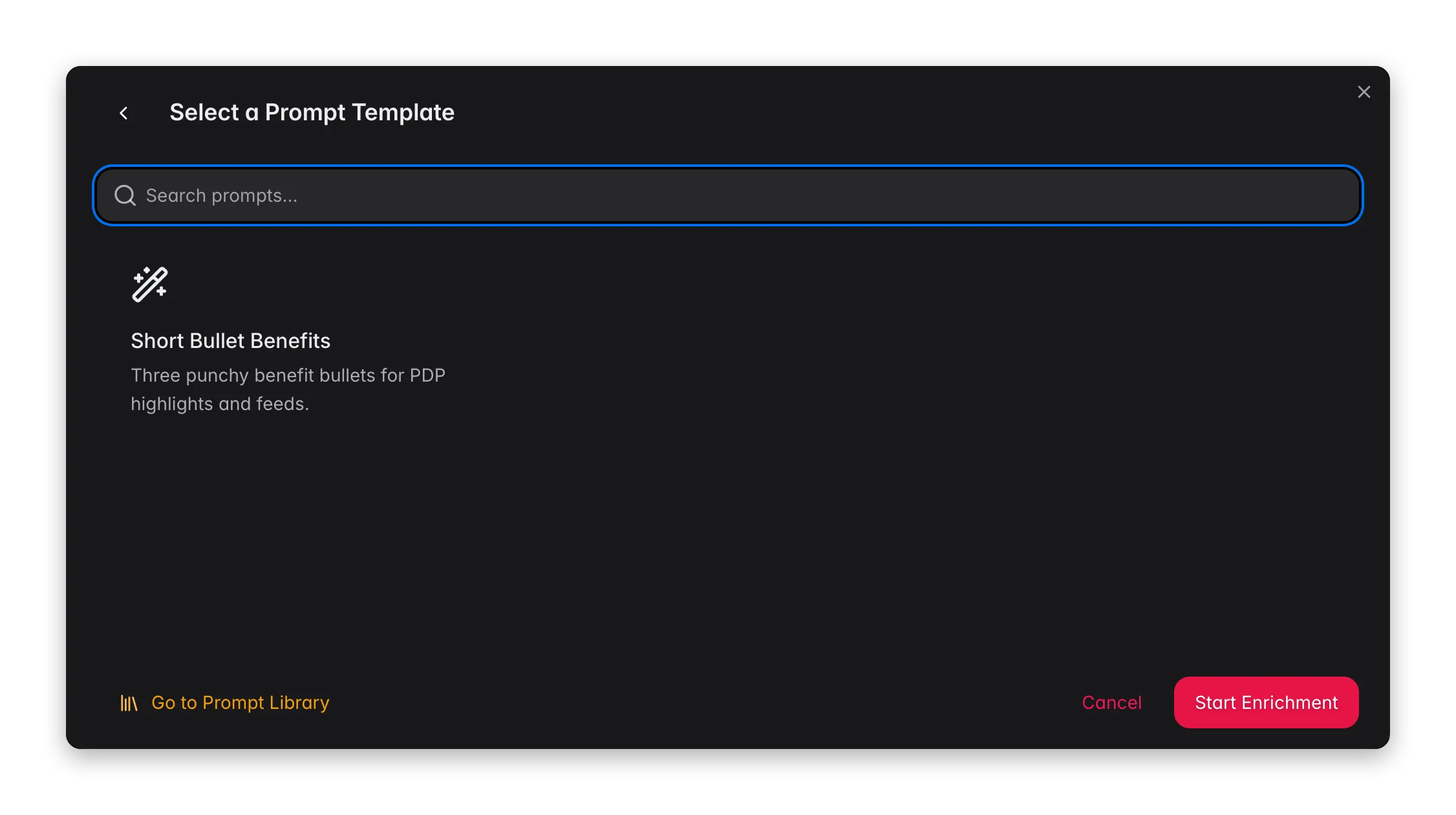
Choose a short-description prompt from your [Prompt Library](/en/essentials/prompt-library). Default prompts from [Settings → Enrich Prompts](/en/settings/enrich-defaults) are pre-selected.
Click **Start Enrichment** and track it in the [Process Tracker](/en/other-features/process-tracker).
## What a great short-description prompt produces
A short description is a discipline in editing. Bake the constraints into the prompt:
* **Set a hard length budget.** One or two sentences, or a character ceiling (commonly 120–160 characters) that fits your card layout.
* **Lead with the single biggest benefit.** There is only room for one hook, make it the one that matters most to the shopper.
* **Include one distinguishing detail.** A key spec or use case helps the product stand out in a grid of similar items.
* **No repetition of the title.** The card already shows the title, the short description should add new information, not echo it.
If you are also writing full descriptions, generate them first. A good prompt can ask the AI to summarize the existing description into a short one, which keeps the two fields consistent.
## Act on what you find
Tighten the character budget in the prompt and re-run a small batch to confirm. **Outcome:** summaries that fit every grid and card cleanly.
Add a rule: "Do not repeat the product title. Add a benefit or use case the title does not mention." **Outcome:** cards that give shoppers a reason to click beyond the name.
Point the prompt at your [Knowledge Library](/en/other-features/knowledge-library) brand voice, or copy the voice rules from your full-description prompt. **Outcome:** consistent tone across short and long copy.
## Related
Write the full product descriptions that pair with these summaries.
Overview of all 14 enrichment types.
Build and organize your short-description prompts.
Set the default prompt used by Auto-Fill.
The short description is the elevator pitch, the one or two lines that appear in category grids, quick-view cards, comparison tables, and feed snippets where there is no room for the full description. Short Description enrichment uses AI to distil each product down to its most compelling, scannable summary.
**What it enables:** give every product a punchy summary line, so grid and listing views sell, instead of showing a truncated full description or nothing at all.
Short Description enrichment costs **1 credit per product**. Output is written to the **Enriched Short Description** field, your original is preserved.
## When to use it
* **Your storefront or feed shows a short description** in grids and cards, and it is empty or just a clipped version of the long description.
* **You publish to marketplaces** that use a separate short-description or "highlights" field.
* **You want consistent length** across every card so grids look tidy.
* **As part of [Auto-Fill](/en/ai/auto-fill)**, which fills missing short descriptions using your default prompt.
## How to run it
Check products individually, or filter and select all matching results.
Click **Enrich with AI** in the toolbar.
Pick **Short Descriptions** as the enrichment type.
Choose a short-description prompt from your [Prompt Library](/en/essentials/prompt-library). Default prompts from [Settings → Enrich Prompts](/en/settings/enrich-defaults) are pre-selected.
Click **Start Enrichment** and track it in the [Process Tracker](/en/other-features/process-tracker).
## What a great short-description prompt produces
A short description is a discipline in editing. Bake the constraints into the prompt:
* **Set a hard length budget.** One or two sentences, or a character ceiling (commonly 120–160 characters) that fits your card layout.
* **Lead with the single biggest benefit.** There is only room for one hook, make it the one that matters most to the shopper.
* **Include one distinguishing detail.** A key spec or use case helps the product stand out in a grid of similar items.
* **No repetition of the title.** The card already shows the title, the short description should add new information, not echo it.
If you are also writing full descriptions, generate them first. A good prompt can ask the AI to summarize the existing description into a short one, which keeps the two fields consistent.
## Act on what you find
Tighten the character budget in the prompt and re-run a small batch to confirm. **Outcome:** summaries that fit every grid and card cleanly.
Add a rule: "Do not repeat the product title. Add a benefit or use case the title does not mention." **Outcome:** cards that give shoppers a reason to click beyond the name.
Point the prompt at your [Knowledge Library](/en/other-features/knowledge-library) brand voice, or copy the voice rules from your full-description prompt. **Outcome:** consistent tone across short and long copy.
## Related
Write the full product descriptions that pair with these summaries.
Overview of all 14 enrichment types.
Build and organize your short-description prompts.
Set the default prompt used by Auto-Fill.