> ## Documentation Index
> Fetch the complete documentation index at: https://docs.wisepim.com/llms.txt
> Use this file to discover all available pages before exploring further.
# AI SEO Title & Meta Description
> Generate optimized meta titles and meta descriptions with AI, the snippet that decides whether a shopper clicks your result in Google.
 The meta title and meta description are what Google shows in search results, the blue headline and the grey snippet beneath it. They are often the first impression a shopper has of your product, and they directly affect click-through rate. SEO enrichment uses AI to generate both, optimized for length and keywords, from each product's content.
**What it enables:** give every product a search snippet that fits Google's display limits and earns the click, without writing thousands of meta tags by hand.
SEO enrichment costs **1 credit per product**. It writes to the **Meta Title** and **Meta Description** fields (and meta keywords where used). These are separate from your on-page title and description, so enriching SEO meta does not change your storefront copy.
## When to use it
* **Meta fields are empty**, so Google is guessing your snippet from page content.
* **Meta titles are duplicated** across variants, which dilutes their SEO value.
* **Snippets are getting truncated** in search results because they are too long.
* **As part of [Auto-Fill](/en/ai/auto-fill)**, which fills missing SEO meta using your default SEO prompt.
## How to run it
Check products individually, or filter and select all matching results.
Click **Enrich with AI** in the toolbar.
Pick **SEO Title and Meta Description** as the enrichment type.
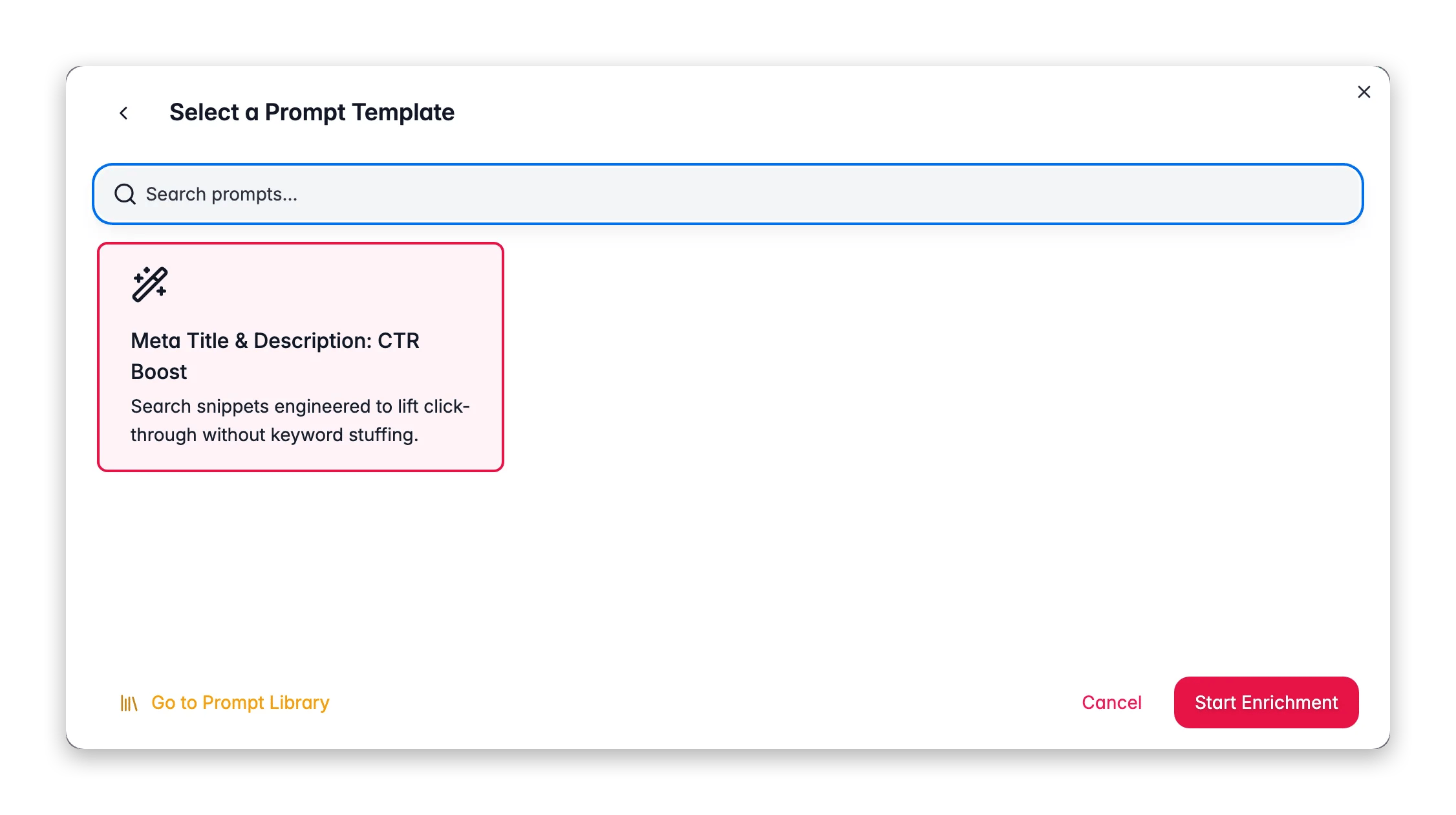
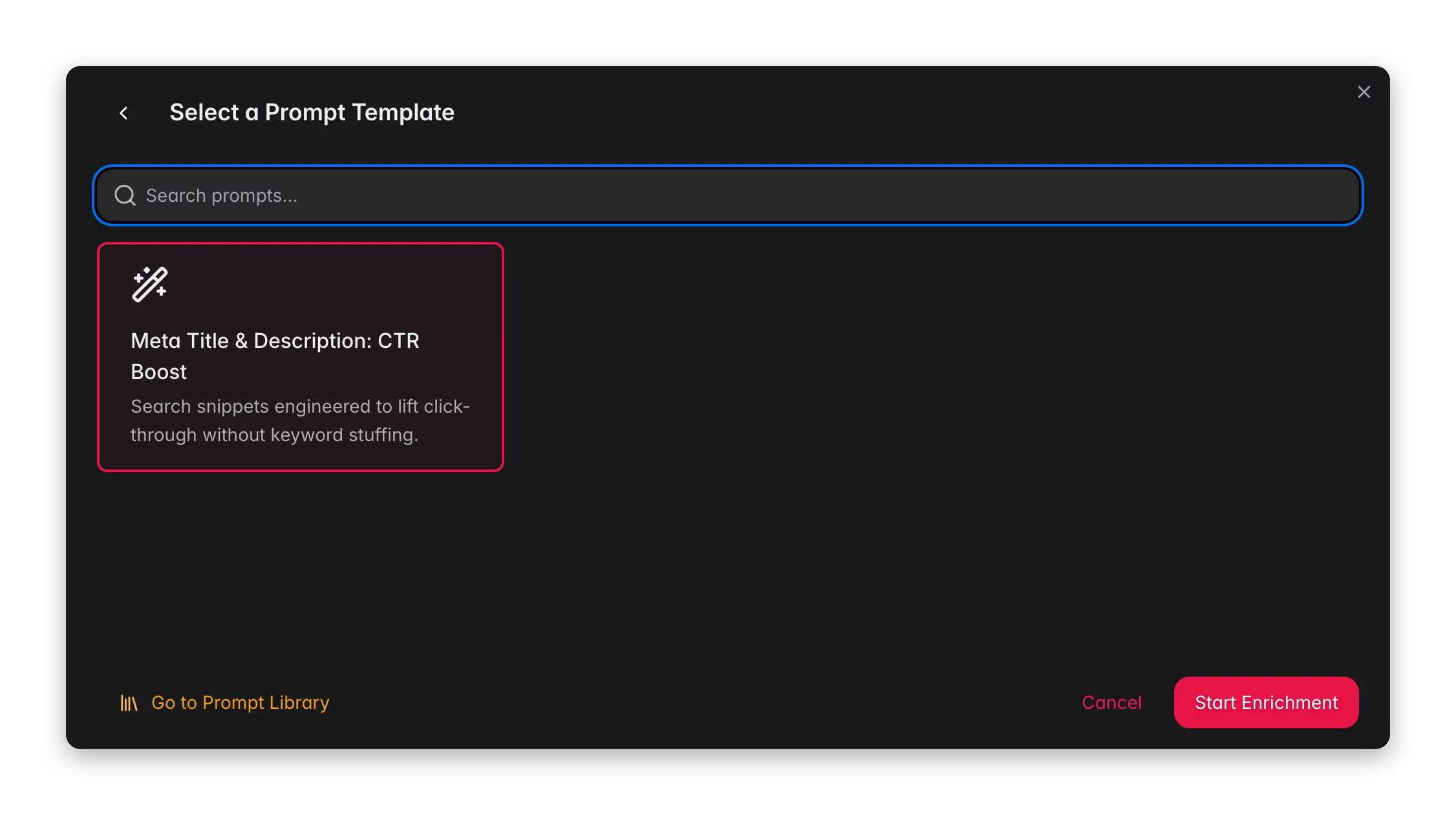
Choose an SEO prompt from your [Prompt Library](/en/essentials/prompt-library). Defaults from [Settings → Enrich Prompts](/en/settings/enrich-defaults) are pre-selected.
Click **Start Enrichment** and track it in the [Process Tracker](/en/other-features/process-tracker).
## What a great SEO prompt produces
Search snippets live or die by length and relevance. Encode the rules in your prompt:
* **Meta title: \~50–60 characters.** Longer titles get cut off with an ellipsis in results. Front-load the primary keyword and brand.
* **Meta description: \~150–160 characters.** Write a compelling one-or-two-sentence pitch that includes the keyword naturally and gives a reason to click (benefit, range, or differentiator).
* **One primary keyword per product.** Match the term shoppers actually search, then support it with the product's distinguishing detail.
* **Each snippet unique.** Duplicate meta tags compete with each other. Use [Content Logic](/en/workflows/content-logic) variables so every product's snippet is built from its own data.
* **Lead with value, not boilerplate.** "Free shipping" at the end is fine, but the first words should be about the product.
For products that already rank but get few clicks, [Search Intent](/en/ai/search-intent) enrichment uses your real Google Search Console queries, the perfect input for meta copy that matches demonstrated demand.
## Act on what you find
Tighten the length limits in your prompt (50–60 chars for titles, 150–160 for descriptions) and re-run. **Outcome:** full snippets display without being cut off.
Add the distinguishing attribute (size, color, model) to the title formula using a [Content Logic](/en/workflows/content-logic) variable. **Outcome:** unique, non-competing snippets for every variant.
Connect Google Search Console and check the [SEO](/en/analytics/seo) and [Search & Discovery](/en/analytics/search-discovery) reports to see which queries already drive impressions, then target those keywords in your SEO prompt. **Outcome:** meta copy aligned to real search demand.
## Measure the impact
Meta changes show up as click-through-rate movement before they show up in revenue. After enriching, watch the [SEO](/en/analytics/seo) report for impressions and CTR on the enriched products, then [Enrichment Impact](/en/analytics/enrichment-impact) for the downstream revenue lift.
## Related
Track impressions, clicks, and CTR for your products.
Rewrite content using real search queries.
Build and organize your SEO prompts.
Measure the revenue lift from better search snippets.
The meta title and meta description are what Google shows in search results, the blue headline and the grey snippet beneath it. They are often the first impression a shopper has of your product, and they directly affect click-through rate. SEO enrichment uses AI to generate both, optimized for length and keywords, from each product's content.
**What it enables:** give every product a search snippet that fits Google's display limits and earns the click, without writing thousands of meta tags by hand.
SEO enrichment costs **1 credit per product**. It writes to the **Meta Title** and **Meta Description** fields (and meta keywords where used). These are separate from your on-page title and description, so enriching SEO meta does not change your storefront copy.
## When to use it
* **Meta fields are empty**, so Google is guessing your snippet from page content.
* **Meta titles are duplicated** across variants, which dilutes their SEO value.
* **Snippets are getting truncated** in search results because they are too long.
* **As part of [Auto-Fill](/en/ai/auto-fill)**, which fills missing SEO meta using your default SEO prompt.
## How to run it
Check products individually, or filter and select all matching results.
Click **Enrich with AI** in the toolbar.
Pick **SEO Title and Meta Description** as the enrichment type.
Choose an SEO prompt from your [Prompt Library](/en/essentials/prompt-library). Defaults from [Settings → Enrich Prompts](/en/settings/enrich-defaults) are pre-selected.
Click **Start Enrichment** and track it in the [Process Tracker](/en/other-features/process-tracker).
## What a great SEO prompt produces
Search snippets live or die by length and relevance. Encode the rules in your prompt:
* **Meta title: \~50–60 characters.** Longer titles get cut off with an ellipsis in results. Front-load the primary keyword and brand.
* **Meta description: \~150–160 characters.** Write a compelling one-or-two-sentence pitch that includes the keyword naturally and gives a reason to click (benefit, range, or differentiator).
* **One primary keyword per product.** Match the term shoppers actually search, then support it with the product's distinguishing detail.
* **Each snippet unique.** Duplicate meta tags compete with each other. Use [Content Logic](/en/workflows/content-logic) variables so every product's snippet is built from its own data.
* **Lead with value, not boilerplate.** "Free shipping" at the end is fine, but the first words should be about the product.
For products that already rank but get few clicks, [Search Intent](/en/ai/search-intent) enrichment uses your real Google Search Console queries, the perfect input for meta copy that matches demonstrated demand.
## Act on what you find
Tighten the length limits in your prompt (50–60 chars for titles, 150–160 for descriptions) and re-run. **Outcome:** full snippets display without being cut off.
Add the distinguishing attribute (size, color, model) to the title formula using a [Content Logic](/en/workflows/content-logic) variable. **Outcome:** unique, non-competing snippets for every variant.
Connect Google Search Console and check the [SEO](/en/analytics/seo) and [Search & Discovery](/en/analytics/search-discovery) reports to see which queries already drive impressions, then target those keywords in your SEO prompt. **Outcome:** meta copy aligned to real search demand.
## Measure the impact
Meta changes show up as click-through-rate movement before they show up in revenue. After enriching, watch the [SEO](/en/analytics/seo) report for impressions and CTR on the enriched products, then [Enrichment Impact](/en/analytics/enrichment-impact) for the downstream revenue lift.
## Related
Track impressions, clicks, and CTR for your products.
Rewrite content using real search queries.
Build and organize your SEO prompts.
Measure the revenue lift from better search snippets.